Solo Caster
Run overlays, score updates, and scene switches from one local dashboard.
- Fast setup before match start
- Stable offline operation
- No cloud dependency during broadcast
Local CS2 overlay manager with built-in HUD: control overlays, scores, sponsors, teams, and live game data from one panel.


Built for match days and tournaments. CutROOM runs locally, works offline, and keeps your workflow off the cloud.
Load teams, players, and logos before the show, then swap lineups in seconds without digging through folders.
Cut scenes, update scores, and trigger moments live with hotkeys — stay on the show, not in OBS menus.
Add a local browser source once and every overlay updates instantly — no refresh, no cloud round-trips.
Build a look once with colors, backgrounds, and video, then reuse it across matches without rebuilding.
Keep brackets, schedules, and match states ready — move round to round without rebuilding scenes.
Push sponsor logos and QR codes on cue during breaks — no manual file swaps.
No IT department required. Three steps, one PC, zero compromises.
Download the CutROOM app, drop it on your broadcast PC. No admin rights, no runtime dependencies, no cloud account needed.
Pick your scene layout, enter team names and logos, set your sponsors and player roster. Everything from one dashboard.
Add the browser source in OBS. Your HUD reads live CS2 data via GSI and updates in real time — no plugins, no latency.
From solo casting to full tournament production.
Run overlays, score updates, and scene switches from one local dashboard.
Manage multiple matches with consistent themes, teams, and sponsor assets.
Coordinate multi-PC environments with shared visual standards.
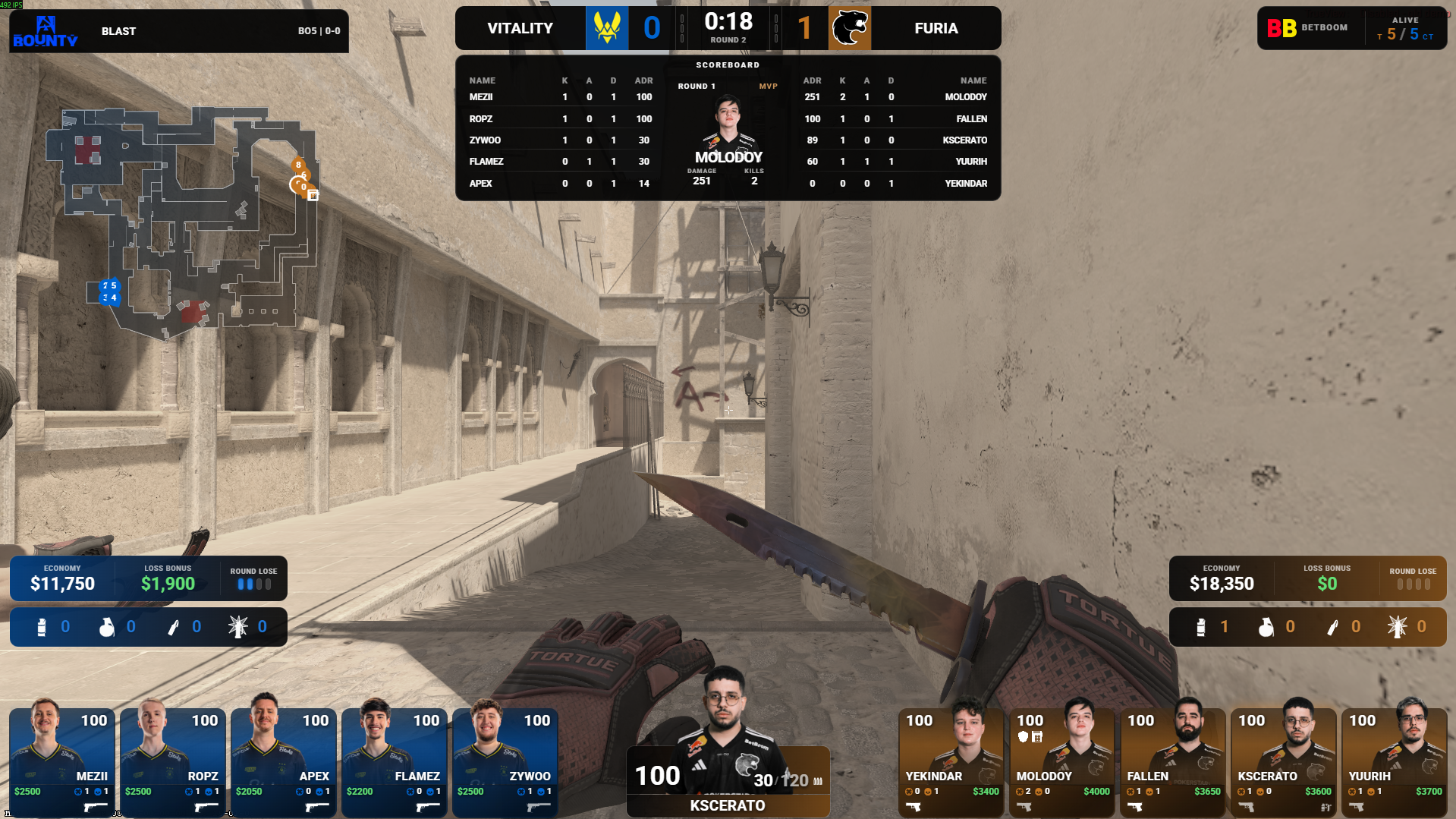
A complete CS2 HUD pipeline: live game data, player mapping, map radar, killfeed, and automatic match flow. Plug into OBS as a browser source — zero plugins.
A short in-game sequence showing the live broadcast HUD in action.
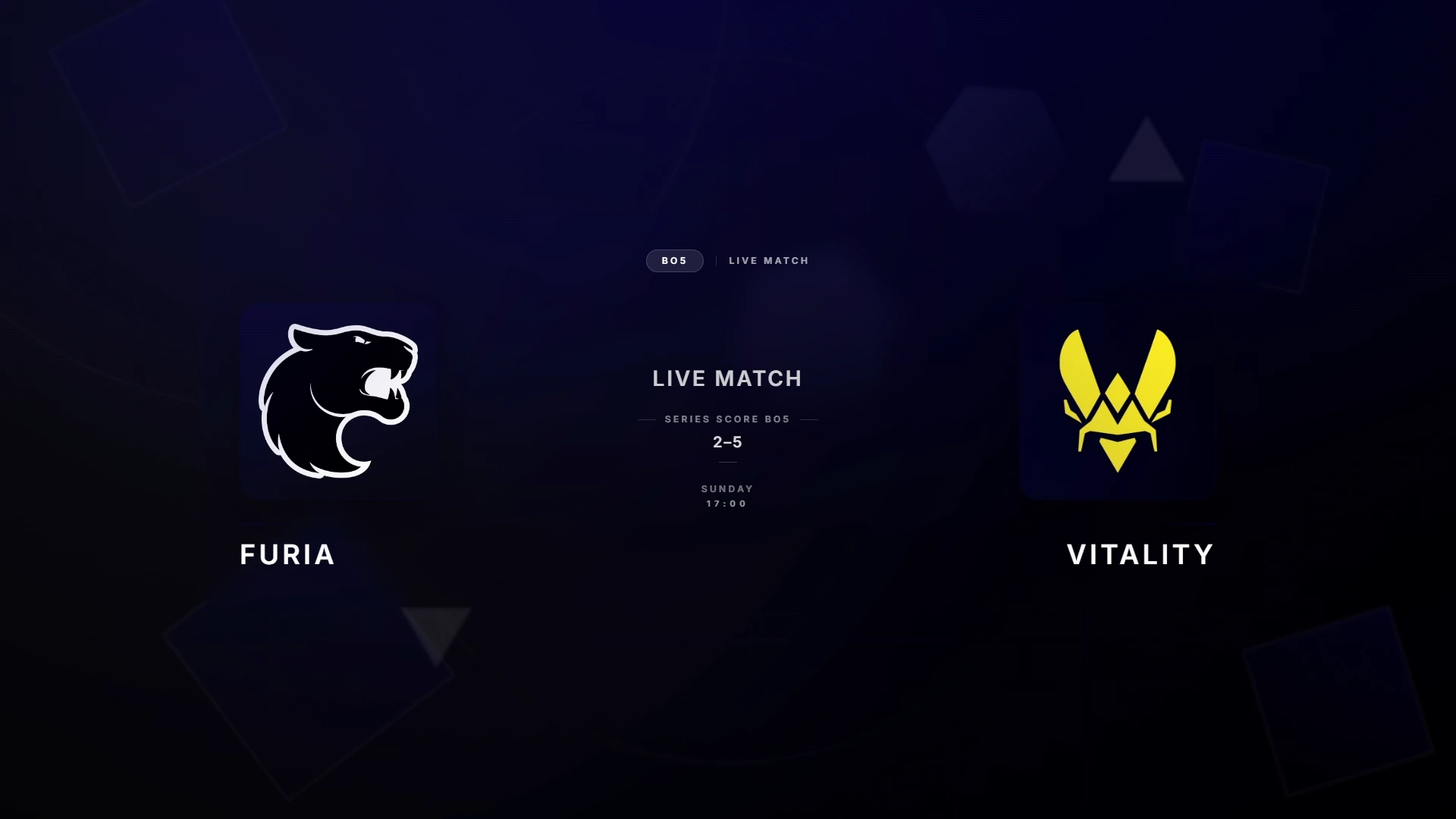
Browse the main broadcast states and expand the carousel for a larger preview.
Player cards, match bar, and round events update instantly from the live game state.
Show player direction, bomb carrier, utility zones, and shot activity in one HUD system.
Keep map veto, BO format, and series context visible directly inside the HUD flow.
Control colors, typography, sponsor modules, and the alive block from one theme setup.
Every scene ships ready to use. Drop in your team logos and colors — go live in minutes.

A complete product overview, from teams and themes to hotkeys, sponsor modules, and live OBS output.
Want the same walkthrough on your own setup?
Creators, casters, organisations and production crews can bring their audience to CutROOM, unlock a 10% discount for their community, and track their commissions from a dedicated dashboard.
No partners are published yet. Early applicants get first access to the public partner wall and the private Discord.
All features included. Cancel anytime. No cloud lock-in.
Shared links like `?ref=code` are captured automatically. You can also paste a partner code manually.
For solo casters running one broadcast PC
Best for: solo streamers and small productions
Cancel anytime. License key delivered by email.
By subscribing you agree to the Terms and Refund Policy.
For teams on multi-PC setups + Stream Deck control (beta)
Best for: tournament ops and multi-PC setups
Cancel anytime. License key delivered by email.
By subscribing you agree to the Terms and Refund Policy.
| Feature | Caster | Caster+ |
|---|---|---|
| Seats | 1 PC | 3 PCs |
| Overlay scenes | Included | Included |
| CS2 in-game HUD | Included | Included |
| Stream Deck control | - | Included (beta) |
| Support | Standard | Priority (24-48h) |
Everything you need to know before going live.