

01
HUD cockpit
Manage the in-game layer as part of the overall show system — not as a disconnected add-on that requires a separate pipeline.
CutROOM connects your in-game data, scene management, sponsor flow and OBS output into a single local operator platform.
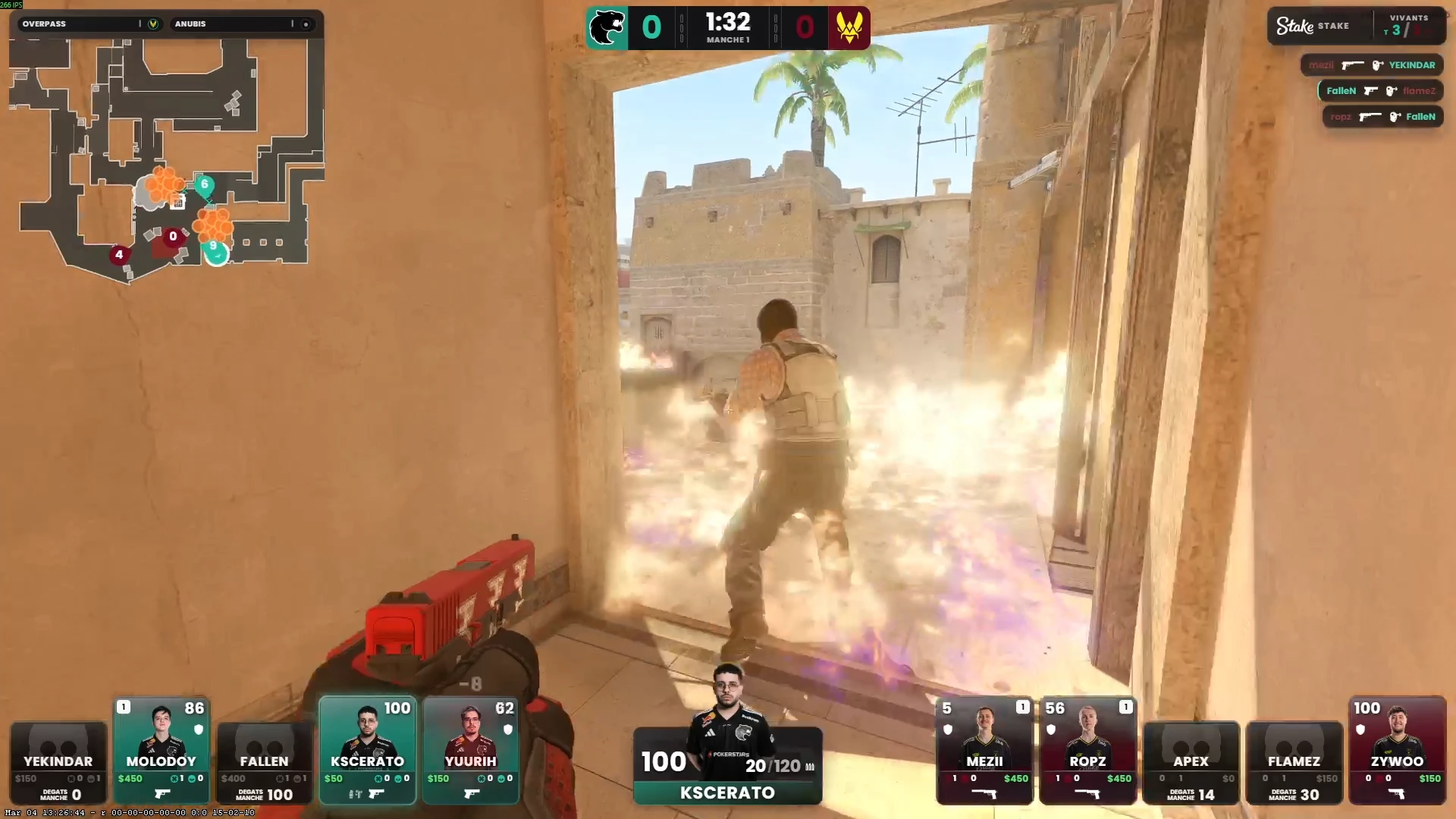
Live in-game presentation with radar, score and player state logic.
Browser source delivery — one URL, instant overlay updates.
Roster and logo management prepped before the show starts.
Deliberate partner moments wired into the broadcast flow.
Nine capabilities built into one cockpit. No third-party plugins, no browser refresh, no switching between tools.
Manage the in-game layer as part of the overall show system — not as a disconnected add-on that requires a separate pipeline.
CS2 game state drives round flow, player cards and scoreboard events in real time — no manual sync required.
Move sponsor assets through intro, break and dedicated brand scenes without improvising at the last second.
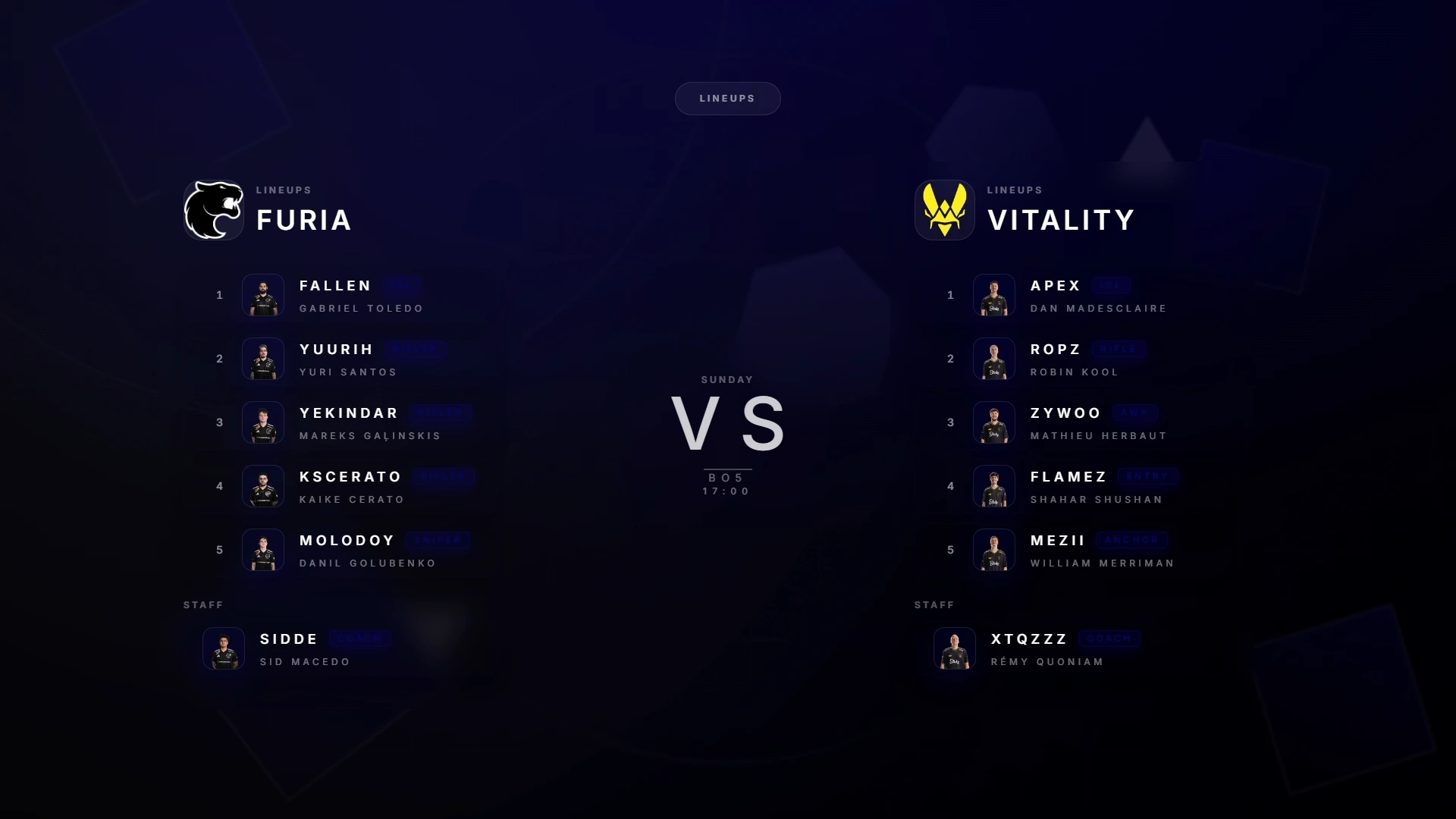
Prepare teams, logos and rosters ahead of time and eliminate manual live edits when the schedule shifts.
Hotkeys and device triggers keep the operator inside a tighter, more predictable control rhythm throughout the show.
One browser source URL. Overlay updates push instantly — no refresh, no plugin, no extra OBS configuration.
Stays anchored on the production machine — works offline, runs fast and doesn't depend on anyone's internet at the venue.
One visual identity carries from intro to victory — build it once, apply it across every scene without rebuilding anything.
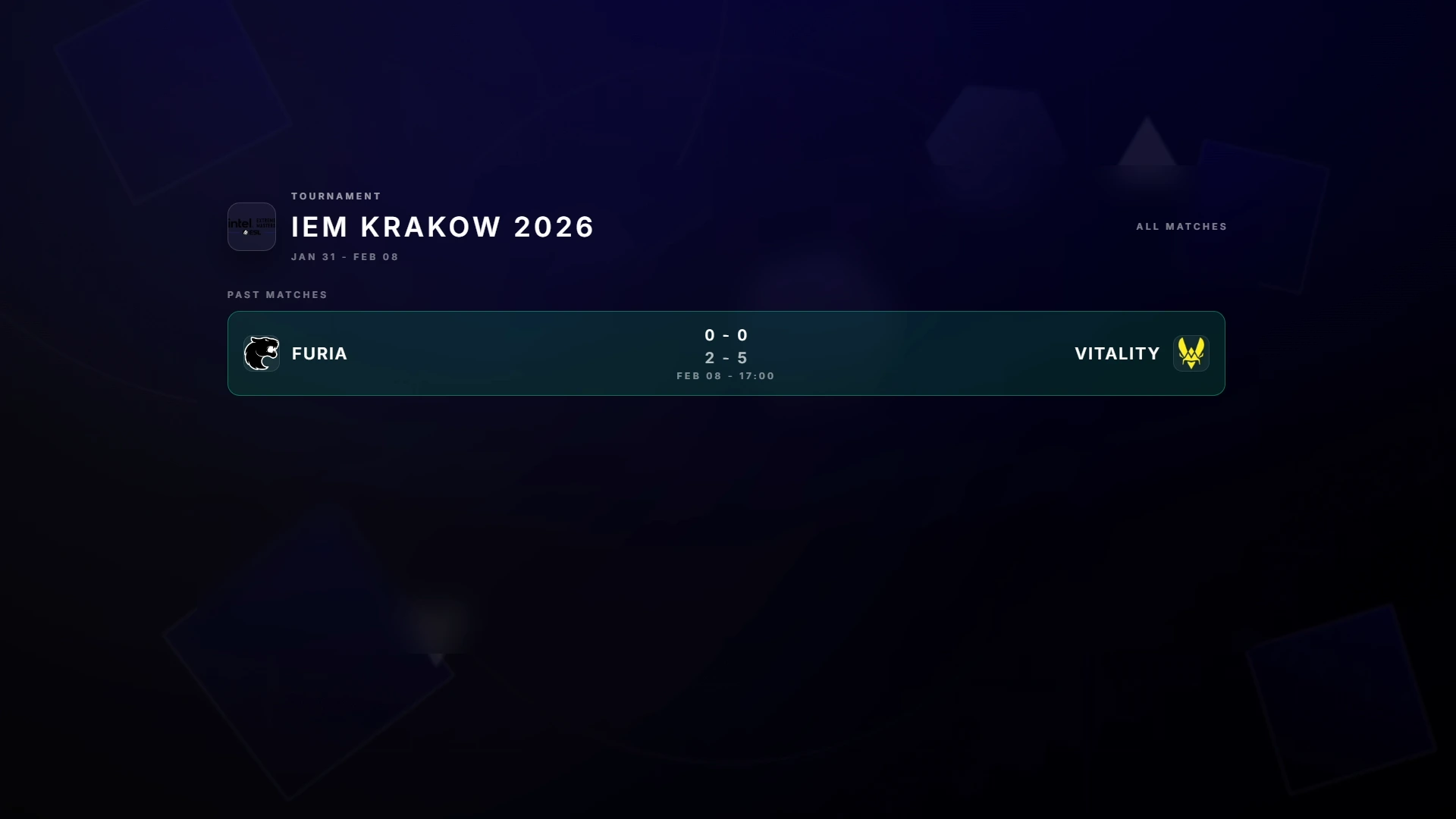
Series format, BO score and bracket context stay visible throughout the event — for operators and viewers alike.
CutROOM is designed around a real production day — fast to set up, easy to operate, reliable under pressure.
Deploy CutROOM on the machine that runs the show. Connect your local environment and confirm the browser source path in OBS.
Start setup →02 ConfigurePrepare overlays, lineups, sponsor modules and scene sequencing with the event context already in place before the show begins.
See scene system →03 OperateKeep scene changes, score updates and HUD sync inside a focused control panel — cleaner than any raw OBS workflow.
Watch live flow →The HUD layer is where CutROOM earns its place. GSI-driven updates keep every data element aligned with the game without a second tool in the chain.
Round flow, player cards and score logic driven directly from live game state.
Tactical context integrated into the HUD system without a separate radar tool.
Reliable shortcuts for fast operator intervention when the broadcast needs it.
Dedicated tactile triggers for production desks running multiple sources.
Auto Director watches the live GSI feed and switches cameras on the action — kills, clutches, bomb plays — while camera plans run scripted sequences for freezetime and replays. Short on observers? Turn it on and cast.
The camera follows the action without a dedicated observer seat.
Scripted camera sequences for freezetime, setups and replays.
Director and Plans switch on and off live from the Go Live console.
Ships with every plan — no add-on, no extra fee.
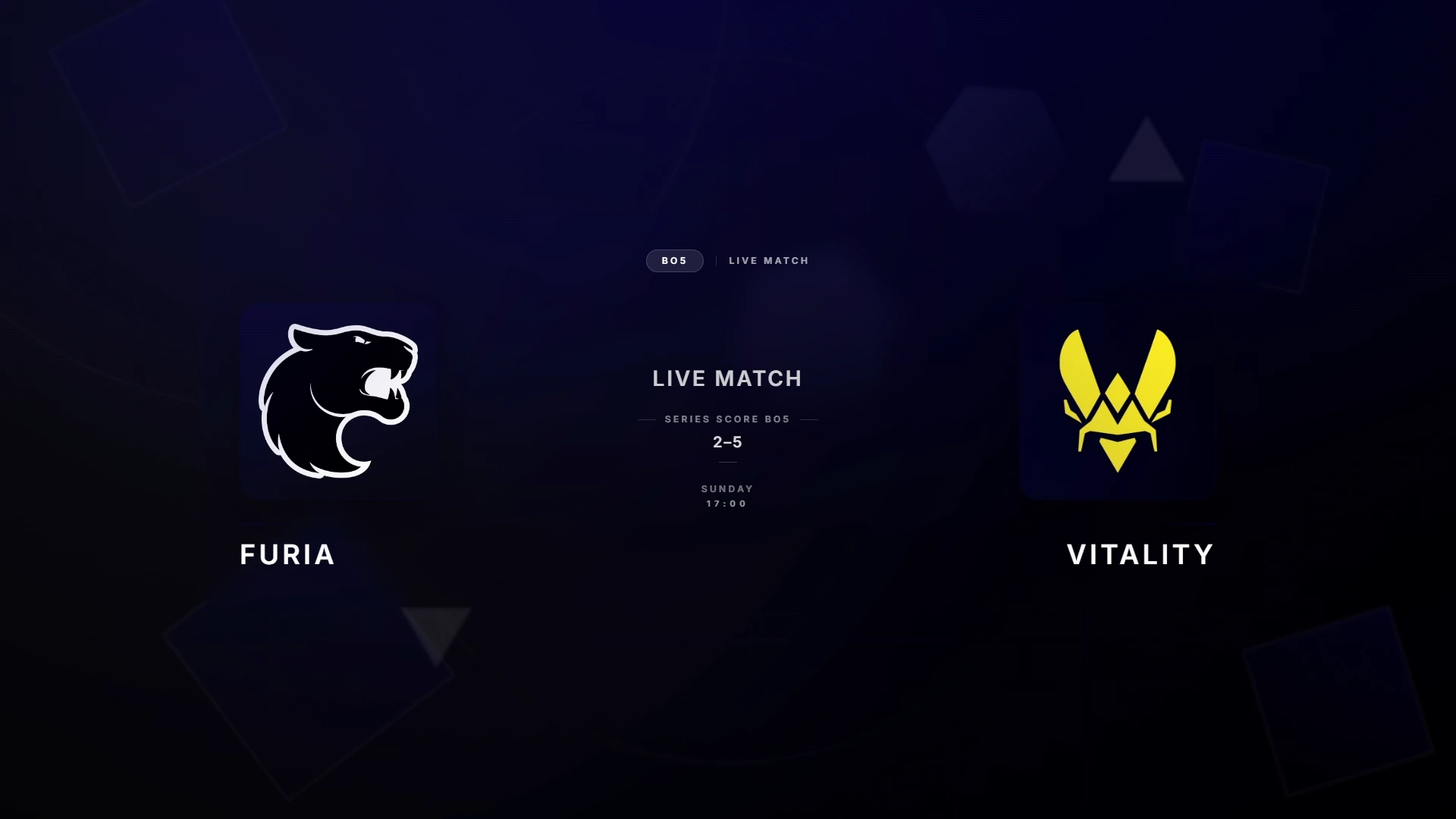
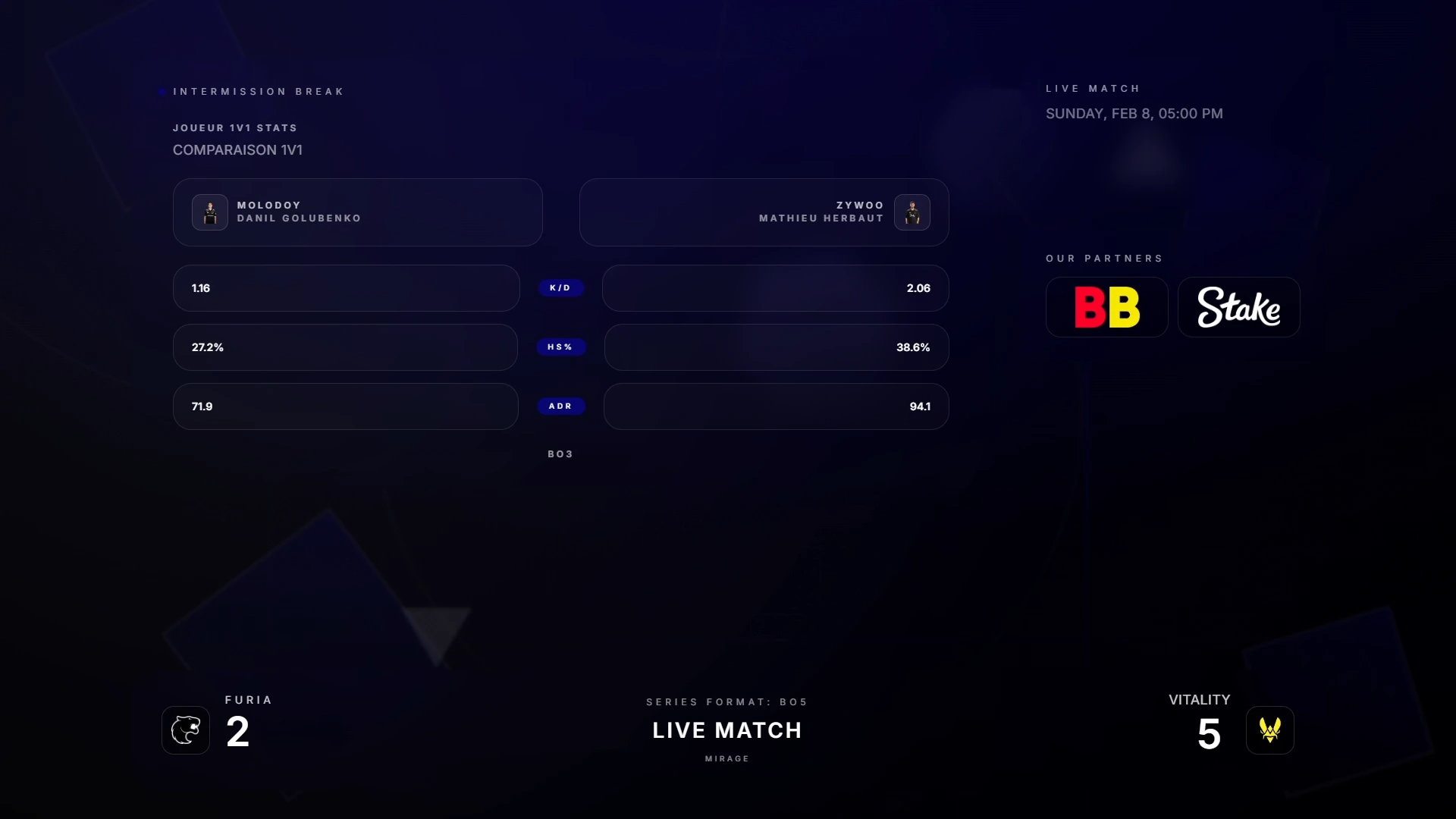
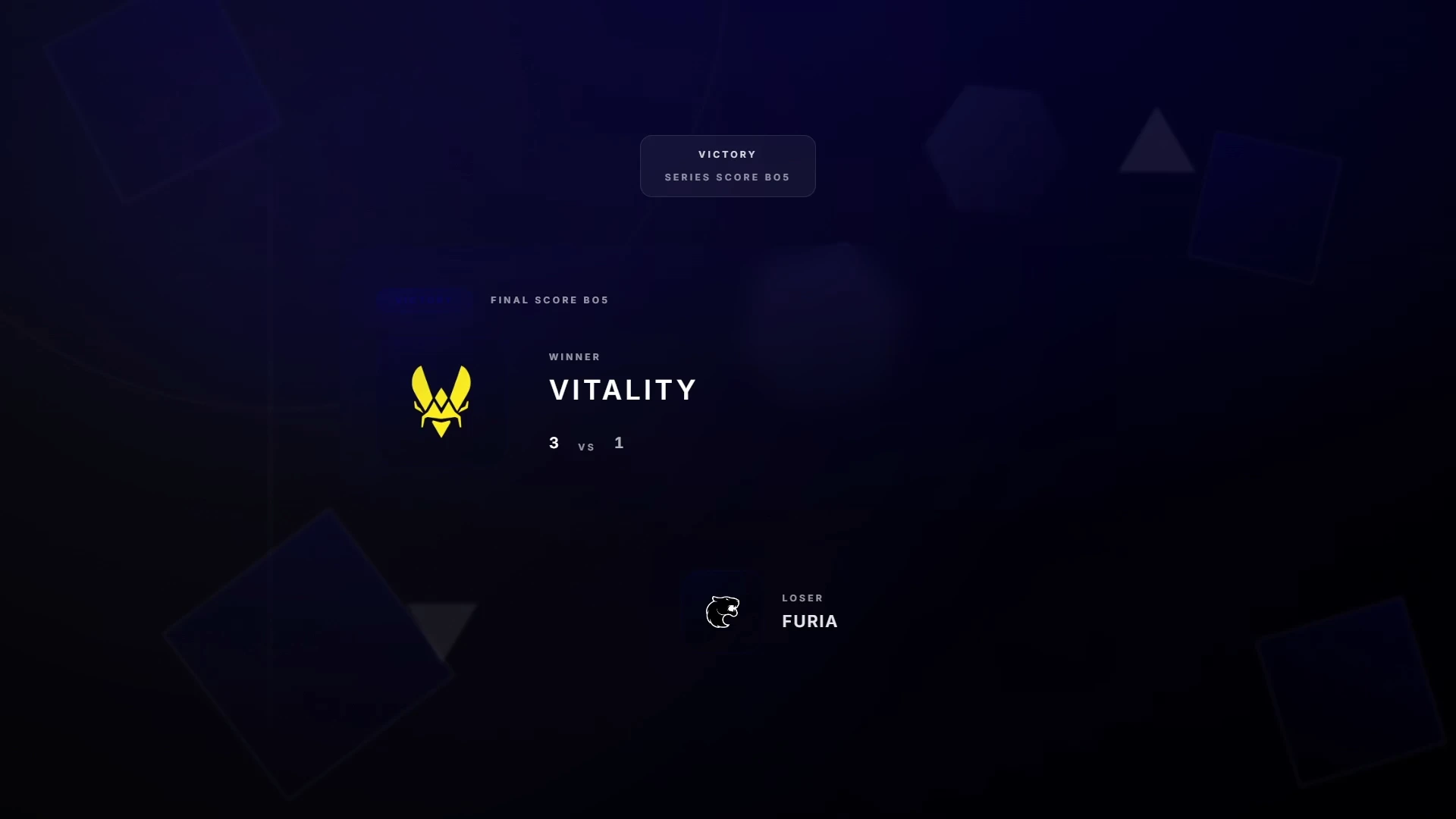
Every scene is part of the same themed output — consistent branding from the first intro to the final victory screen.
Lead with match framing and event polish instead of a plain slate.
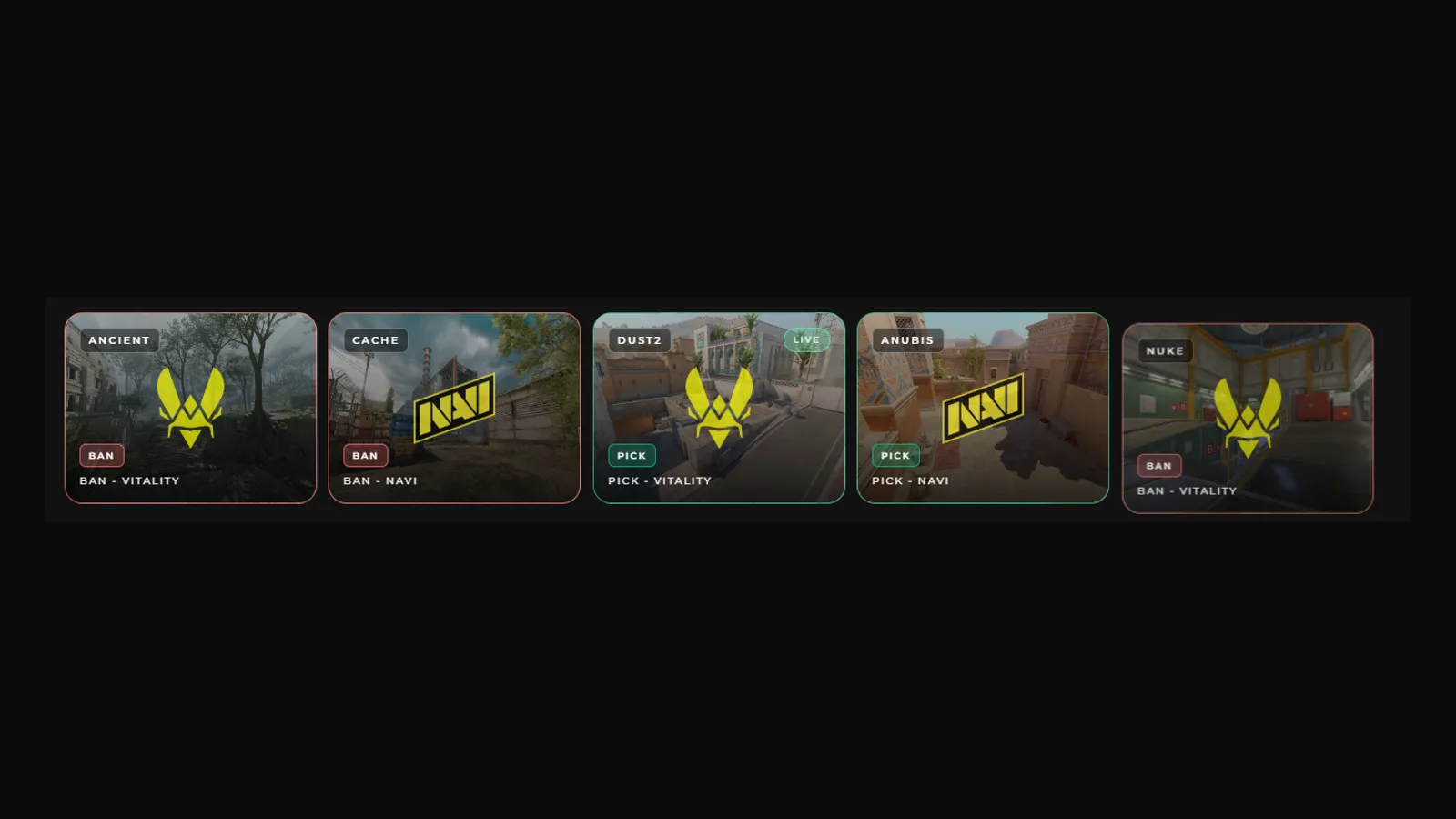
Map picks and bans render live as the veto unfolds, team by team.
Clear roster presentation with logos, roles, flags and player photos.
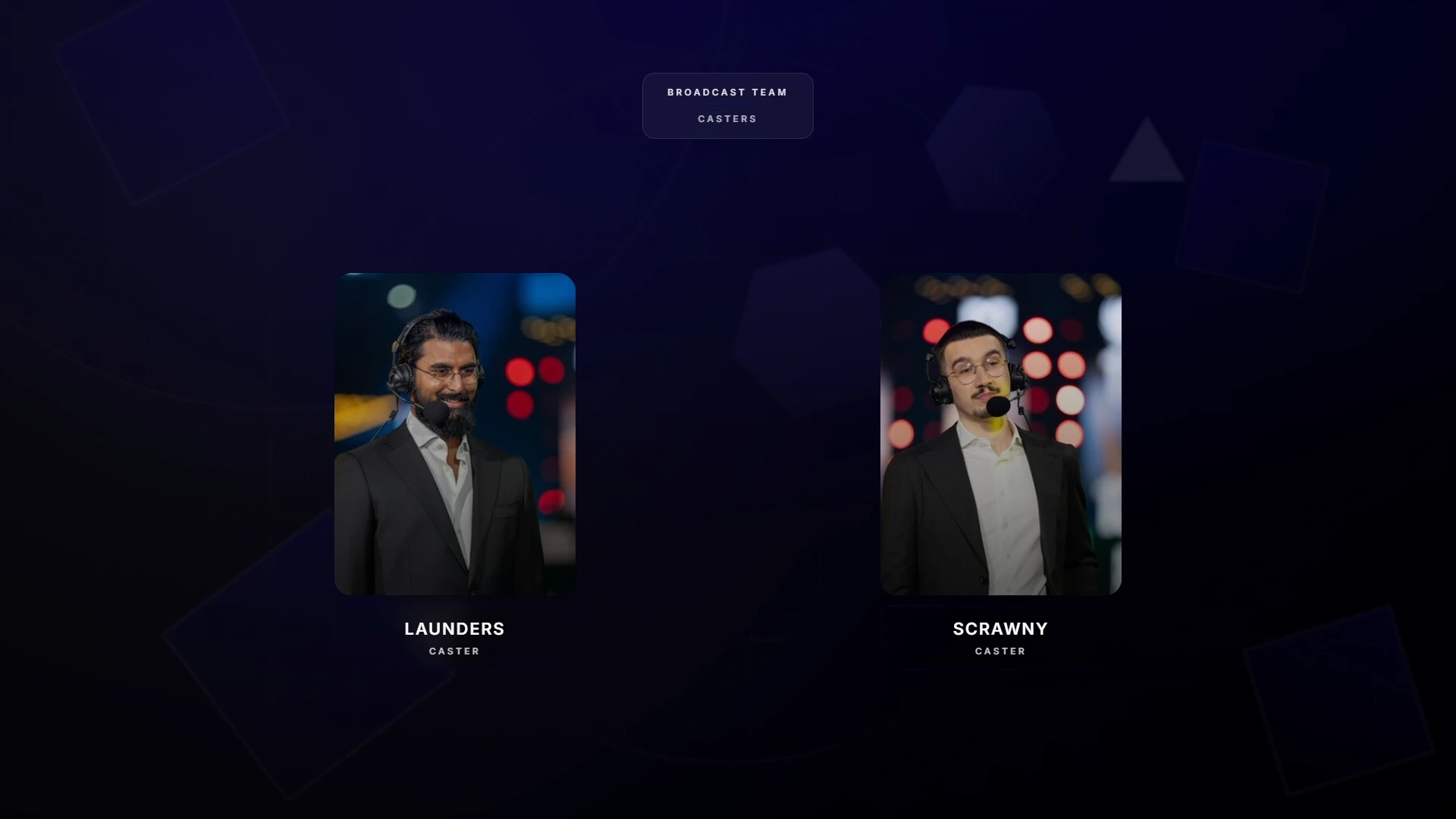
On-screen personalities stay presented cleanly throughout.
Partner visibility that looks planned, not last-minute.
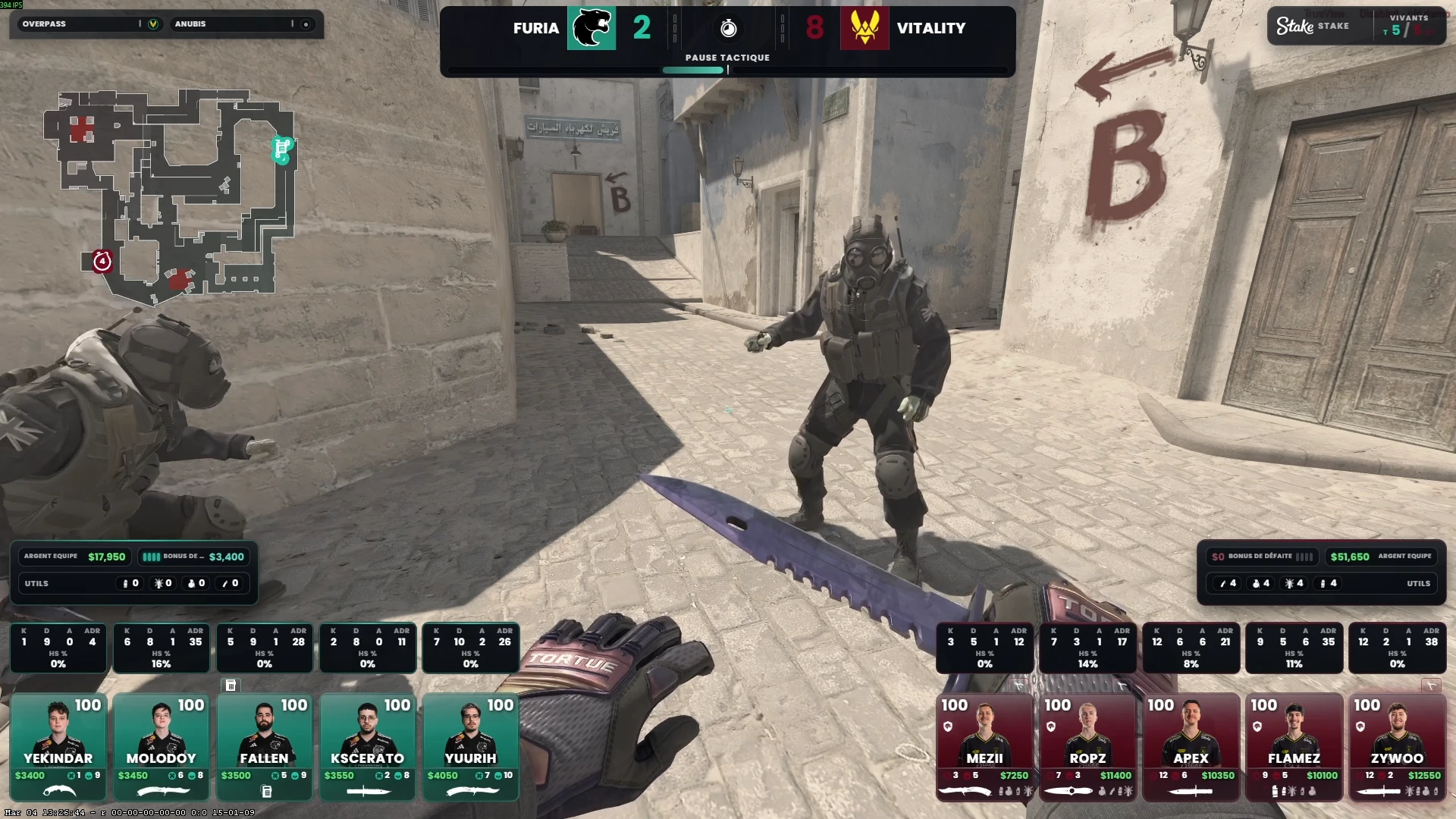
Flip layouts live: intro, teams, tournament, bracket or talents view, a 16:9 green screen slot, or a fully custom screen — with sponsor placements, next-match context and a pause timer the operator drives from Go Live.
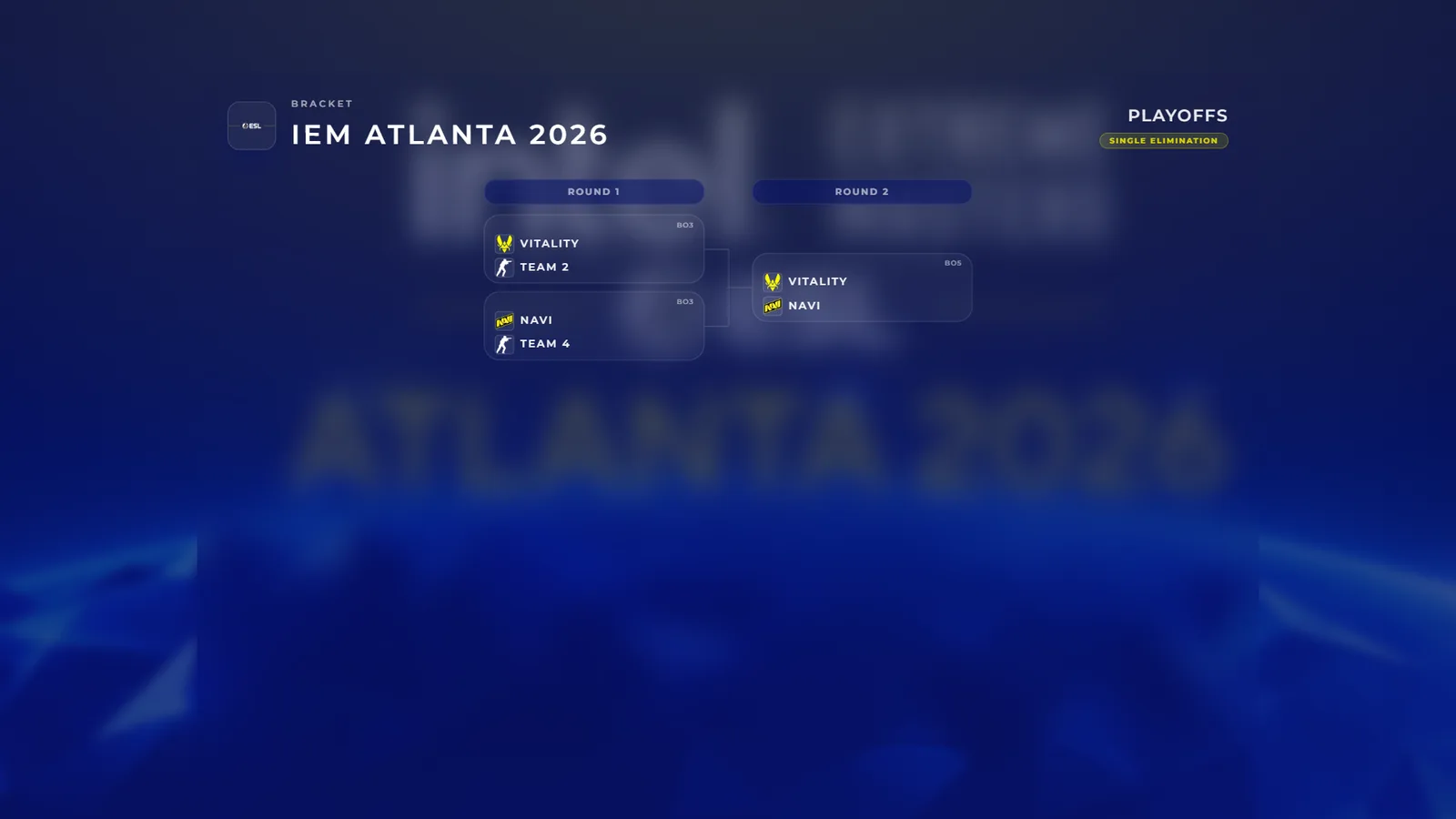
Single-elimination brackets rendered from your tournament data.
Schedule, BO format and results stay coherent across the day.
Series recap, per-player stats and MVP card — the final moment gets a premium close.
The full YouTube walkthrough covers team setup, scene switching, sponsor flow and OBS handoff — start to finish, no editing tricks.
See how assets move from preparation into live output.
How control actions keep the show moving without friction.
How the overlay stack lands cleanly inside the broadcast pipeline.
All scene families, the live HUD, OBS delivery and sponsor control — everything on this page is included in the Caster plan.