

Every question before you go live.
Offline operation, OBS integration, GSI fallback, licensing — everything operators ask before they commit, answered clearly.
Works fully without internet during a live broadcast — no cloud required.
One browser source URL, instant overlay updates, no plugins needed.
1 seat on Caster, 3 seats on Caster+ — clear and no surprises.
Manual control stays available even if the data feed drops mid-match.
Before you go live
Can I run CutROOM fully offline?
Yes. The control layer is designed to run locally, which means you are not tied to a cloud dashboard during the actual broadcast.
How fast can I go live after install?
For a prepared setup, the flow is short: install the app, load your teams and overlays, point OBS to the local browser source and begin the show.
How does OBS integration work?
Add the provided local URL as a browser source in OBS. That keeps the delivery path simple and makes scene updates feel immediate.
What happens if the CS2 data feed drops?
The operator still retains manual control of scenes and show flow. You do not lose the entire broadcast just because GSI needs to reconnect.
Does the HUD require plugins?
No. CutROOM delivers the HUD through a local browser source — no OBS plugin, no third-party extension, no extra install. Add the URL to OBS and it works.
Plans and account questions
Can I use CutROOM on multiple computers?
The Caster plan covers one active PC. The Caster+ plan covers three active PCs at the same time for team-based operations.
What is included in every plan?
Both plans include the main overlay scene set, the in-game HUD, custom themes, sponsor modules and the core local-first workflow.
How do I cancel a subscription?
Cancellation is straightforward — manage your subscription through the billing portal accessible from your account. No penalties, no lock-in.
Is there a partner discount?
Yes. The CutROOM Partner Pack includes a community promo code with 10-15% off the first purchase.
Can I request a custom setup discussion?
Yes. Use the contact page to stage a product discussion, partner request or support conversation.
Three steps from install to on-air.
CutROOM is designed to minimize setup time. Here is the full path from cold install to a live broadcast in the most compact flow possible.
Prepare the local runtime on the production PC.
Load teams, scenes, sponsors and match context.
Send the overlay stack to OBS and go live.
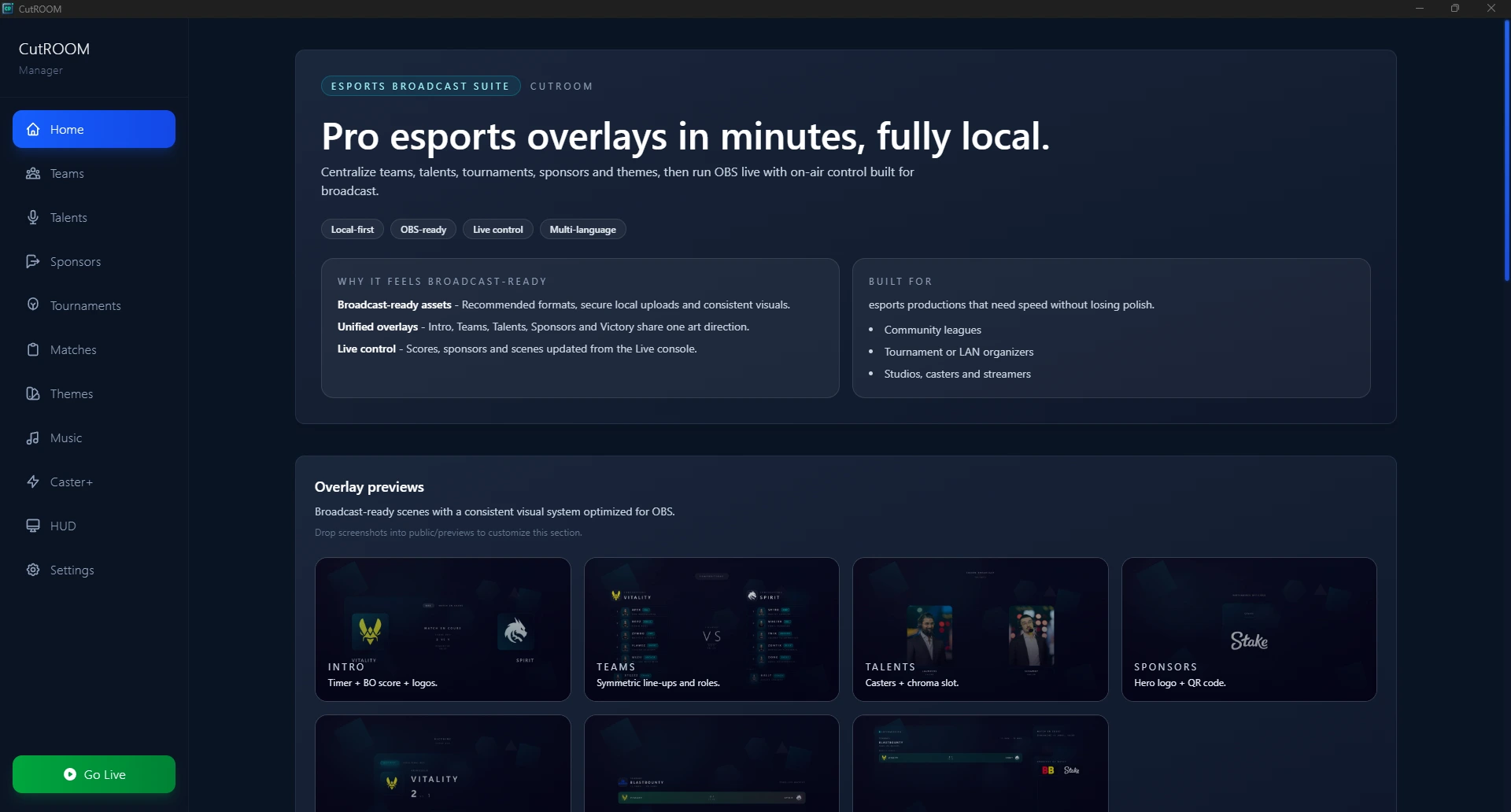
Ready when you are. No surprises.
Pick a plan and go live, or talk to us about your specific setup.