

Caster
For solo casters
EUR 9.99EUR / month
or EUR 89/year - save 3 months
Run your entire broadcast from one machine.
- Full broadcast control (HUD + overlays)
- One-machine setup
- No cloud dependency
- Ready in minutes
No account needed. Instant access.
CutROOM / CS2 Broadcast Suite
The CS2 broadcast stack tournament organizers rely on — live HUD, overlays, scenes and show control, run by a single operator. Built for events. Loved by solo casters.
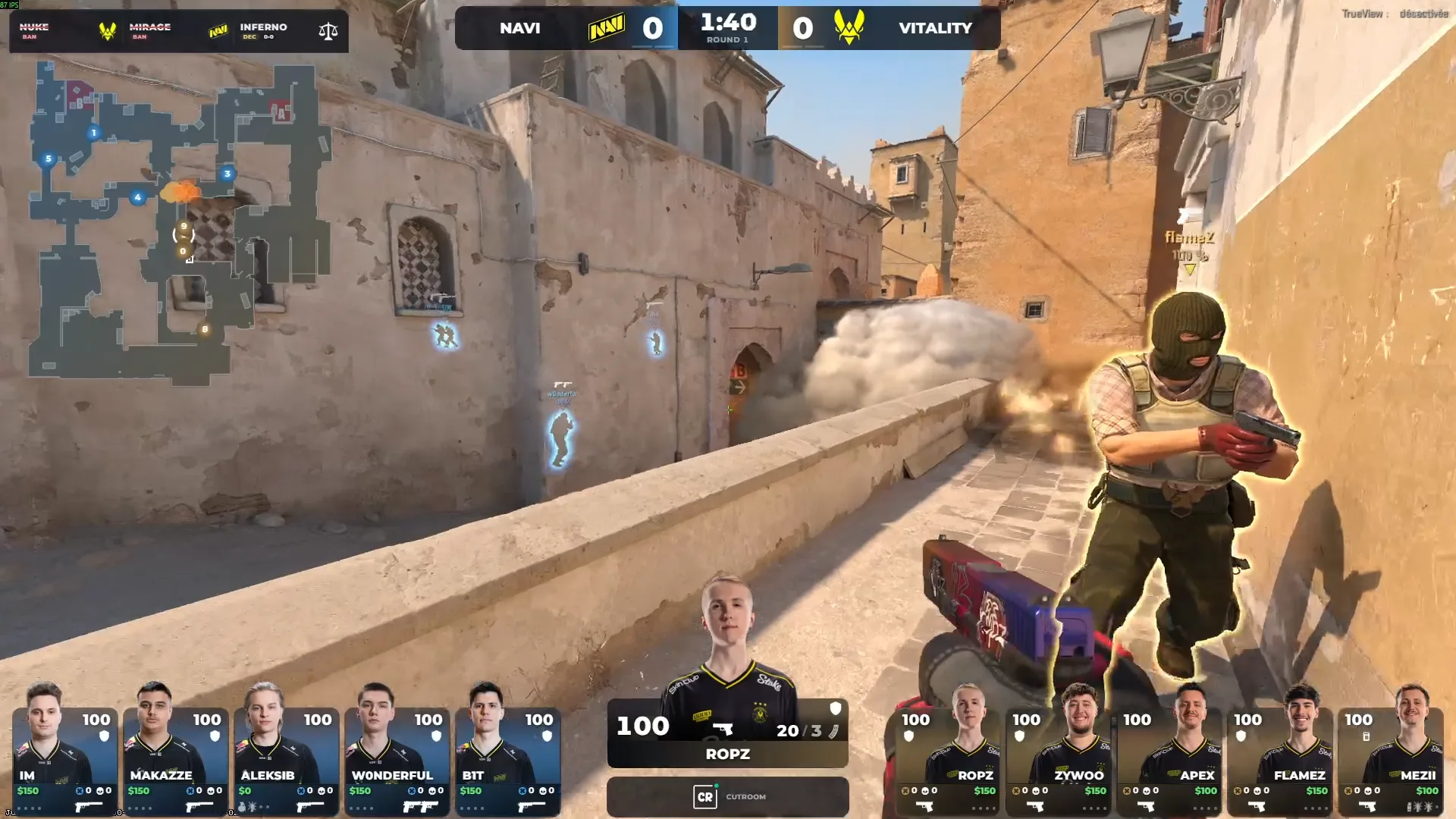
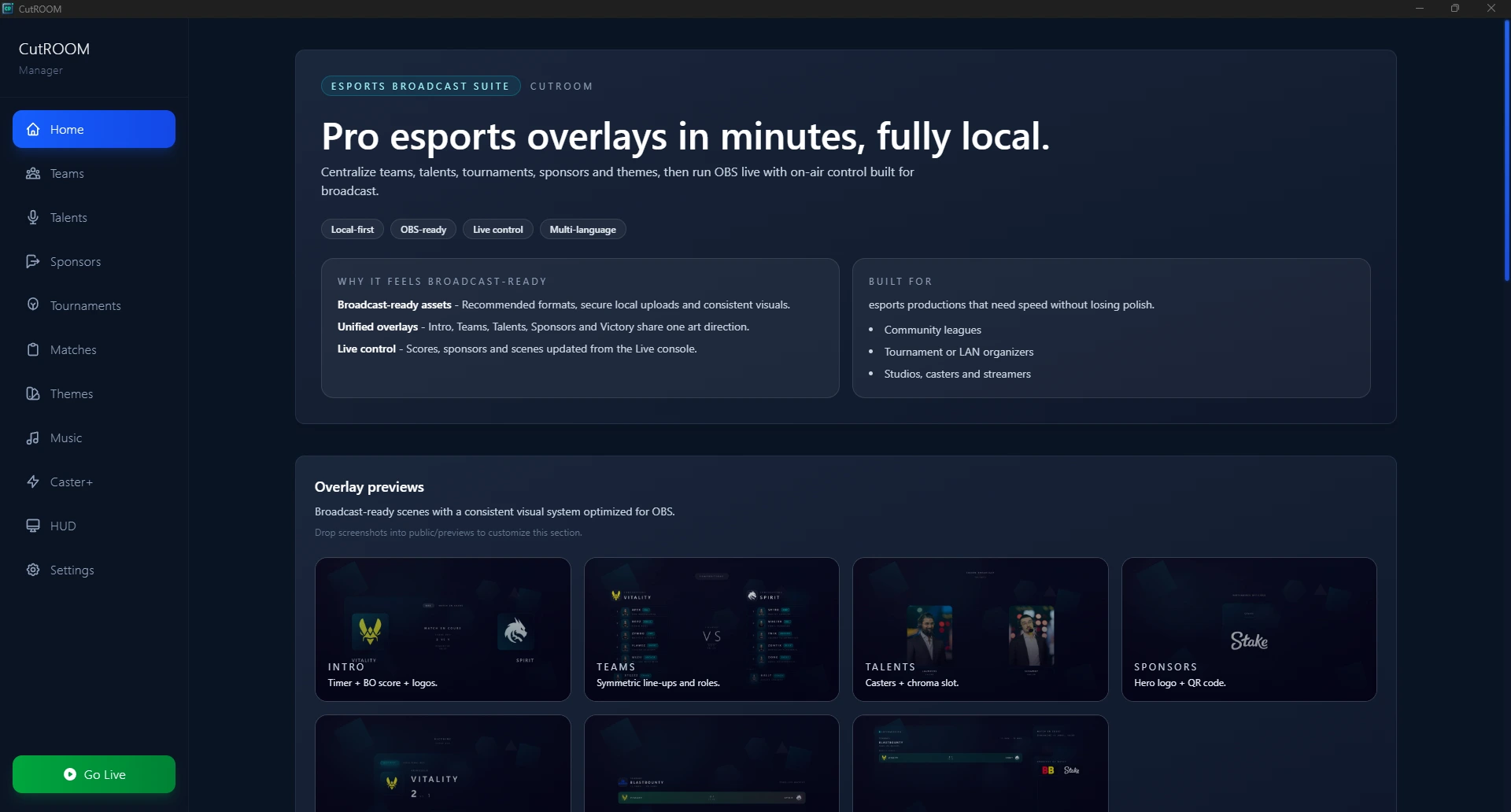
Live HUD
Score, round, economy, killfeed, MVP, player cards and radar are powered by Game State Integration without adding a plugin layer. Auto Director and camera plans can even cut the game for you.
Explore the CS2 HUDScenes
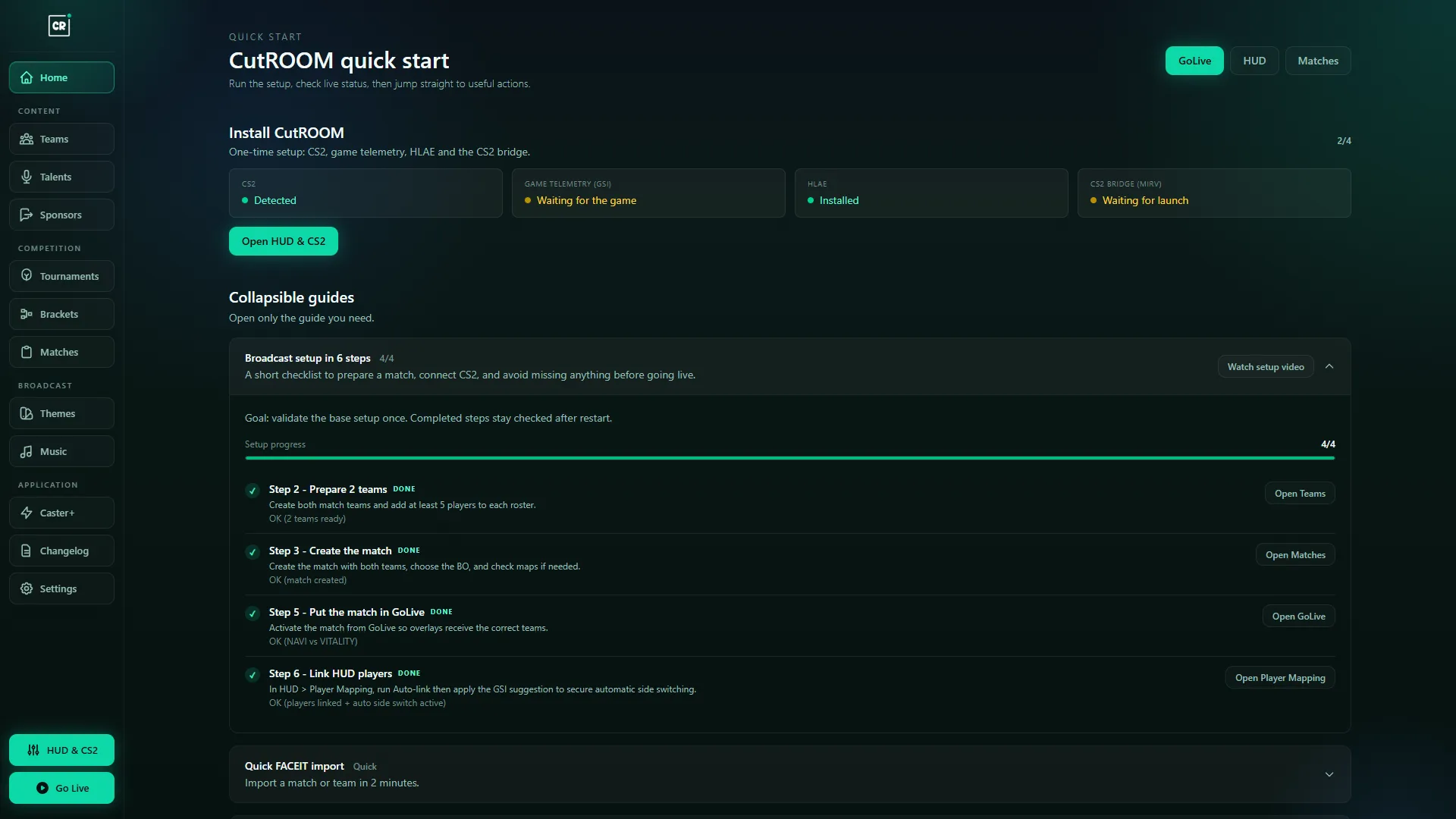
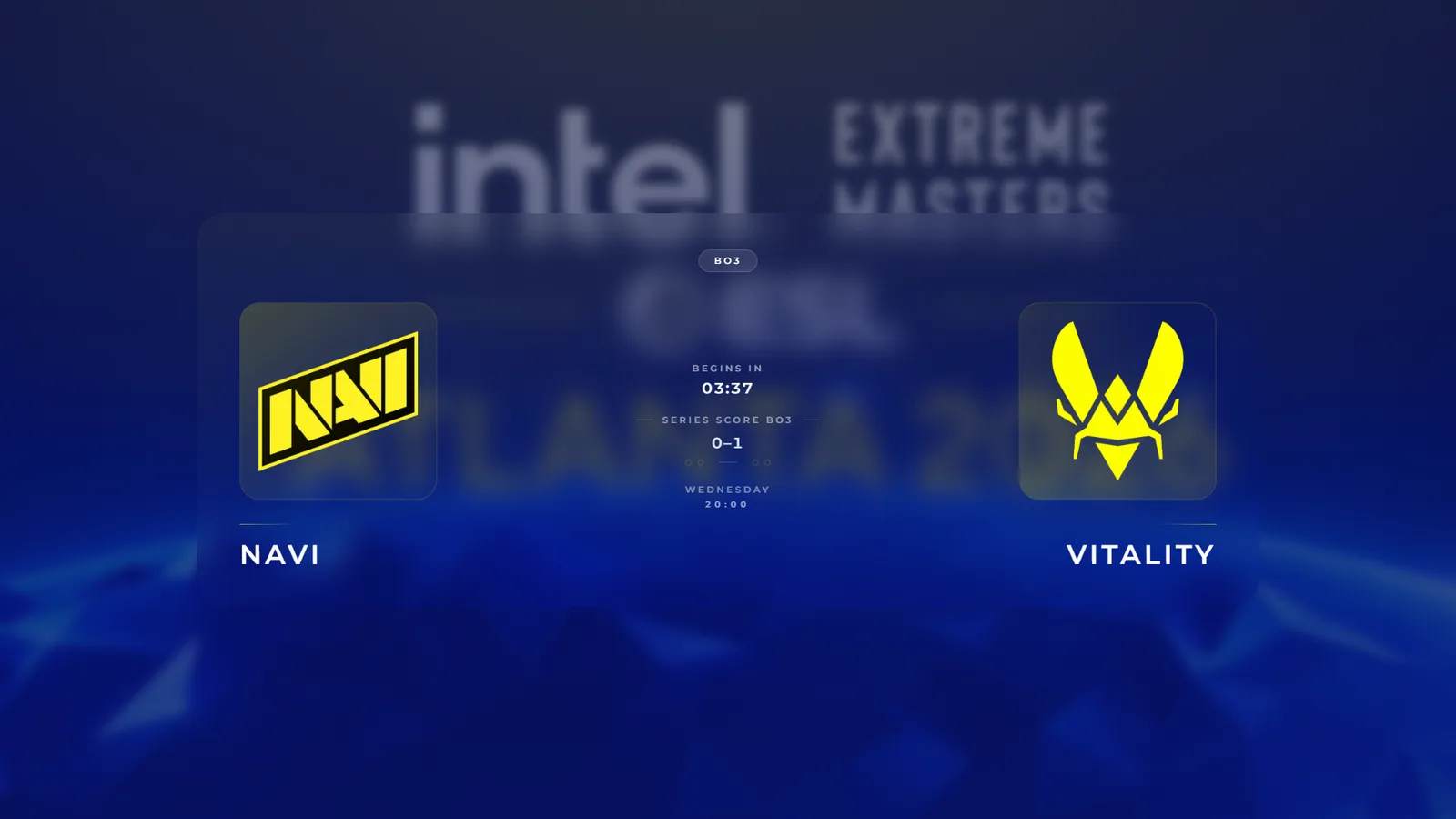
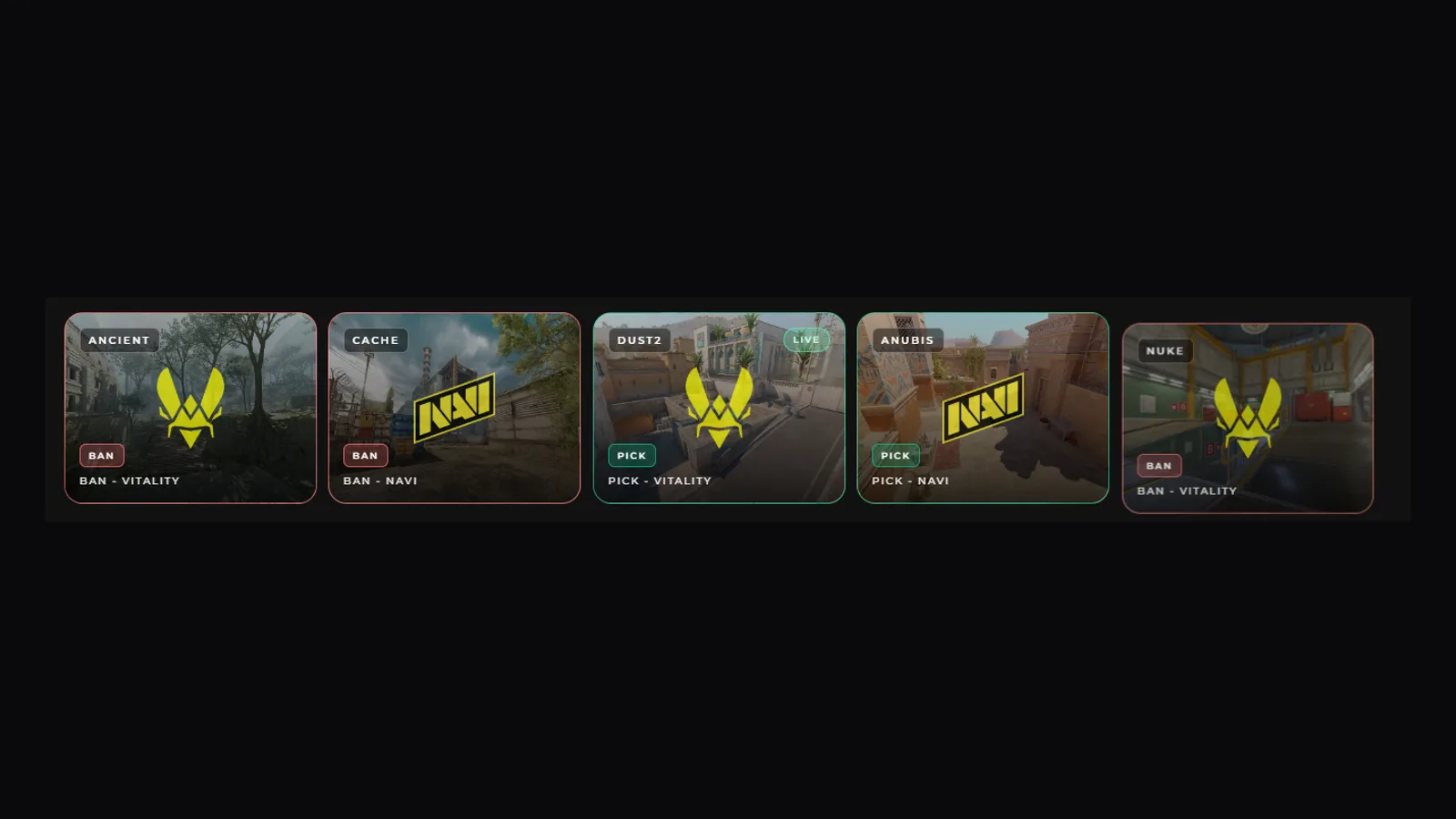
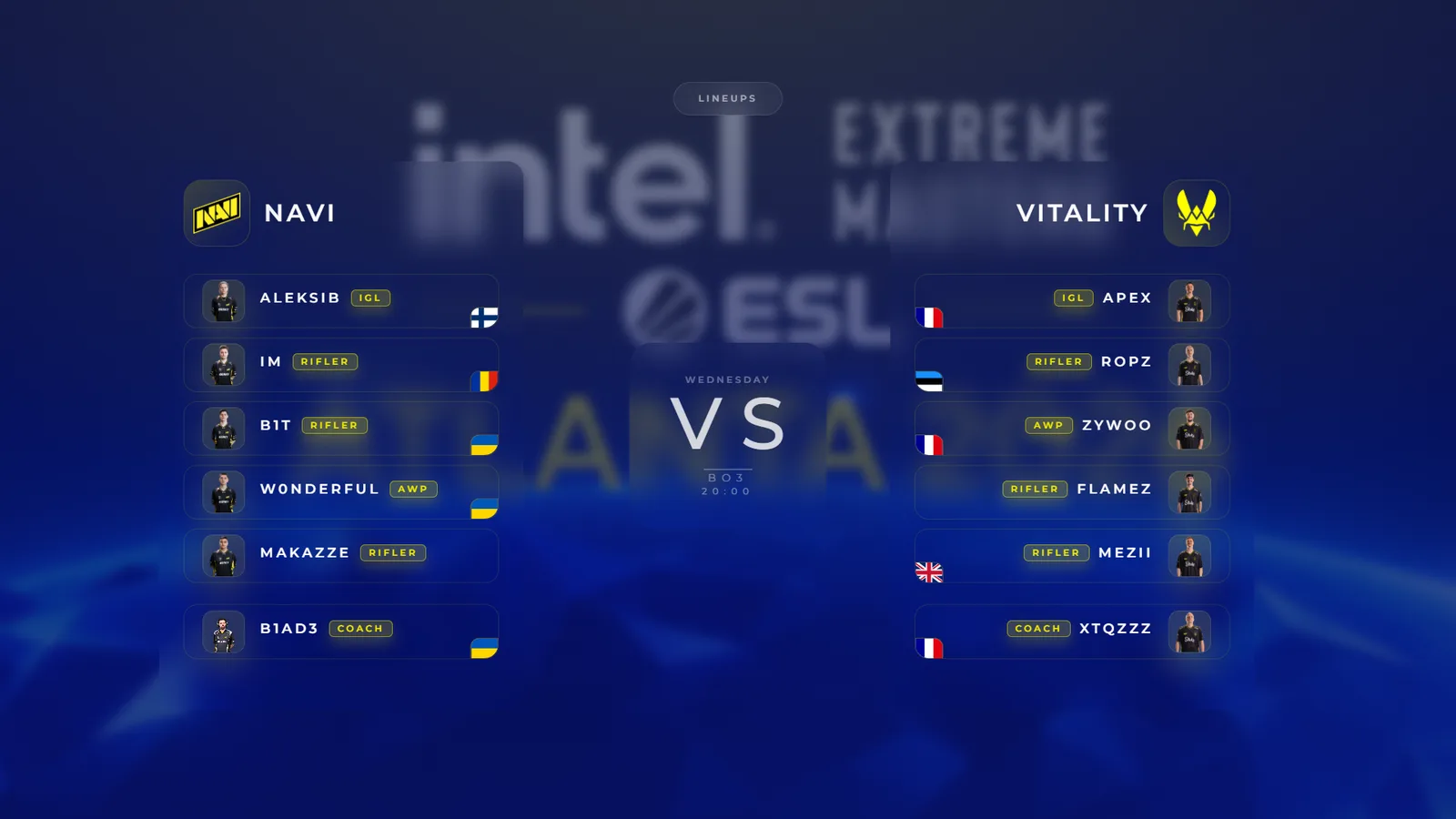
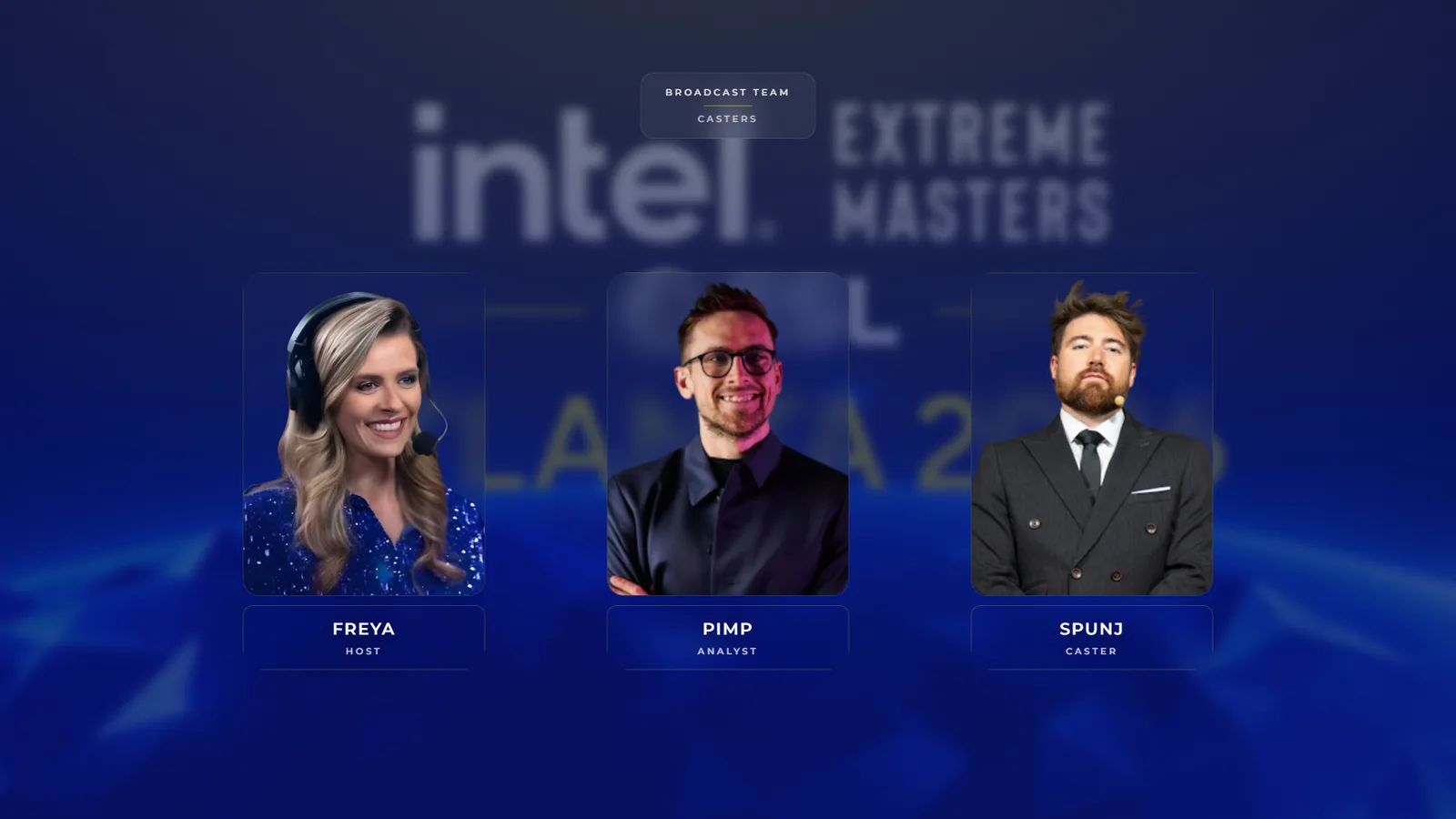
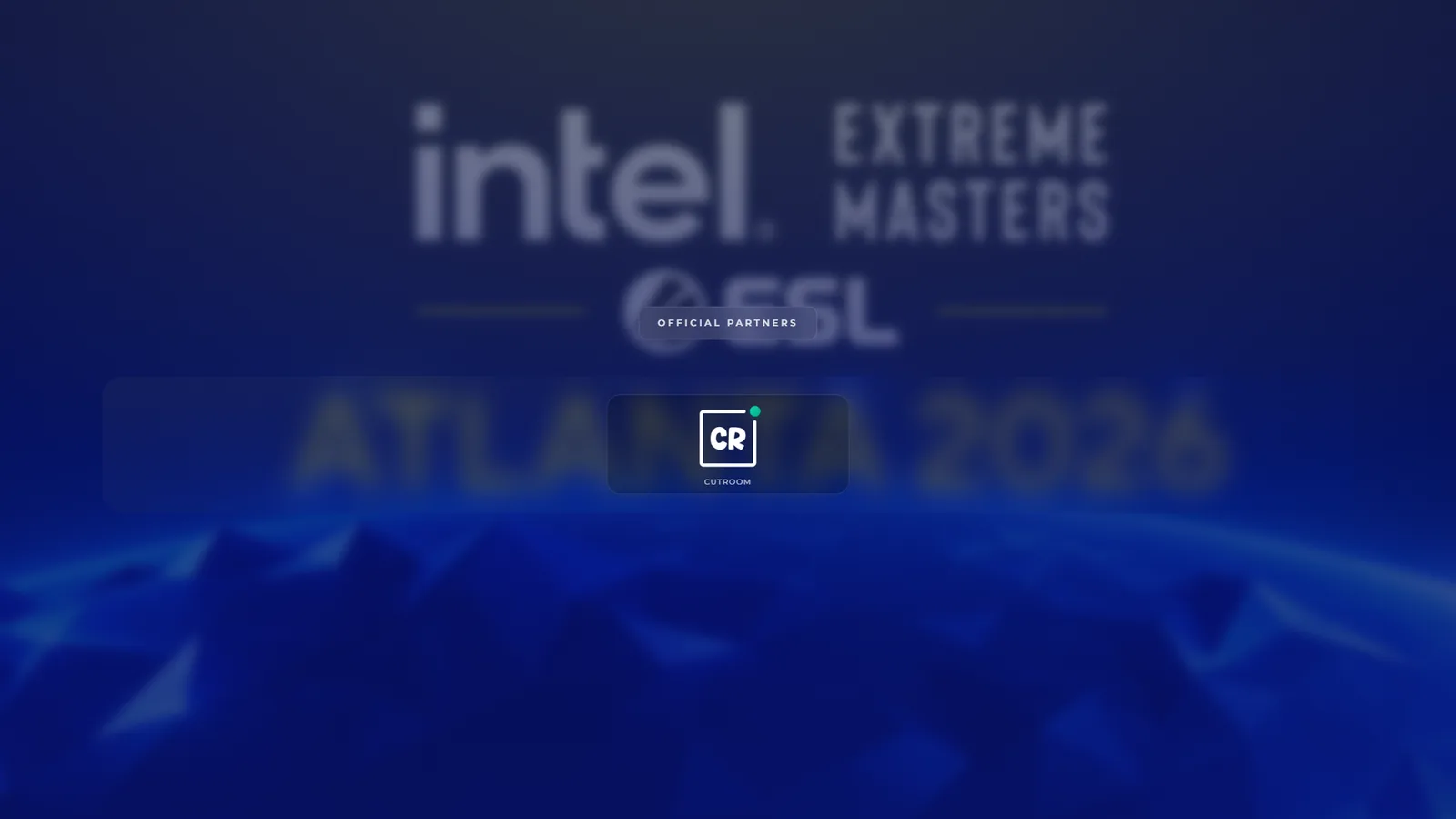
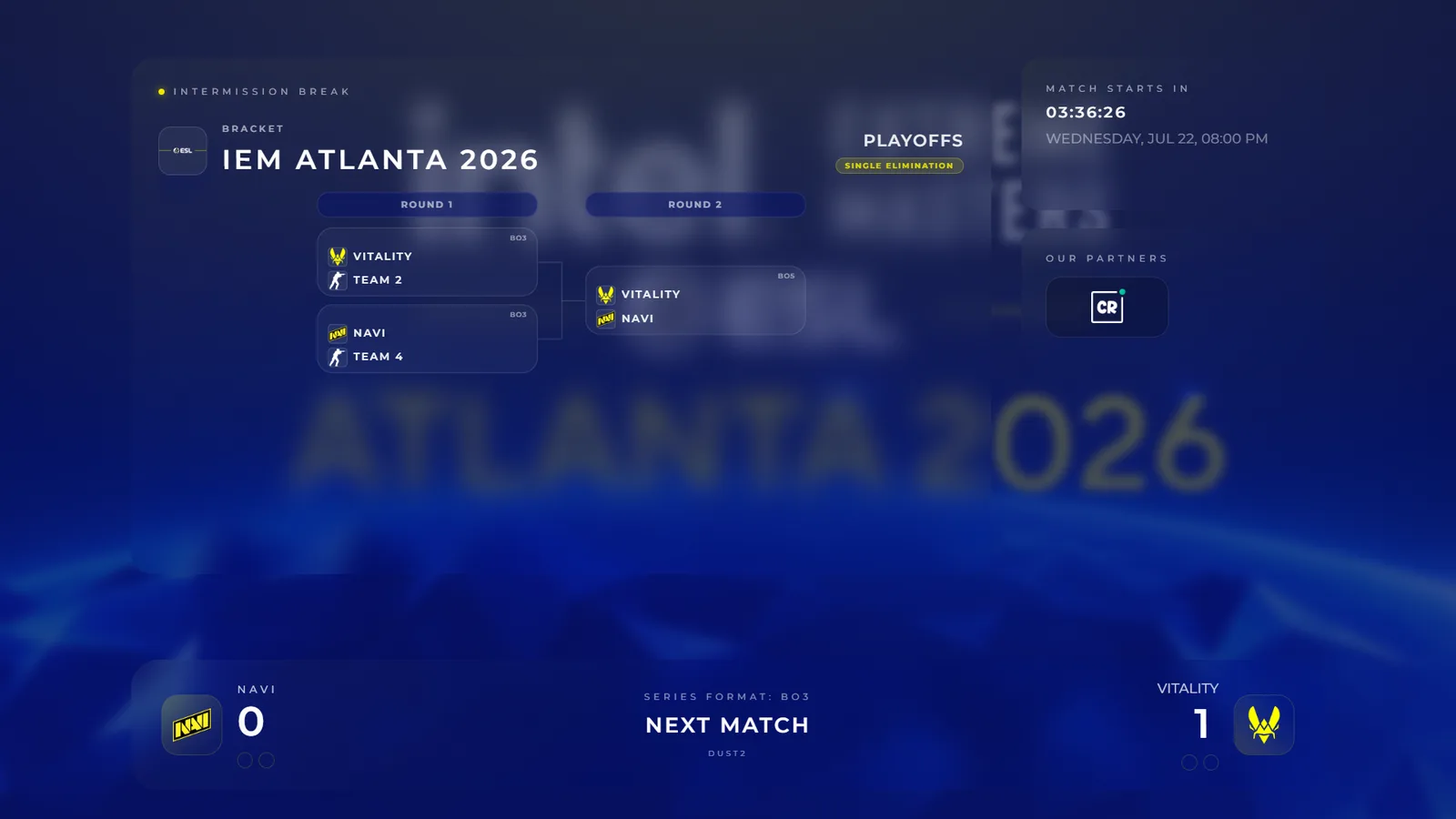
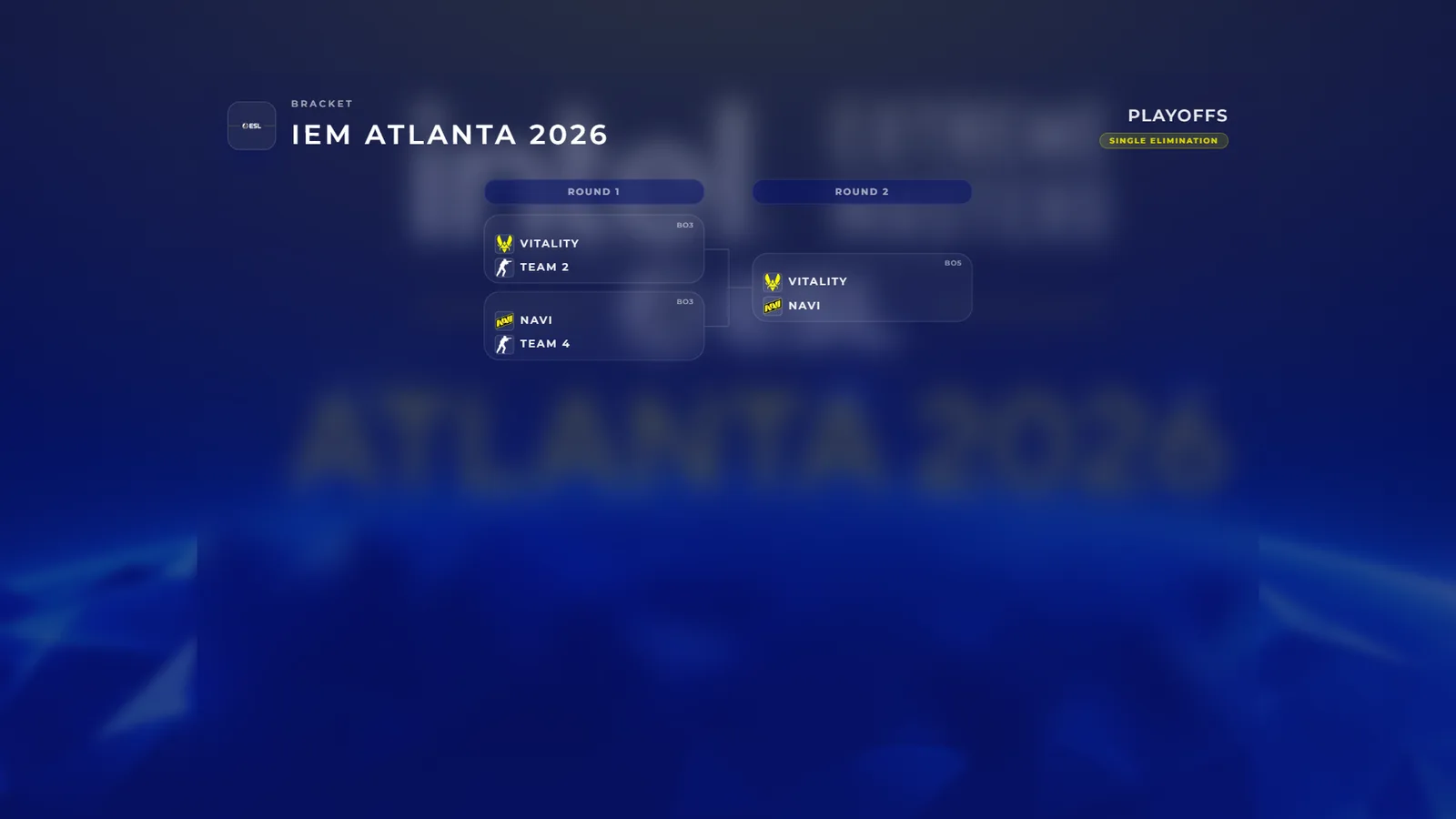
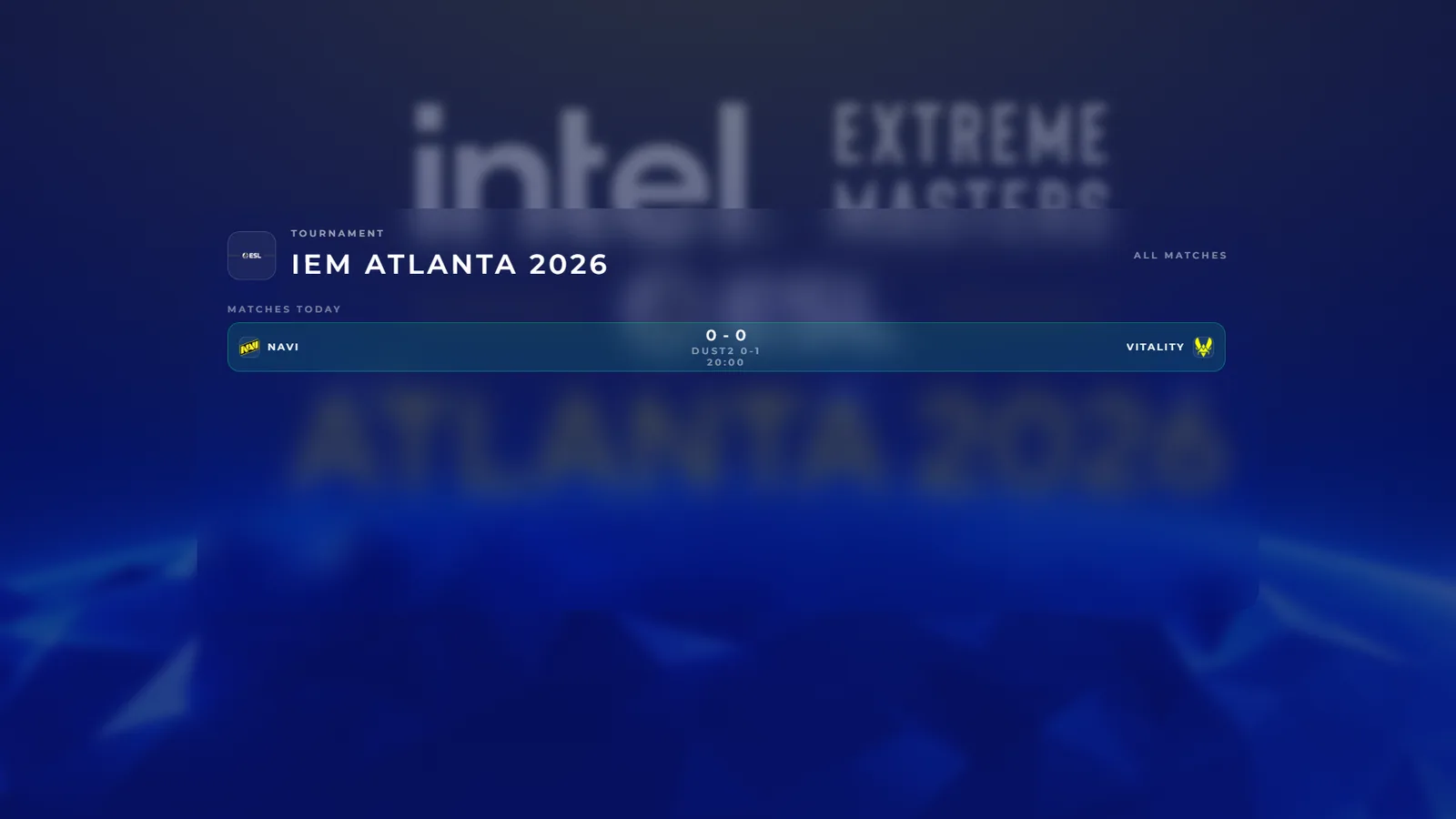
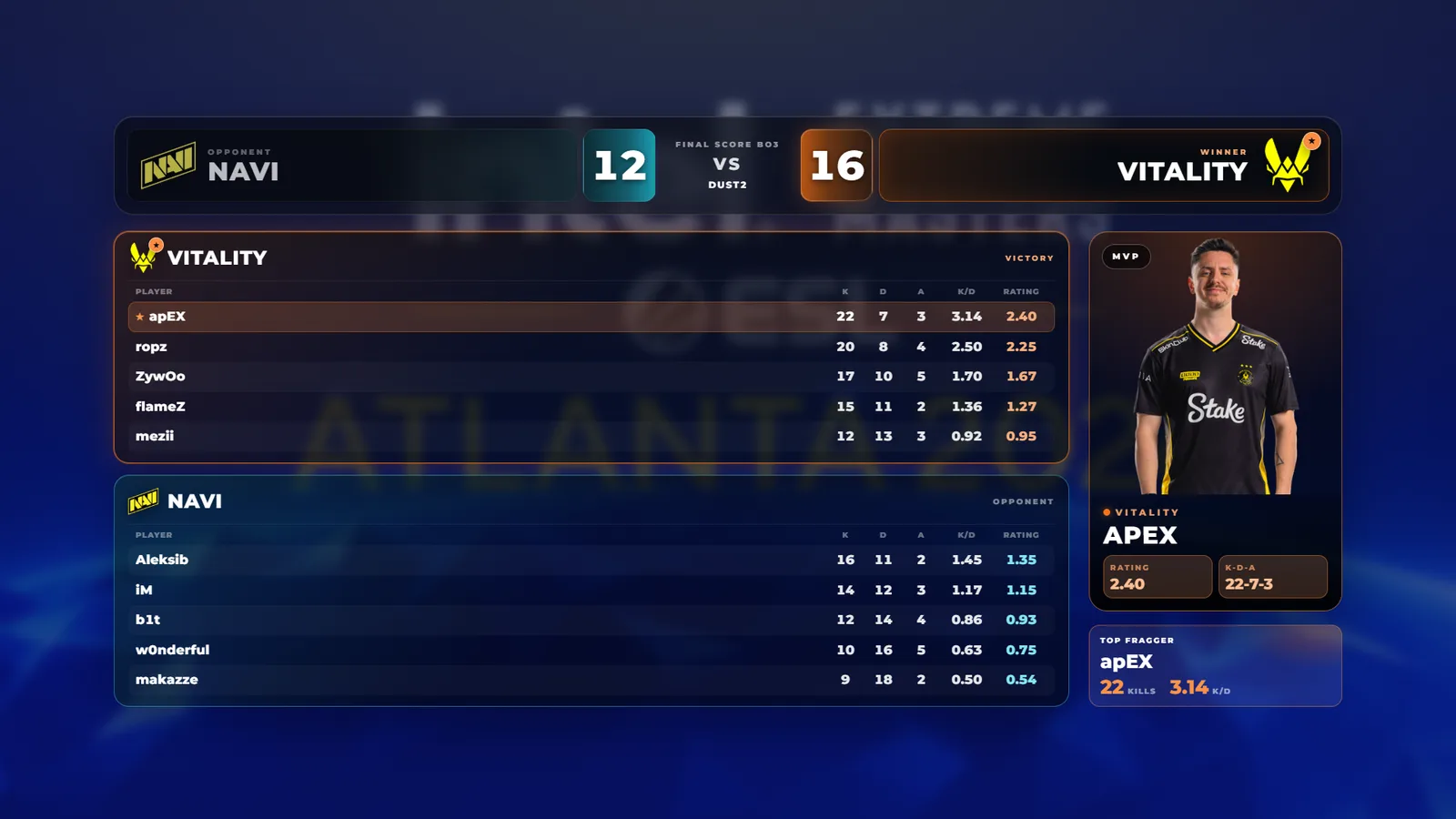
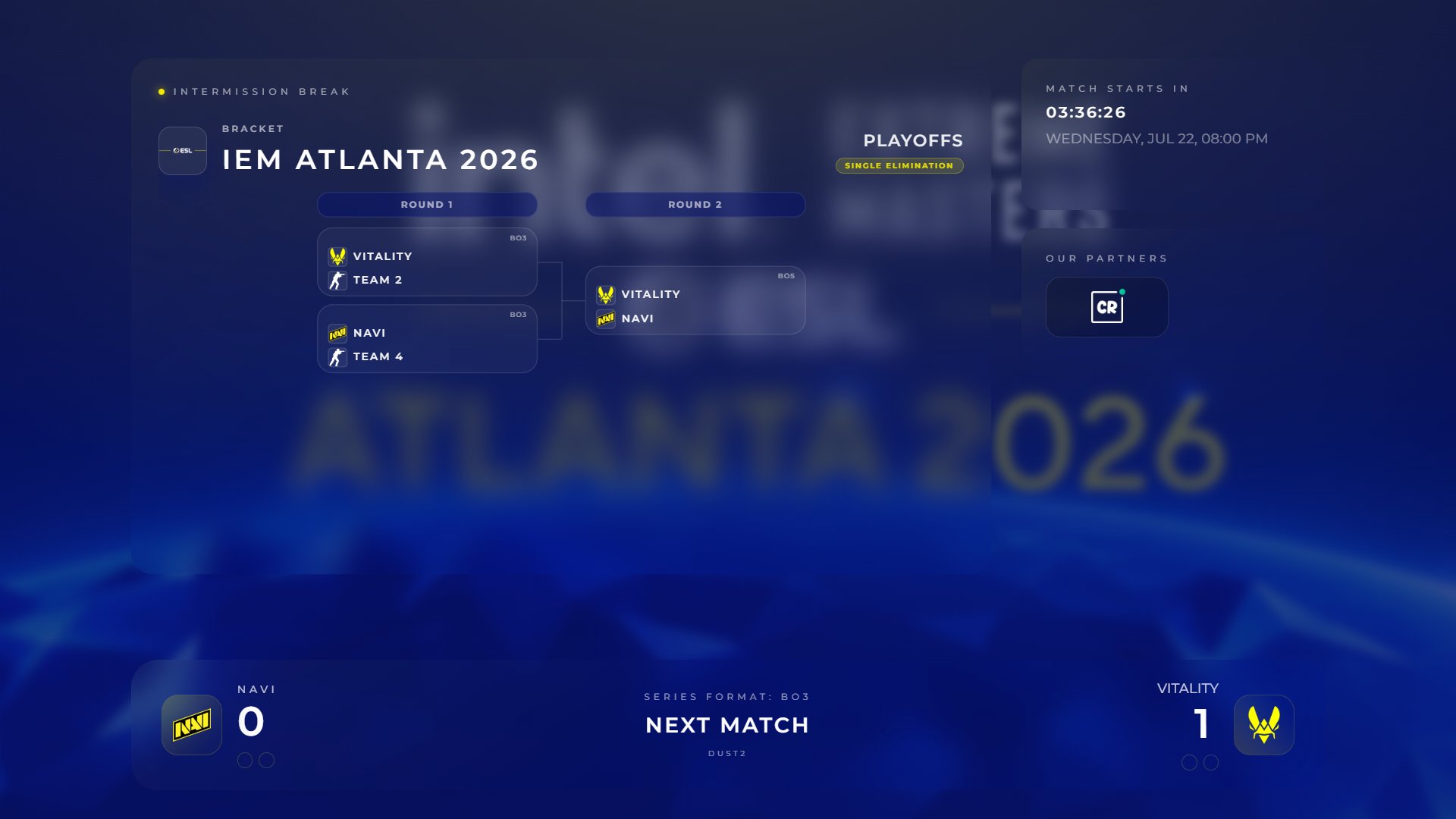
Intro, teams, pick/ban, bracket, talents, sponsors, intermission, victory and tournament screens share the same production grammar.
Explore features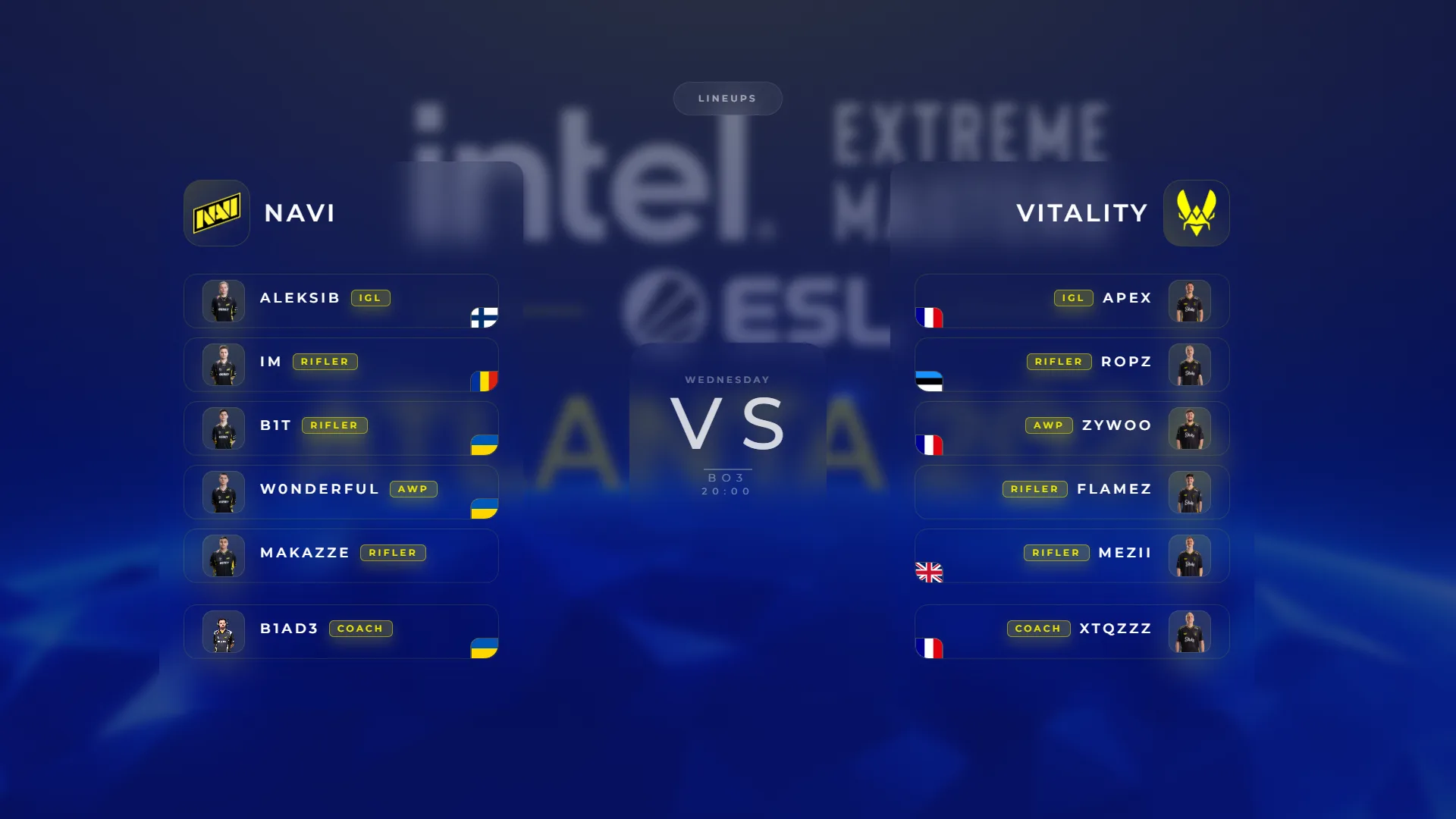
Identity
Color tokens, typography, logos, motion and scene presets stay aligned across every overlay that goes into OBS.
Explore features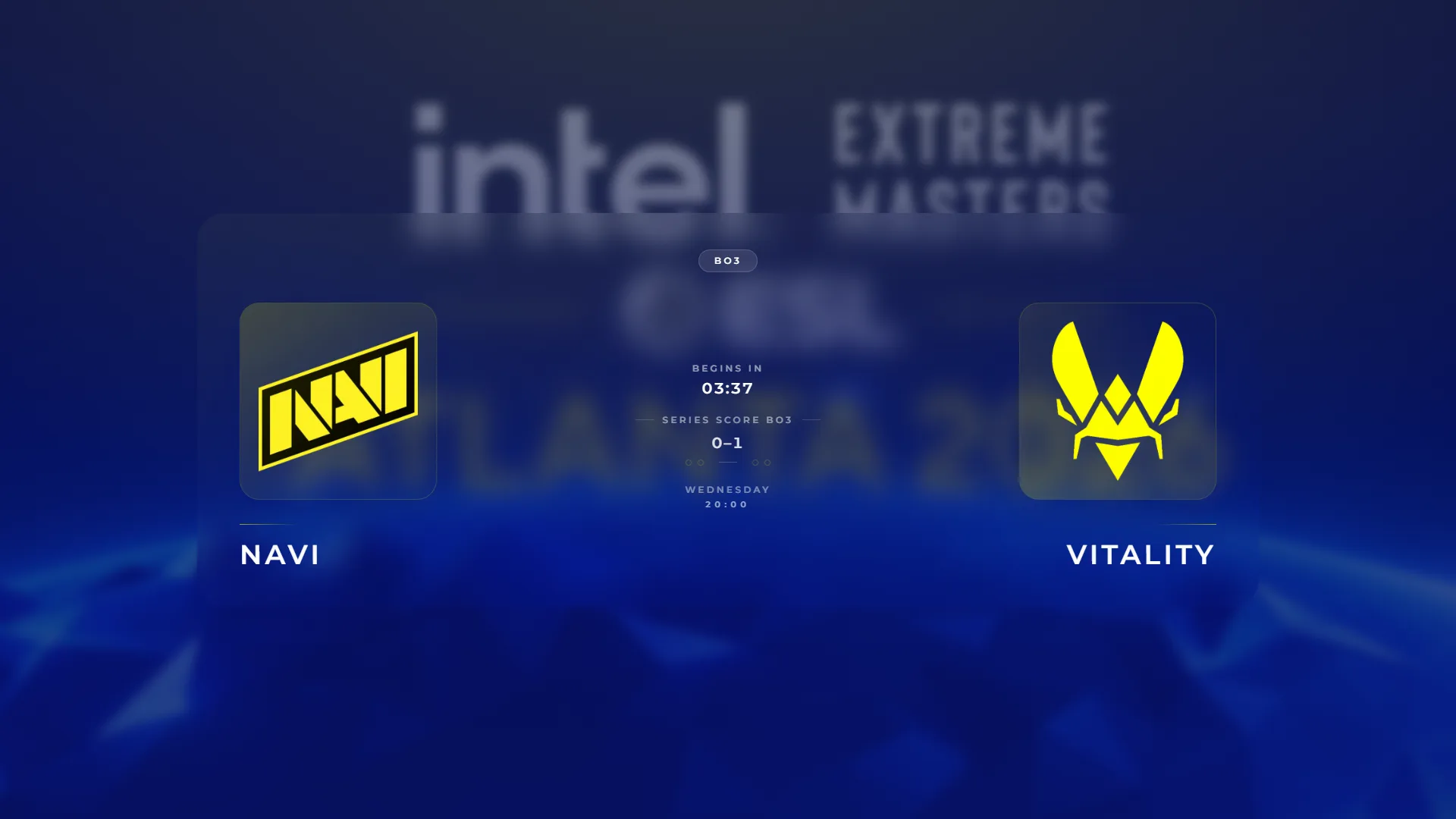
Go Live
Scenes, score and series, sequences, hotkeys, Stream Deck and OBS links — plus intermission layouts you flip live: intro, teams, tournament, bracket, talents, green screen or fully custom, with sponsor slots and a break timer.
Explore featuresScenes
From intro to victory, every scene is designed, connected and ready to run through OBS browser sources.
OBS Ready
Each overlay is a transparent browser source. No OBS plugin, no cloud dependency, no patched-together show flow.
Specs
Pricing
All features included. Cancel anytime. No cloud lock-in.
For solo casters
or EUR 89/year - save 3 months
Run your entire broadcast from one machine.
No account needed. Instant access.
For tournament organizers & production teams
or EUR 249/year - save 3 months
Run and scale real productions.
No account needed. Instant access.
No hidden features. No locked essentials. Just the differences that matter.
Highlighted rows show where Caster+ goes further.
Support
Yes. Everything runs locally on your machine — no cloud dependency, no external services.