

The Esports Broadcast Workflow Explained
How professional esports productions are structured from pre-production to post-event. Roles, communication systems, scene management, and live execution — explained for CS2 broadcast teams.
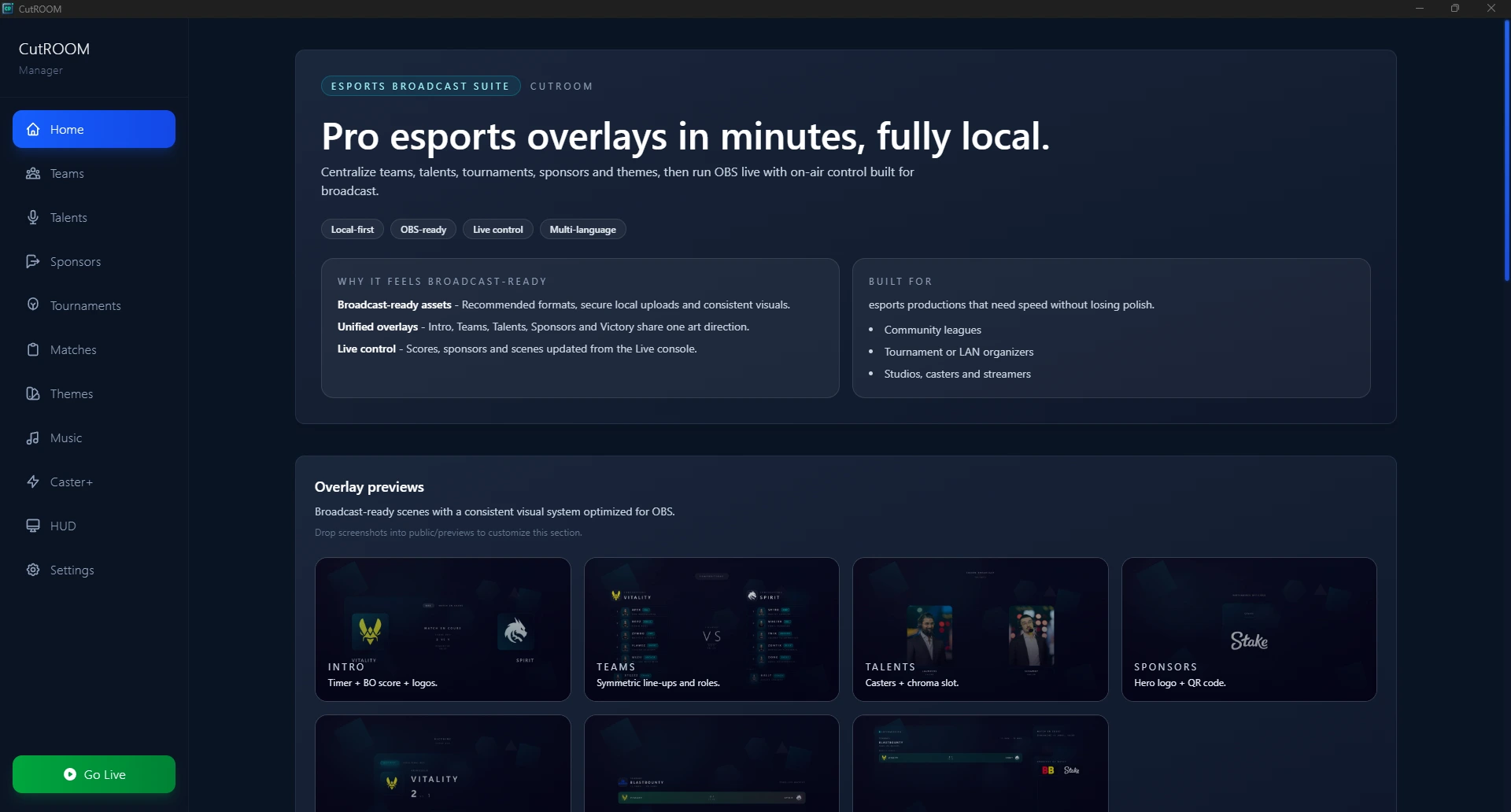
The Three Phases of an Esports Broadcast
Every esports broadcast happens in three distinct phases: pre-production (everything before the stream starts), live production (the broadcast itself), and post-production (archiving, reporting, clip creation). Most broadcast failures trace back to shortcuts taken in pre-production.
Pre-Production: Building the Foundation
Pre-production typically starts 2–7 days before a major event. Key activities:
Asset Preparation
- Team logos collected from all participating organisations
- Sponsor logos received and approved (correct formats, colour variants)
- Player photos or avatar images sourced
- Tournament branding kit applied to overlay theme in CutROOM
Technical Rehearsal
A technical rehearsal is the single most important pre-production activity. Run through the complete broadcast from match intro to victory screen with the full team at least once before the live event. This reveals:
- Audio routing issues (echo, feedback, wrong levels)
- Overlay timing problems (intro too long, sponsor rotation wrong)
- GSI connection issues on specific servers
- OBS encoding performance under load
Communication Systems During Live Production
Clear communication between production team members is what separates a polished broadcast from a chaotic one. Most productions use:
- Intercom / IFB — Professional productions use hardware intercoms (Clear-Com, RTS) or software alternatives (Discord with dedicated channels)
- Producer talkback — Director speaks directly to casters' ear monitors to flag timing and energy cues
- Shared dashboard — CutROOM's match state panel is visible to both observer and operator simultaneously
Scene Transition Discipline
Amateur productions make scene transitions feel accidental. Professional productions make transitions feel inevitable. The director calls transitions 5–10 seconds before they need to happen, giving the operator time to prepare:
- "Standby half-time in 10"
- Operator prepares the Intermission browser source in OBS
- "Take half-time" → operator cuts to intermission scene
- CutROOM triggers sponsor rotation automatically
This removes the "scramble" feeling from transitions and keeps the production's energy controlled.
Handling Technical Failures Live
Technical failures happen in live production. The key is having predetermined responses:
- GSI disconnects: Switch to the "BRB" slide, restart CutROOM, reconnect — takes under 60 seconds
- OBS crashes: Pre-prepared backup stream key on a second encoder (Restream or similar) as fallback
- Caster audio drops: Operator pre-records a brief "technical difficulties" audio clip as emergency fill
- Overlay freezes: Right-click browser source → refresh — overlay reconnects to CutROOM WebSocket automatically
Post-Production Workflow
After the broadcast ends:
- Download VOD from streaming platform (within 24h — platforms delete them)
- Export match data from CutROOM (CSV of round-by-round results)
- Create highlight clips (top plays, clutch moments, round wins)
- Generate sponsor exposure report if required by contracts
- Archive OBS scene collection, CutROOM match data, and team assets for the next event in the series
- Team debrief: what went well, what to fix for next time
For the practical tools side of this workflow, see the CS2 Overlay for Tournaments page.
Ready to broadcast CS2 like a pro?
Join the tournament organizers and casters who run CutROOM every day.