

Stream Production
CS2 Stream Production Workflow
A complete guide to producing professional CS2 stream content. Scene management, caster coordination, overlay workflow, and live production tips using CutROOM.
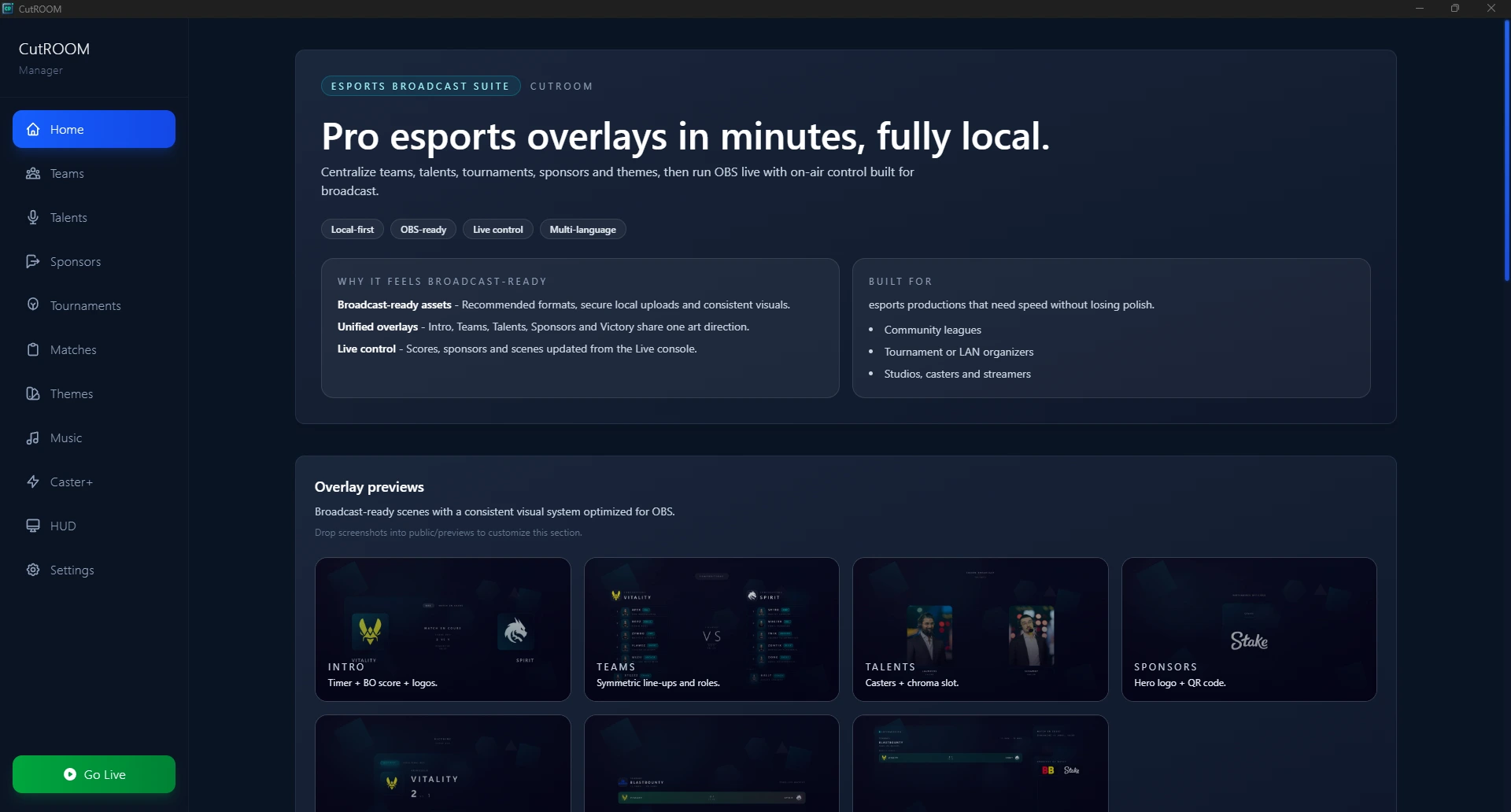
What is CS2 Stream Production?
Stream production is the art of presenting a CS2 match in a way that is clear, engaging, and professional for the viewing audience. It involves managing overlays, coordinating with casters, switching scenes at the right moments, and maintaining a consistent visual identity throughout the broadcast.
Roles in a CS2 Production
- Solo streamer — Handles everything: plays, casts, and manages overlays simultaneously
- Observer — Operates the spectating camera in CS2
- Production operator — Manages OBS scenes, CutROOM overlays, and stream health
- Casters — Play-by-play and colour commentary, connected via voice chat
- Producer / director — Coordinates timing, calls scene transitions
Pre-Match Production Checklist
- Team data entered in CutROOM (names, logos, colours)
- Match schedule configured (map pool, best-of format)
- GSI connection verified (green status in CutROOM)
- OBS scenes tested end-to-end (intro → live → intermission → victory)
- Caster audio levels set and recorded for 30 seconds as a level check
- Streaming platform stream key active and test stream confirmed
Live Production Flow
A typical CS2 match broadcast follows this sequence:
- Pre-show — Loop sponsor graphics, display countdown to match start
- Intro — Trigger CutROOM Intro scene, introduce teams and map
- Knife round — Switch to live scene, HUD active
- First half — Full live coverage, operator manages CutROOM scene state
- Half-time — Trigger Intermission scene, sponsor display, team analysis
- Second half — Resume live coverage
- Match point / overtime — CutROOM auto-detects overtime, scoreboard updates
- Victory — Trigger Victory scene, display final result
- Post-match — Switch to outro / next-match countdown
Common Production Mistakes to Avoid
- Forgetting to restart the GSI connection after a CS2 update
- Not testing the Victory scene before the match (it requires specific GSI end-game events)
- Leaving sponsor logos un-updated between matches
- Failing to mute caster audio during sponsor breaks
- OBS encoding settings too high for the available upload bandwidth
For a deep-dive on broadcast production theory, read Esports Broadcast Workflow.
Ready to broadcast CS2 like a pro?
Join the tournament organizers and casters who run CutROOM every day.