

CS2 Broadcast Production Guide
The complete reference for producing professional CS2 broadcasts. Covers team structure, equipment, workflow design, live production management, and quality control.
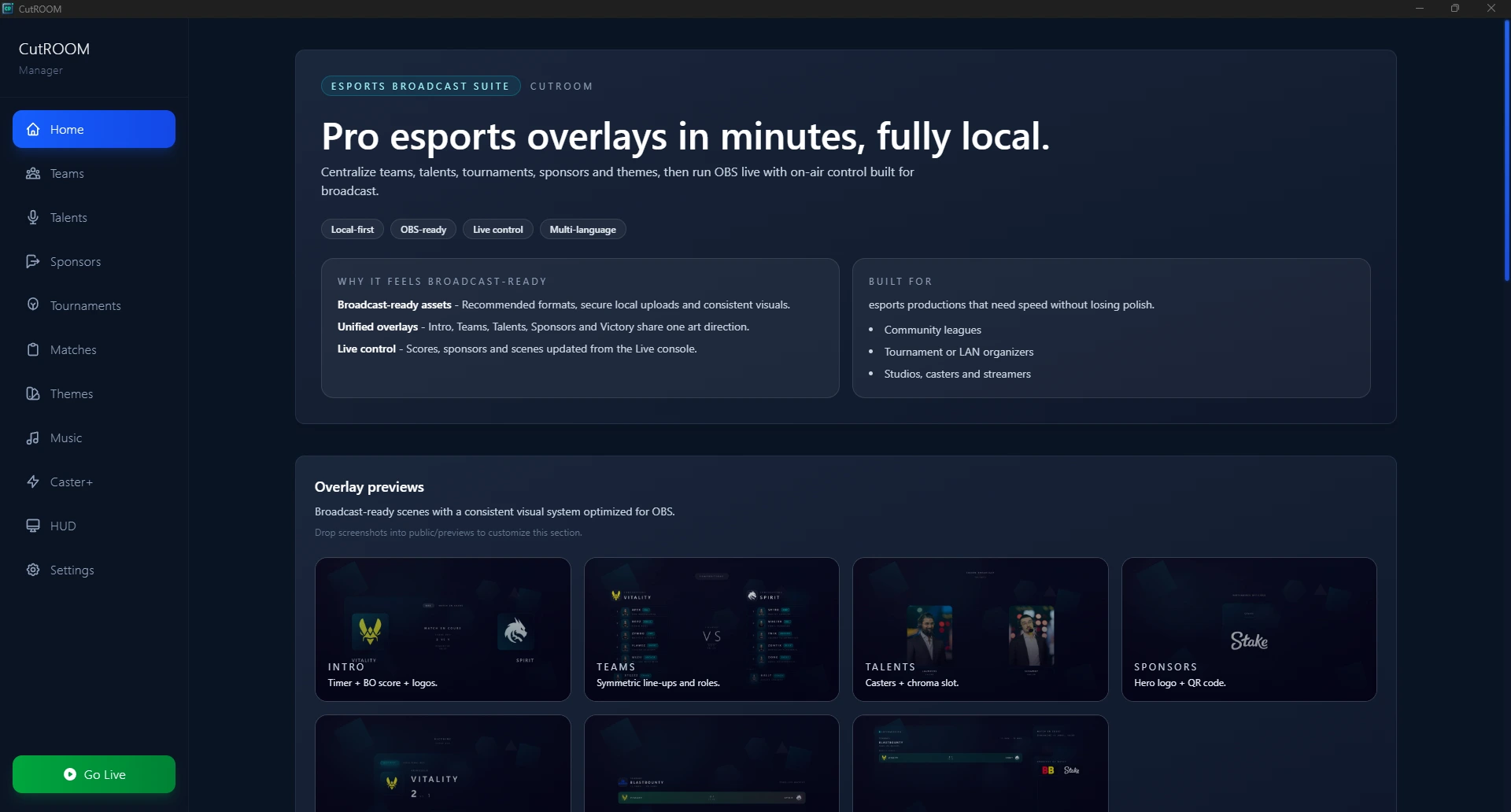
What Makes a Professional CS2 Broadcast?
A professional CS2 broadcast is distinguished from a raw stream by three qualities: clarity (the viewer always knows what is happening), consistency (the visual presentation is stable and predictable), and rhythm (scenes change at natural points that match the game's pace). Every production decision should serve one of these three goals.
Production Team Structure
The size of your production team scales with the event. A minimal viable production can be run by two people; a major tournament typically requires six or more.
Minimum Viable Production (2 people)
- Observer / operator — Handles CS2 camera and OBS scene management simultaneously
- Caster — Provides commentary; may also handle stream monitoring
Standard Production (4 people)
- Observer — Dedicated CS2 camera operator
- Production operator — OBS and CutROOM management
- Play-by-play caster
- Colour analyst
Full Tournament Production (6+ people)
- Observer (may be 2 for back-to-back matches)
- Production director (calls scene transitions)
- Technical operator (OBS, encoding, stream health)
- Overlay operator (CutROOM, sponsor management)
- Play-by-play caster + colour analyst
- Social media / clip operator
Equipment Requirements
Minimum Setup
- Single PC: Intel i7/Ryzen 7, 16GB RAM, dedicated GPU, SSD
- OBS Studio (latest version)
- CutROOM (Caster plan)
- Headset with microphone for casting
- 1Gbps internet for 1080p60 stream
Tournament Setup
- Observer PC + production PC (or more)
- LAN network between PCs (no internet dependency for GSI)
- Hardware capture card (if using dedicated game PC output)
- Professional microphones for casters (XLR via audio interface)
- CutROOM Caster+ plan (3 seats)
- Dedicated encoding box or cloud encoding service
Pre-Production Workflow
Good broadcasts are built in pre-production, not during the live event. Allocate time before each event for:
- Team data entry — All participating teams in CutROOM with logos, roster, colours
- Match schedule — Maps, formats, seeding order
- Sponsor assets — Logos uploaded, rotation order confirmed with sponsors
- Broadcast run-of-show — Document every scene transition with timing
- Technical rehearsal — Full run-through of intro to victory with the complete team
Live Production Pacing
Scene transitions should feel natural and serve the viewer. Common pacing mistakes:
- Holding the intro scene too long — Transition to live within 30–45 seconds of knife round start
- Switching scenes too early — Let the victory moment breathe; wait 3–5 seconds after the last kill before triggering the Victory scene
- Cutting away during clutch plays — Stay on the game during tense moments; sponsors and scoreboard can wait
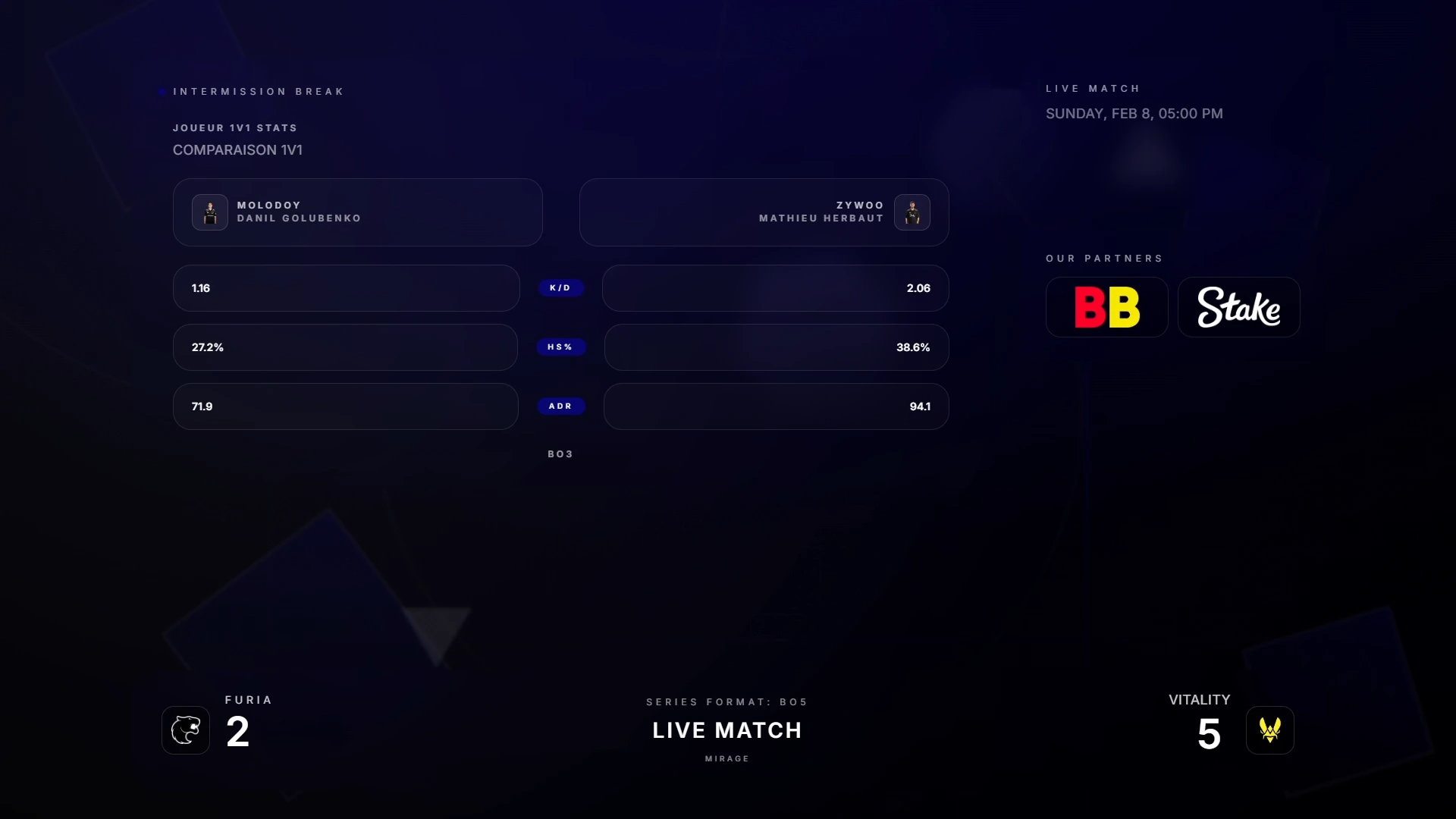
- Forgetting the half-time teams screen — Use the intermission to contextualise the half-time score for viewers who joined late
Broadcast Quality Control
Have a dedicated person monitoring stream health throughout the broadcast. Key metrics to watch:
- OBS dropped frame rate (should be 0%)
- Encoder CPU usage (target under 70%)
- Stream dashboard on Twitch/YouTube for viewer count and stream health
- Overlay status in CutROOM (GSI connection indicator should stay green)
- Audio levels for casters (peaks should not exceed -3dB)
Post-Event Wrap
After the event, export match data from CutROOM for records. Download VODs from the streaming platform. Create a post-event report for sponsors with estimated viewer minutes and peak concurrent viewership. Archive your OBS scene collection and CutROOM match data for the next event in the series.
For observer-specific production guidance, see the CS2 Observer Guide.
Ready to broadcast CS2 like a pro?
Join the tournament organizers and casters who run CutROOM every day.