

CS2 HUD Overlay for Live Broadcast
A professional in-game HUD overlay for CS2 broadcasts. Displays live health, armor, economy and bomb status as a transparent OBS browser source.
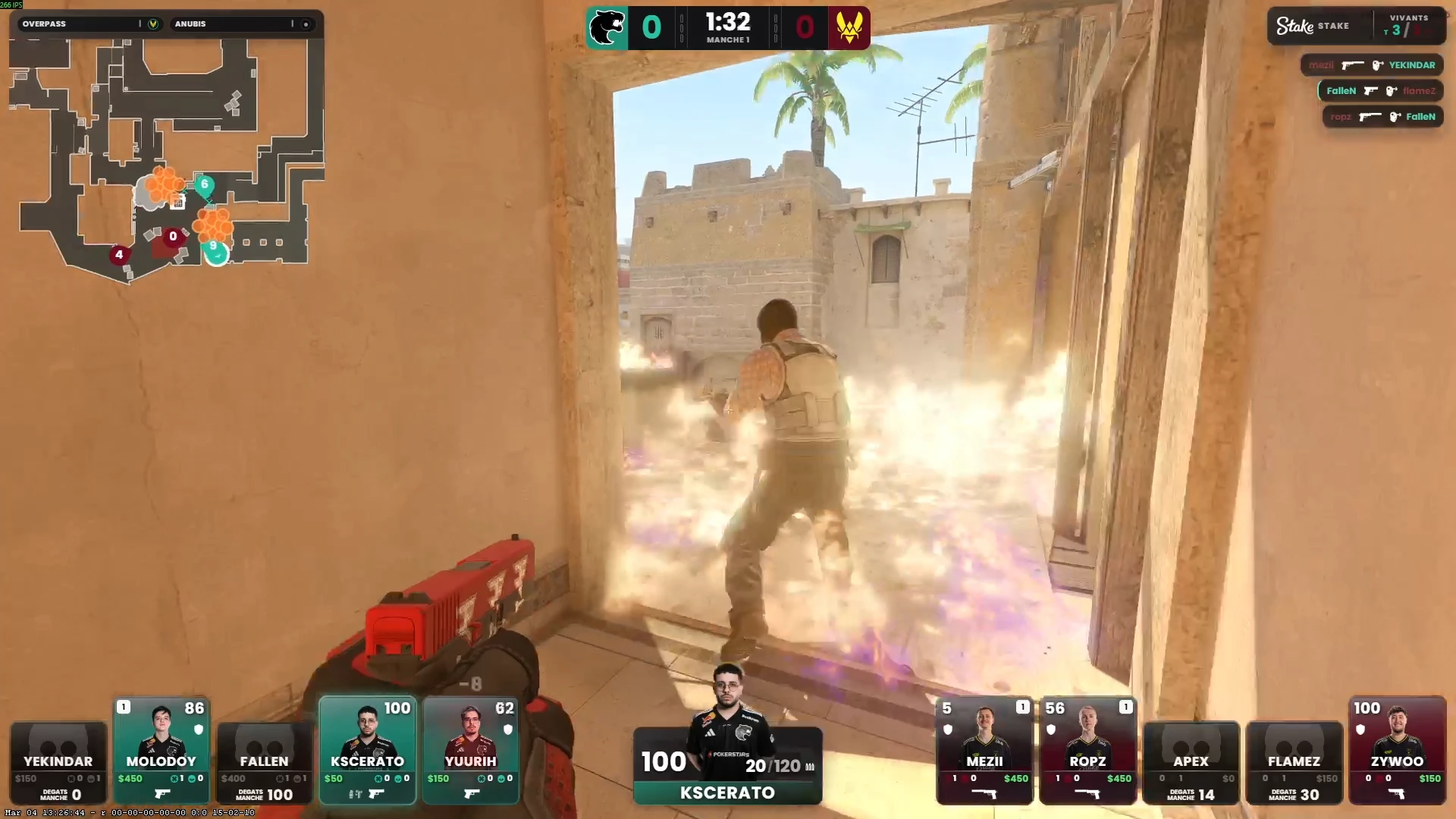
CS2 HUD Overlay Explained
A CS2 HUD overlay sits on top of your OBS game capture, providing a broadcast-quality data layer that viewers can read at a glance. Unlike the in-game HUD that only the active player sees, a broadcast HUD overlay shows contextual information relevant to whoever is being observed — and it looks the way you want it to, not the way Valve designed it.
CutROOM's HUD overlay variants cover every use case: a full-featured bottom-bar HUD for main event broadcasts, a compact single-line HUD for co-streamed content, and a timer-focused HUD for tactical analysis coverage.
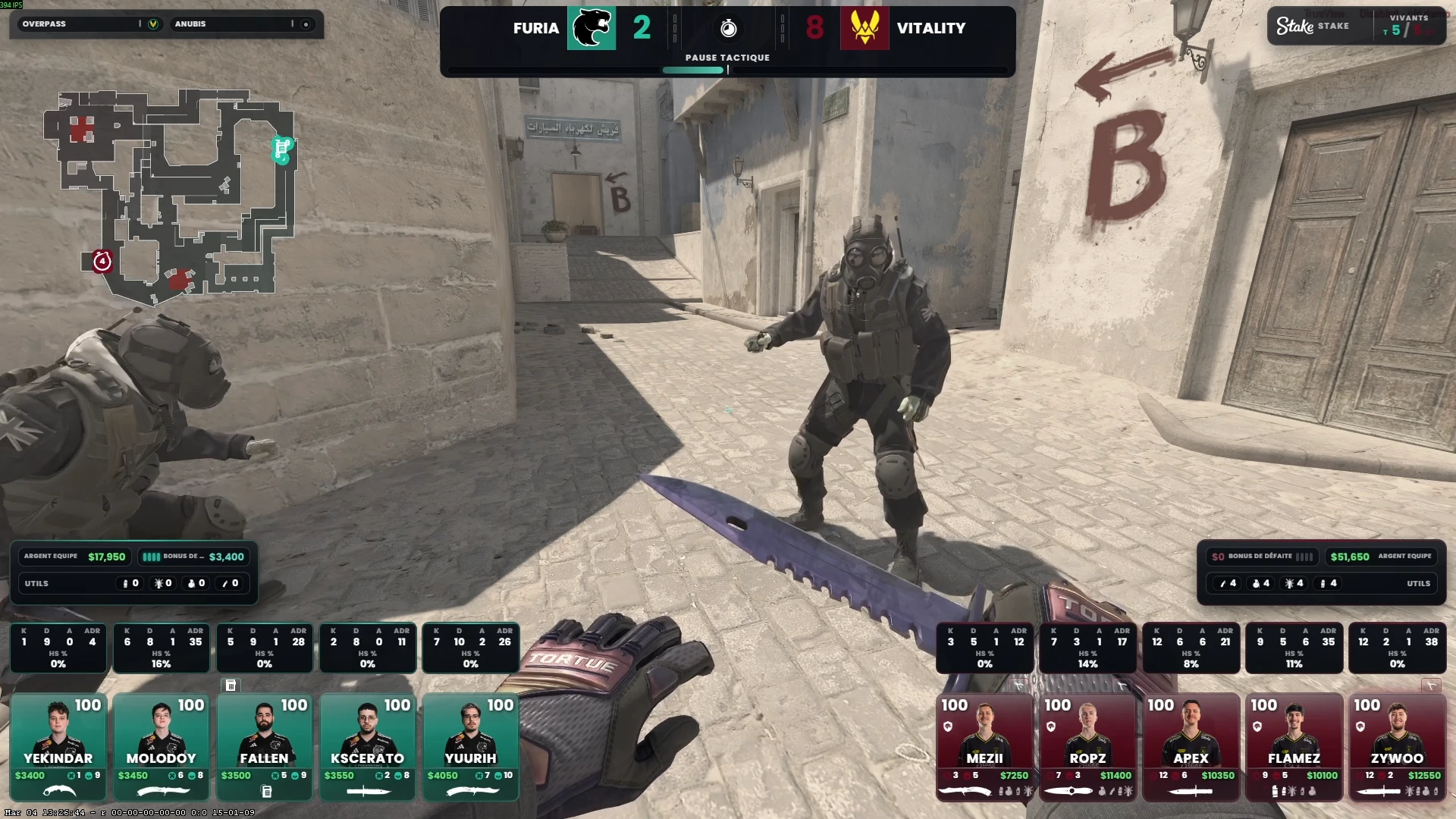
HUD Overlay Data Points
- Health (current / max), armor (helmet included indicator)
- Active weapon + ammo (clip / reserve)
- Grenade slot icons (flash, smoke, HE, molotov, decoy)
- Round timer with seconds remaining
- Bomb state (carried / planted / defusing) with countdown
- Current cash and net worth
- Kill feed with weapon and headshot icons
No Plugins Required
CutROOM HUD overlays are pure browser-rendered HTML/CSS. OBS has a built-in browser renderer — no additional OBS plugins are required. Add the HUD as a Browser Source, set it to 1920×1080, and it works.
Related HUD Resources
See the full CS2 HUD page for variant screenshots, or visit CS2 Custom HUD to learn how to apply tournament branding to your HUD overlay.
Ready to broadcast CS2 like a pro?
Join the tournament organizers and casters who run CutROOM every day.