

CS2 Observer HUD for Tournament Broadcast
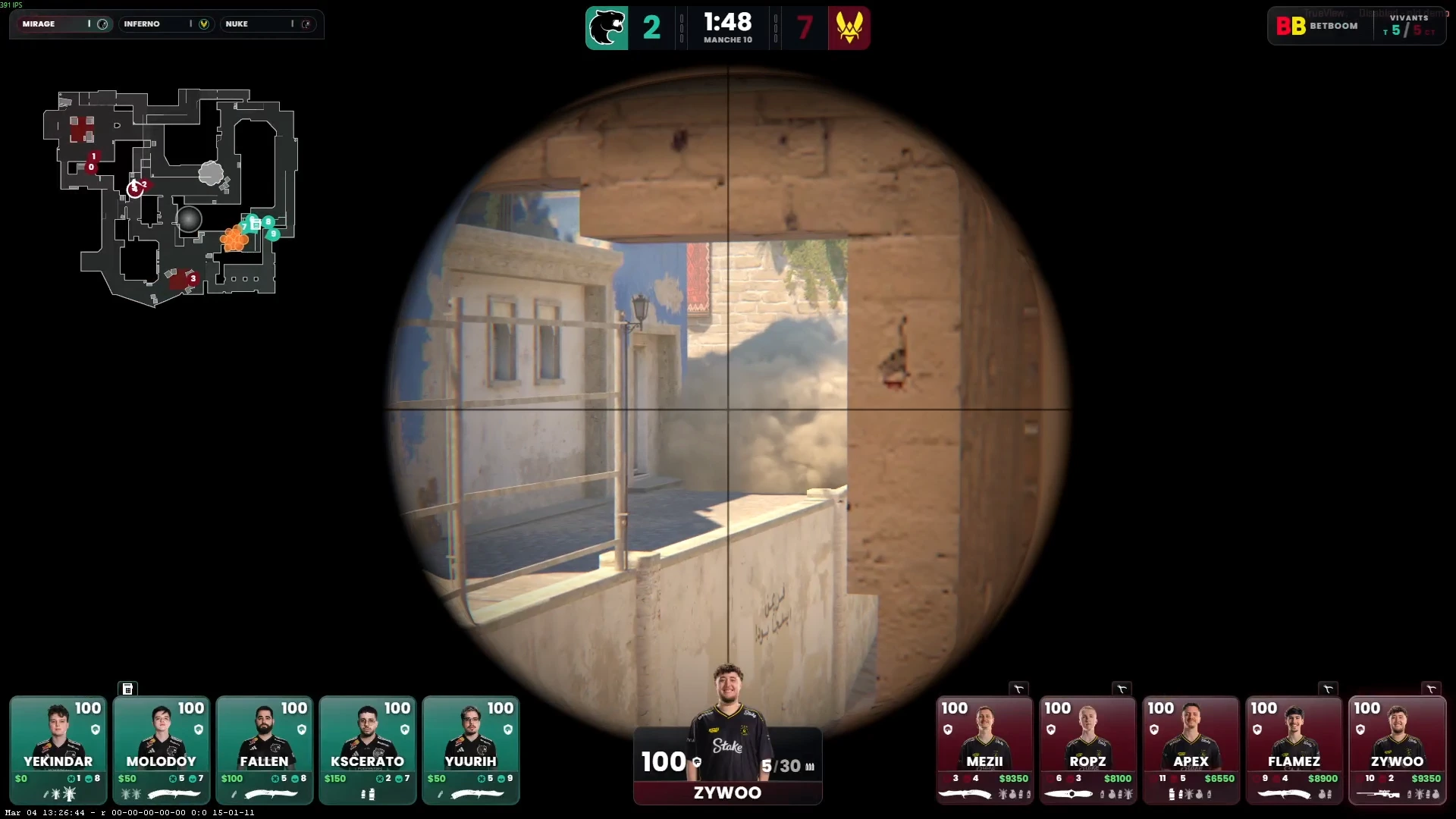
A professional observer HUD for Counter-Strike 2. Displays live player health, economy, bomb state and team overview — designed for observers, not just players.
What is a CS2 Observer HUD?
An observer HUD is a broadcast overlay specifically designed for the person operating the in-game spectating camera during a CS2 match. Unlike a player HUD — which shows only the active player's data — an observer HUD gives the camera operator (or the viewer) a full picture of both teams at any moment.
CutROOM's observer HUD is designed with the observer workflow in mind. It auto-tracks the observed player, displays real-time team economy, flags low-HP players before they are killed on screen, and shows bomb/defuse state so the observer can anticipate key moments.
Observer HUD Features
- Active player tracking — HUD auto-transitions when the observer switches player perspectives
- Team economy panel — Shows all 10 players' cash and buy status per round
- Low-HP indicators — Visual alerts for players below 30 HP to guide camera decisions
- Bomb carrier highlight — Instantly identifies which T-side player carries the bomb
- Planted bomb / defuse timer — Dedicated timer widget with defuser status overlay
- Round score bar — Always-visible CT vs T score with overtime detection
- Kill feed — Formatted eliminations with weapon icons for viewer context
Why the Observer Needs a Dedicated HUD
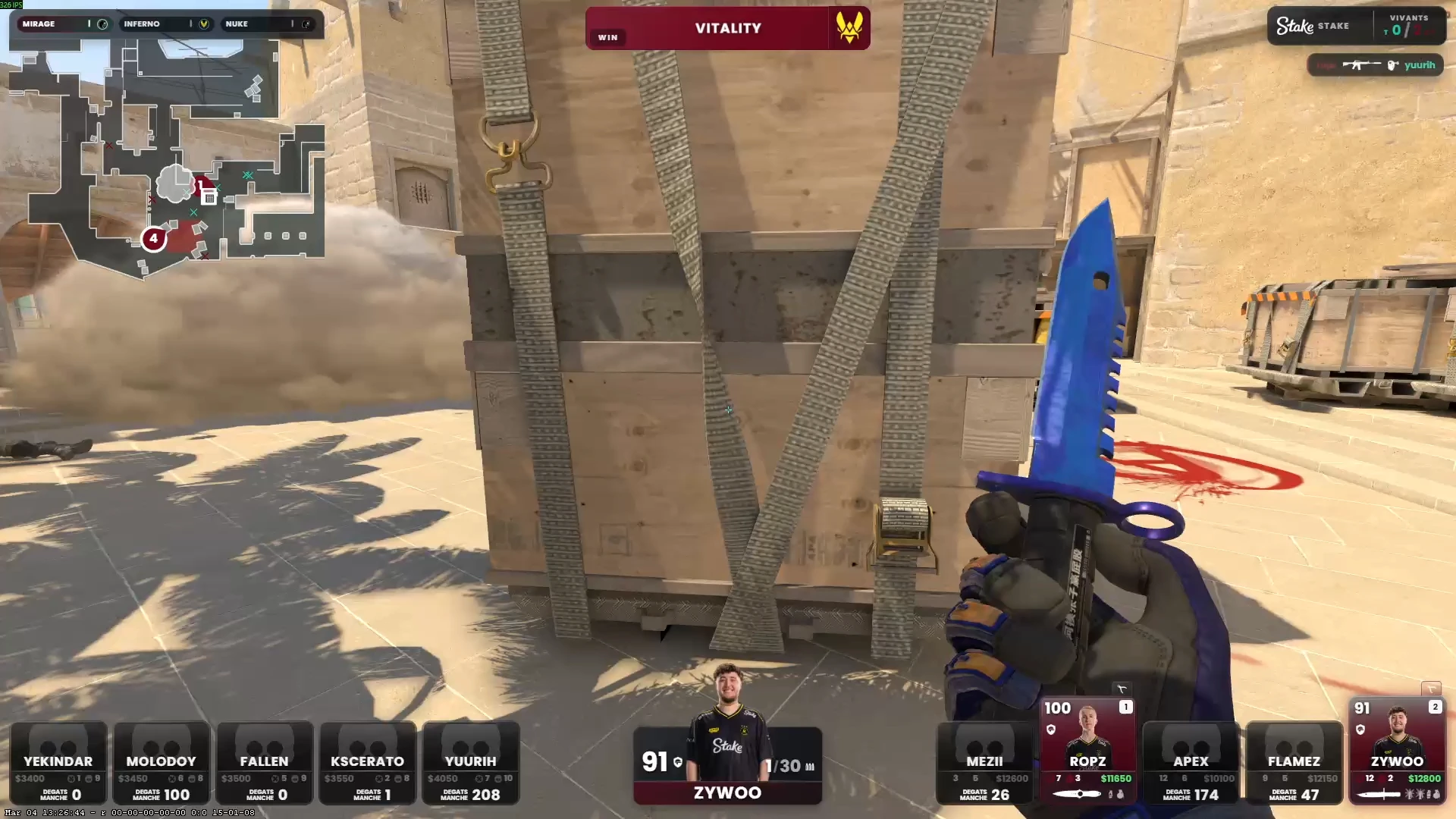
CS2 observers face unique challenges that a standard player HUD does not address. The observer must simultaneously watch the action, anticipate the next important moment, and coordinate with a producer or caster. A well-designed observer HUD surfaces the information needed to make those split-second camera decisions.
Key decisions an observer HUD supports:
- Should I switch to the CT-side when the bomb is planted? (bomb timer visible at all times)
- Which T-side player is most likely to make a play? (economy and HP visible for all players)
- Is the opponent going to eco-rush? (full team economy view reveals buy patterns)
- Who got the opening pick? (kill feed with weapon context)
Observer HUD in Multi-Operator Productions
In professional tournament productions, the observer and the production operator are different people. The observer controls the in-game camera from one PC, while the production operator manages overlays, sponsor displays, and scene transitions from another.
CutROOM's Caster+ plan supports 3 simultaneous broadcast PCs with shared license management. The observer gets the HUD on their machine, while the production operator runs the full overlay suite on theirs — both connected to the same GSI data source.
This setup is detailed in the CS2 Observer Setup guide.
Compatible with All CS2 Servers
CutROOM's observer HUD works with any CS2 server that permits GSI output — including Valve Official Servers, FACEIT, and private dedicated servers. For ESEA, FACEIT, and third-party platforms, check their platform-specific GSI permissions.
Note: CS2 GSI requires a config file placed in your CS2 game folder. CutROOM provides this config file automatically during setup and guides you through the installation step by step.
Hotkey Control During Live Broadcast
CutROOM supports global hotkeys for the most common observer workflow actions: toggling HUD visibility, switching between HUD layout variants, and triggering round recap displays. Hotkeys are configurable in the CutROOM settings panel and work even when OBS is the active window.
Getting Started as a CS2 Observer
If you are new to CS2 observing, read the full CS2 Observer Guide for camera movement techniques, common observing patterns, and production workflow tips. The guide covers everything from basic spectator commands to coordinating with a caster during a live event.
Ready to broadcast CS2 like a pro?
Join the tournament organizers and casters who run CutROOM every day.