

CS2 Broadcast Overlay Software
A complete overlay system for Counter-Strike 2 broadcasts. Scoreboard, player cards, round timer, sponsor rotation, and radar — all driven by live GSI data, all controlled from one dashboard.
What is a CS2 Broadcast Overlay?
A CS2 broadcast overlay is a set of graphical elements displayed on top of a Counter-Strike 2 stream. These overlays show live match data — round score, team names, player health, economy, bomb status, and more — pulled directly from the CS2 Game State Integration (GSI) API. Professional broadcast overlays are what separate a polished esports production from a raw stream capture.
CutROOM is a Windows desktop application that acts as the control center for all your CS2 overlays. It connects to CS2 via GSI, processes the data in real time, and renders browser-based overlays that you import into OBS Studio as Browser Sources. No coding required. No separate server to manage. Everything runs locally on your broadcast PC.
What CutROOM Includes
CutROOM ships with a complete set of production-ready CS2 overlay scenes:
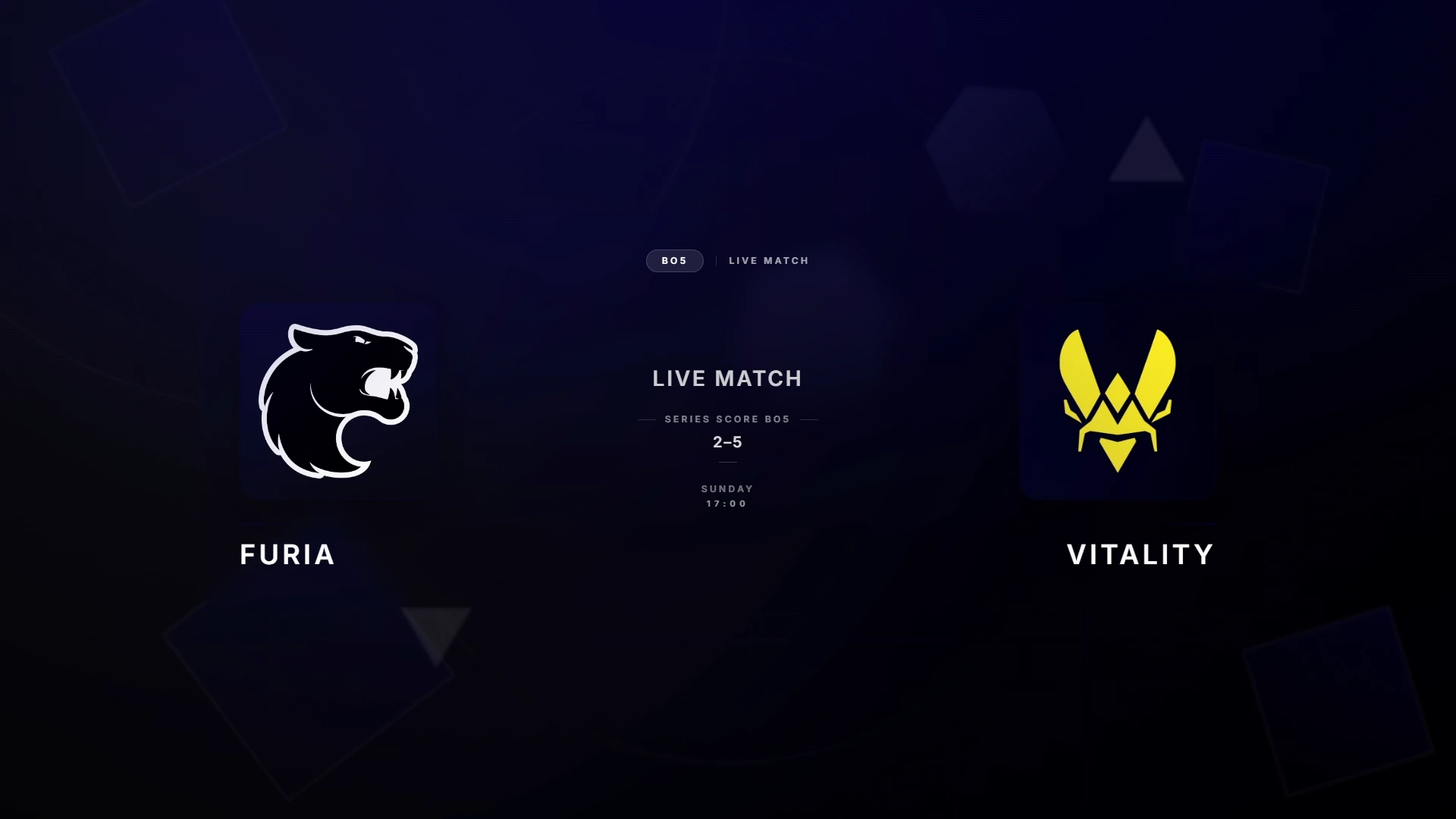
- Intro scene — Match presentation with team logos, tournament branding, and map name
- Scoreboard — Live round score, overtime indicator, side indicators (CT/T)
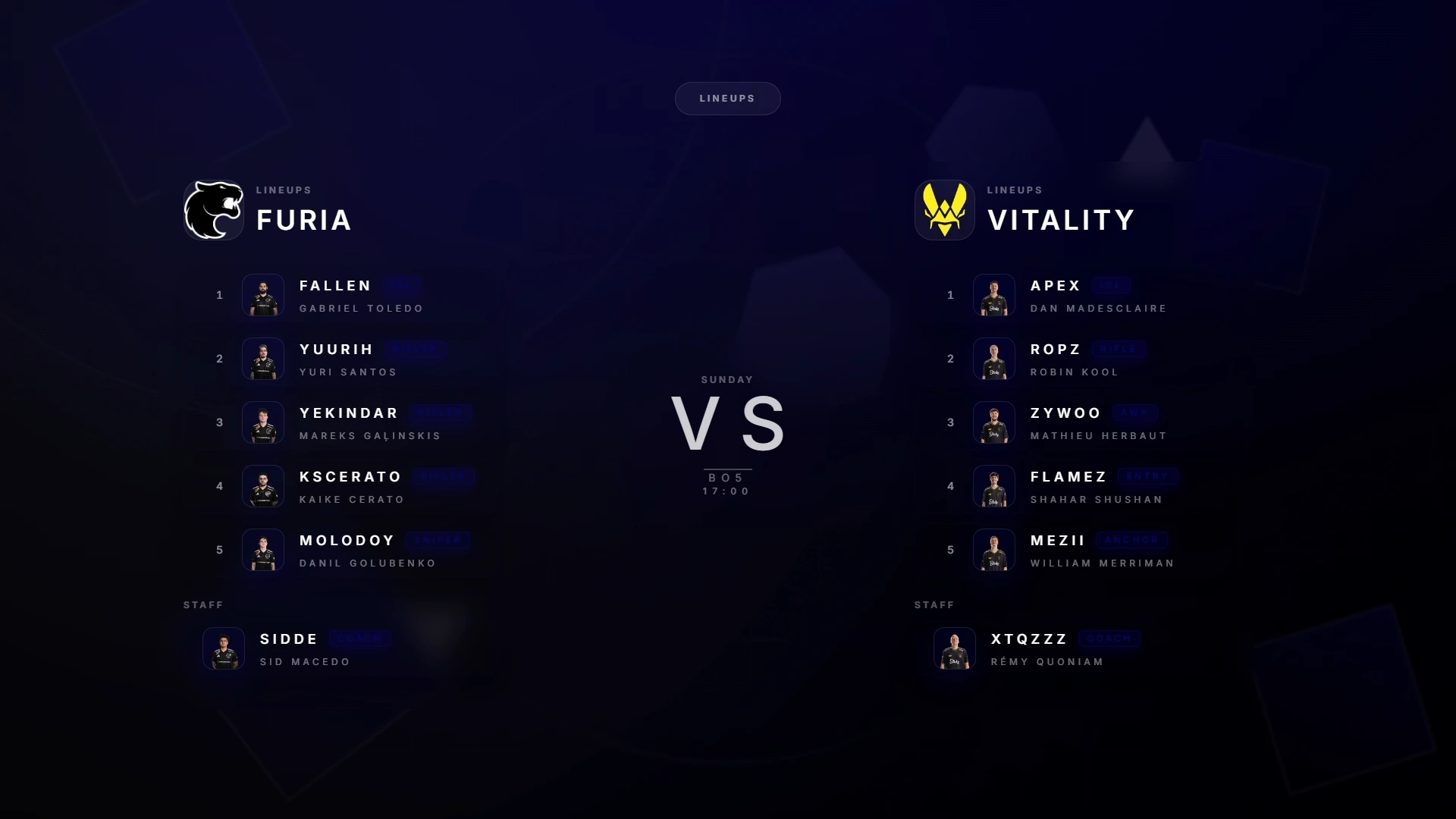
- Teams screen — Full player roster with stats, avatars and role assignments
- Intermission — Halftime or pause screen with score summary and sponsor slot
- Victory — End-of-match screen with winner, final score and MVPs
- Tournament bracket — Bracket visualization for multi-match events
- Sponsors — Automated sponsor rotation with custom timing
- In-game HUD — Observer HUD with player health, armor, ammo, and economy overlay
How CS2 GSI Drives Your Overlays
Game State Integration (GSI) is a built-in feature of CS2 that pushes live match data to a local HTTP endpoint. CutROOM registers itself as the GSI receiver, then parses every event — round start, kill, bomb plant, half-time, round end — and updates all overlay scenes instantly.
This means your scoreboard updates the moment a round ends. Player health numbers reflect real in-game values. Economy data shows each player's current cash and equipment. There is zero manual updating required during a live broadcast.
CS2 Overlay for OBS Studio
CutROOM overlays are delivered as browser-source URLs. In OBS Studio, you add each scene as a Browser Source pointed at the CutROOM local server (typically http://localhost:PORT/scene-name). OBS renders the overlay as a transparent layer over your game capture.
Because overlays run in a browser renderer, they support full CSS animations, smooth transitions, and custom fonts — giving you broadcast-quality motion graphics without any video editing software.
OBS tip: Add each CutROOM scene as a separate Browser Source in OBS. Use scene collections to switch between your intro, live, and victory layouts with a single hotkey.
Custom Branding and Themes
Every element in CutROOM overlays can be branded to match a tournament or team identity. Upload team logos, set primary and secondary colors, choose fonts, and apply a consistent visual theme across all scenes. Sponsors can be assigned custom display durations and ordering.
Changes made in the CutROOM dashboard propagate instantly to all active overlays — no restart, no reload. This lets you make last-minute branding corrections even during a live broadcast.
Why Use CutROOM Instead of Building Overlays Yourself?
Building a custom CS2 overlay from scratch requires knowledge of the GSI protocol, web development (HTML/CSS/JavaScript), a local Node.js server, and graphic design skills. That is a multi-week project for a single developer.
CutROOM delivers all of this pre-built and production-ready. You get a complete overlay suite on day one, with a dashboard UI that any operator can use without technical knowledge. Updates are included in your subscription — as CS2 patches change the GSI format, CutROOM updates automatically.
Who Uses CS2 Overlays?
- Solo casters and streamers — Add professional overlays to personal streams with the Caster plan (€9.99/mo)
- Tournament operators — Run multi-match events with consistent branding across all games
- Production companies — Manage multiple broadcast PCs with Caster+ (€29.99/mo, 5 PCs + 2 LAN keys)
- Esports leagues — Deliver a consistent broadcast identity across an entire season
- University and grassroots events — Professional presentation on a student budget
Getting Started with CS2 Overlays
Setup takes under 10 minutes. Install CutROOM on your broadcast PC, activate your license, and the app walks you through the GSI configuration automatically. Then add the provided browser source URLs to OBS Studio, and your first overlay is live.
The full setup process is documented in the CS2 Overlay Setup Guide. If you run into issues, CutROOM support responds within 48 hours for Caster subscribers and 24 hours for Caster+ subscribers.
Related pages
Ready to broadcast CS2 like a pro?
Join the tournament organizers and casters who run CutROOM every day.