

CS2 Observer Guide: Camera Technique and Workflow
Everything a CS2 observer needs to know. Camera movement fundamentals, player switching logic, bomb tracking, caster coordination, and techniques used by professional tournament observers.
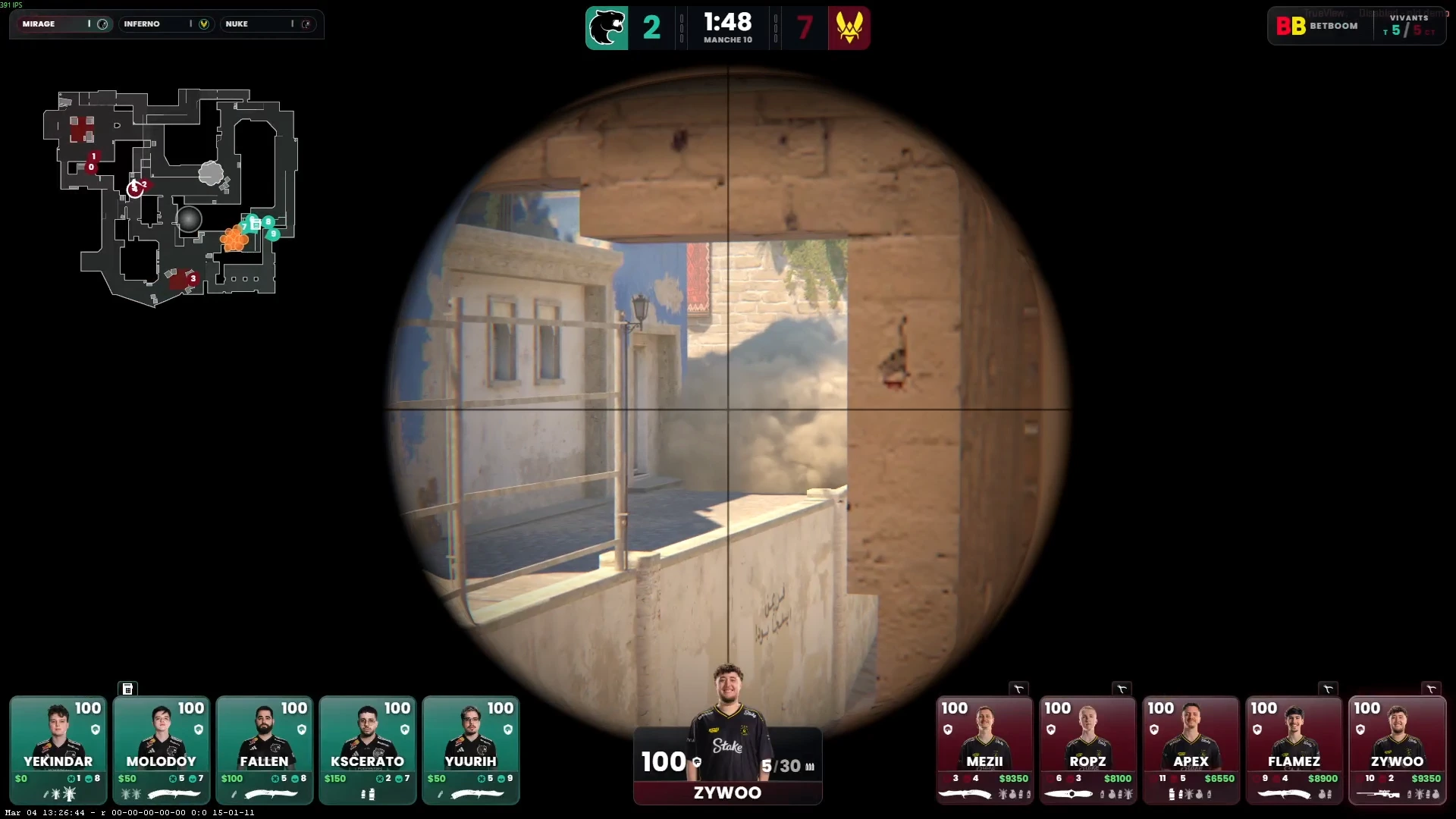
The Observer's Role in a CS2 Broadcast
The observer is the camera operator for a CS2 broadcast. Their job is to keep the viewer informed and entertained by showing the right player at the right time. A great observer makes the game feel dramatic and understandable; a poor observer leaves viewers confused and missing key moments.
Unlike a traditional camera operator, a CS2 observer works inside the game engine and must predict where the action will be — often 2–3 seconds before it happens — because there is no reaction-time advantage. The observer must understand CS2 at a high level to anticipate rotations, setups, and engagement timings.
Essential CS2 Observer Commands
// Mouse wheel player cycling
bind MWHEELUP spec_next
bind MWHEELDOWN spec_prev

// Direct player selection (keys 1-9)
bind 1 "spec_player 1"
// ... etc

// Camera modes
bind F1 "spec_mode 1"  // First person
bind F2 "spec_mode 4"  // Free camera (WASD movement)
bind F3 "spec_mode 6"  // Roaming (follows crosshair)

// X-ray toggle (see through walls)
bind X "toggle cl_spec_show_bindings"

// HUD toggle
bind H "toggle cl_drawhud"
Camera Mode Selection
First Person (spec_mode 1)
Locks to the observed player's point of view. The most common mode during active duels — it gives viewers the exact perspective of the player. Use this when a 1v1 duel is occurring or when a specific player's perspective is critical to understanding a play.
Free Camera (spec_mode 4)
Free-roaming camera controlled with WASD and mouse. Used for wide angle shots, position reveals, and multi-player coverage. Essential during eco rounds to show an entire team's positioning. Difficult to use smoothly — requires practice to avoid nauseating camera movement.
Chase Camera
Third-person camera that follows a player. Useful for rotations and flanks — it shows movement across the map without locking to first person perspective. Less commonly used in professional broadcast due to readability issues in tight spaces.
The Core Decision Framework
Every 30 seconds, an observer should be answering these questions:
- Where is the bomb? — Bomb carrier location determines the centre of gravity for the round
- Who is the most dangerous player? — Show the fragging player, not the safe one
- What is the most likely engagement point? — Pre-position camera there before it happens
- Is there a rotation happening? — CTs rotating is often the most interesting story
Bomb Round Observing
Once the bomb is planted, the observer's job changes fundamentally. The planted bomb is now the most important element in the game:
- Stay on the planter for 2–3 seconds after the plant animation
- Cut to the incoming CT defenders — show their route to the site
- As the defuser starts defusing, stay close to the action
- In a final-second defuse, never cut away from the defuser
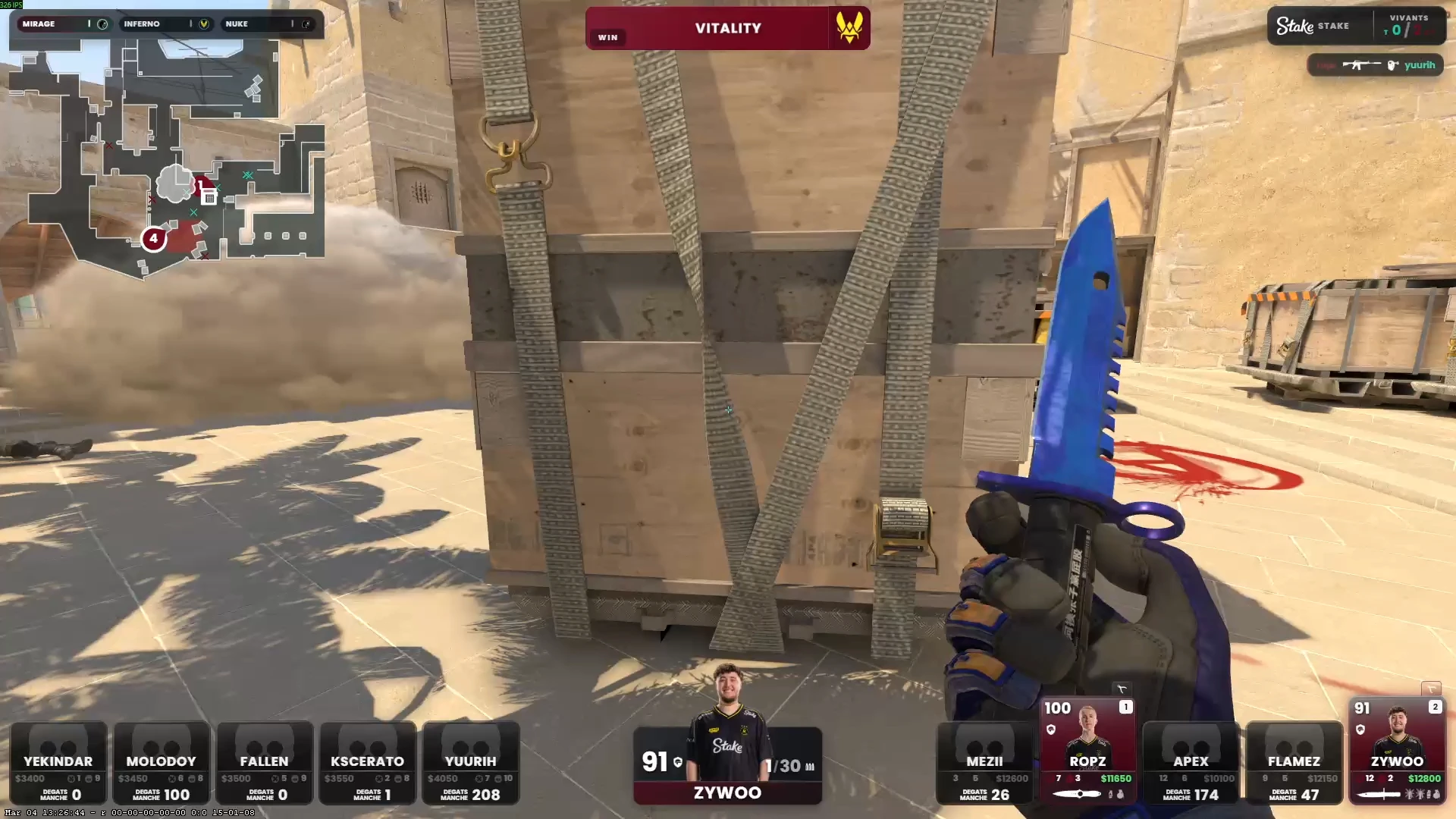
CutROOM's observer HUD shows the bomb timer and defuser status, helping the observer track the remaining time without switching to the radar.
Economy Round Observing
Eco rounds (full save or forced buy) are often dismissed by observers, but they contain the most information-dense plays of a half:
- Show the full team running during the rush — it builds tension
- If an eco team gets an early pick, stay on the action — upsets happen
- During a full save, a brief wide shot showing all 5 CT players holding against no pressure is good for context
Caster Coordination
The observer and play-by-play caster form a partnership. The observer must listen to the caster's calls and anticipate where the commentary is heading. If the caster says "watch the B rush," the observer needs to be showing B within 2 seconds.
Establish these conventions with your caster before the event:
- Hand signal or voice code for "switch to player X now"
- Convention for when the caster will drive camera vs observer driving
- Whether the observer should switch to free-cam during caster analysis segments
Common Observer Mistakes
- Missing the death — Being on the wrong player when a key kill happens
- Over-cycling players — Switching too fast; each perspective needs at least 3–5 seconds to be readable
- Ignoring the radar — Not using CutROOM's radar HUD to track off-screen threats
- Free-cam wobble — Unsteady free camera movement that disorients viewers
- Slow bomb transitions — Not arriving at the planted bomb within 3 seconds of the plant
Building Observer Skill
The best way to improve as a CS2 observer is to VOD review professional tournament broadcasts and analyse camera decisions. Note when the observer anticipates a play correctly, and when they miss a key moment. Practise free-camera movement in workshop maps to build smooth motion technique.
Ready to broadcast CS2 like a pro?
Join the tournament organizers and casters who run CutROOM every day.