

CS2 Custom HUD with Full Branding Control
Apply tournament colours, team logos and sponsor graphics to your CS2 HUD from the CutROOM dashboard. Every element is customisable — no code editing required.
What Can You Customise?
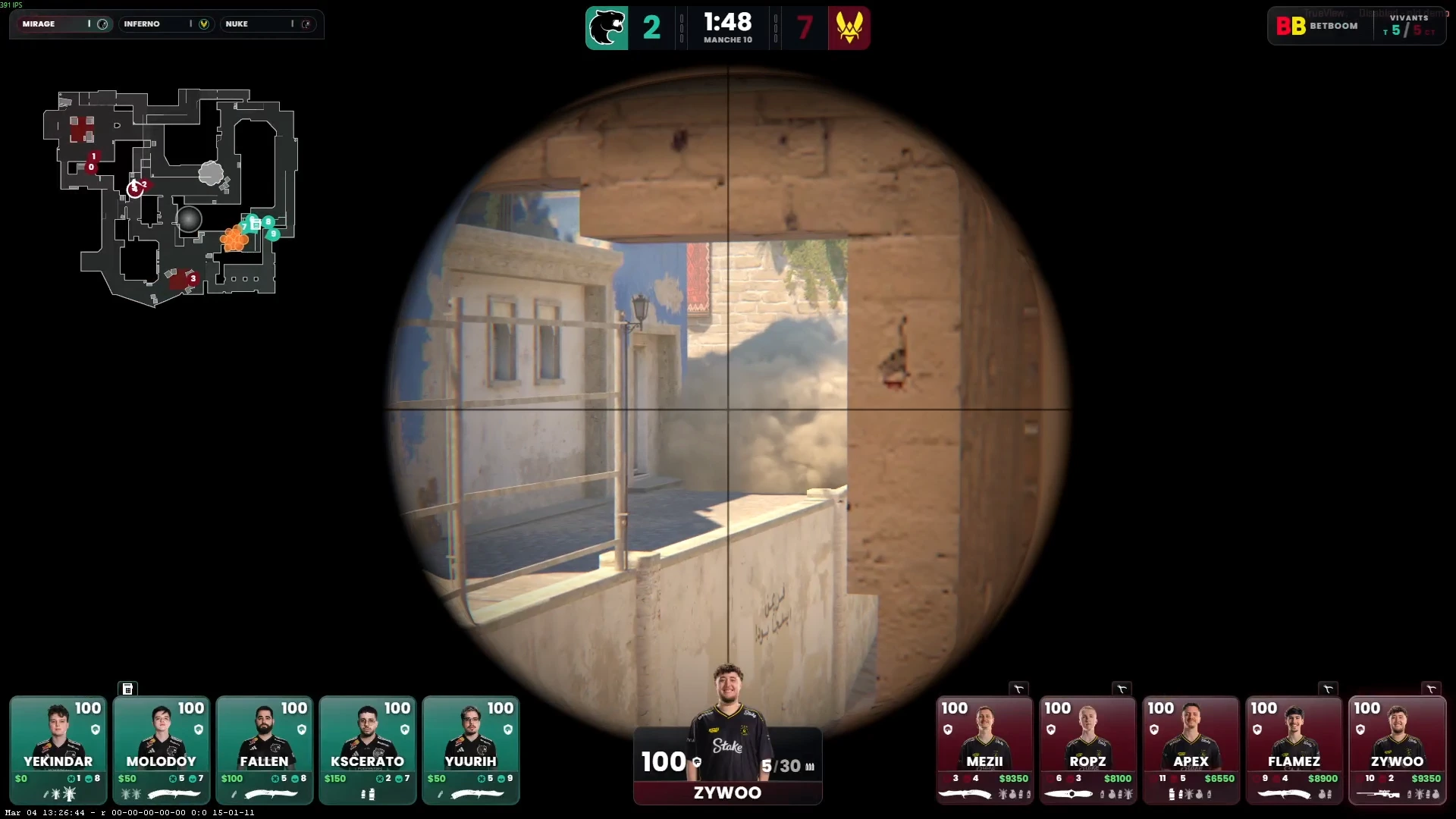
CutROOM's HUD theming system exposes every visual property through the dashboard UI. Customisable elements include:
- Primary and secondary colours — Match your tournament or team brand palette
- Background opacity — Transparent, semi-transparent, or solid HUD panels
- Team logos — Uploaded per team, displayed on the score bar and player panels
- Font selection — Choose from included broadcast fonts or upload a custom font file
- Element visibility — Show or hide individual HUD modules (e.g. hide economy for viewer-friendly streams)
- Sponsor logo slot — Add a sponsor watermark to the HUD corner
Live Theme Preview
Changes made in the CutROOM theming panel are reflected instantly in any open browser source — no reload required. This allows you to fine-tune the look of your HUD while watching it live in OBS, without interrupting the broadcast.
Per-Team Colour Schemes
For tournament productions where visual team distinction matters, CutROOM supports per-team accent colours. CT-side and T-side player panels can display each team's brand colour, making it immediately clear which team each player belongs to at a glance.
Export and Reuse Themes
Themes can be saved and loaded between events. If you run a recurring league, save your league theme once and apply it to every match in seconds. Guest teams can be added per match without affecting the overarching league branding.
For tournament production workflows, see CS2 Overlay for Tournaments.
Ready to broadcast CS2 like a pro?
Join the tournament organizers and casters who run CutROOM every day.