

CS2 Broadcast Overlay Production Suite
The complete broadcast overlay system for Counter-Strike 2 events. Every scene your production needs — from match intro to victory screen — driven by live data and controlled from one dashboard.
What Makes a CS2 Broadcast Overlay Suite?
A broadcast overlay suite is the complete set of graphical assets used throughout a live CS2 production. It covers every moment in a match broadcast: the opening presentation, in-game action, pauses and timeouts, half-time intermission, and the final victory screen. Together, these scenes create a coherent visual identity that elevates an event from a raw stream to a polished esports production.
CutROOM provides all of these scenes in a single subscription, with a unified dashboard to control them. Operators can trigger scene transitions, update team data, activate sponsor displays, and manage the full production flow without leaving the CutROOM interface.
Broadcast Scenes Included
Match Intro
Animated opening screen showing both teams, tournament logo, map name, and match context. Plays automatically when the match begins or can be triggered manually.
Live Scoreboard
Always-visible round score display with team names, side indicators (CT/T), and overtime detection. Updates automatically at the end of each round via GSI.
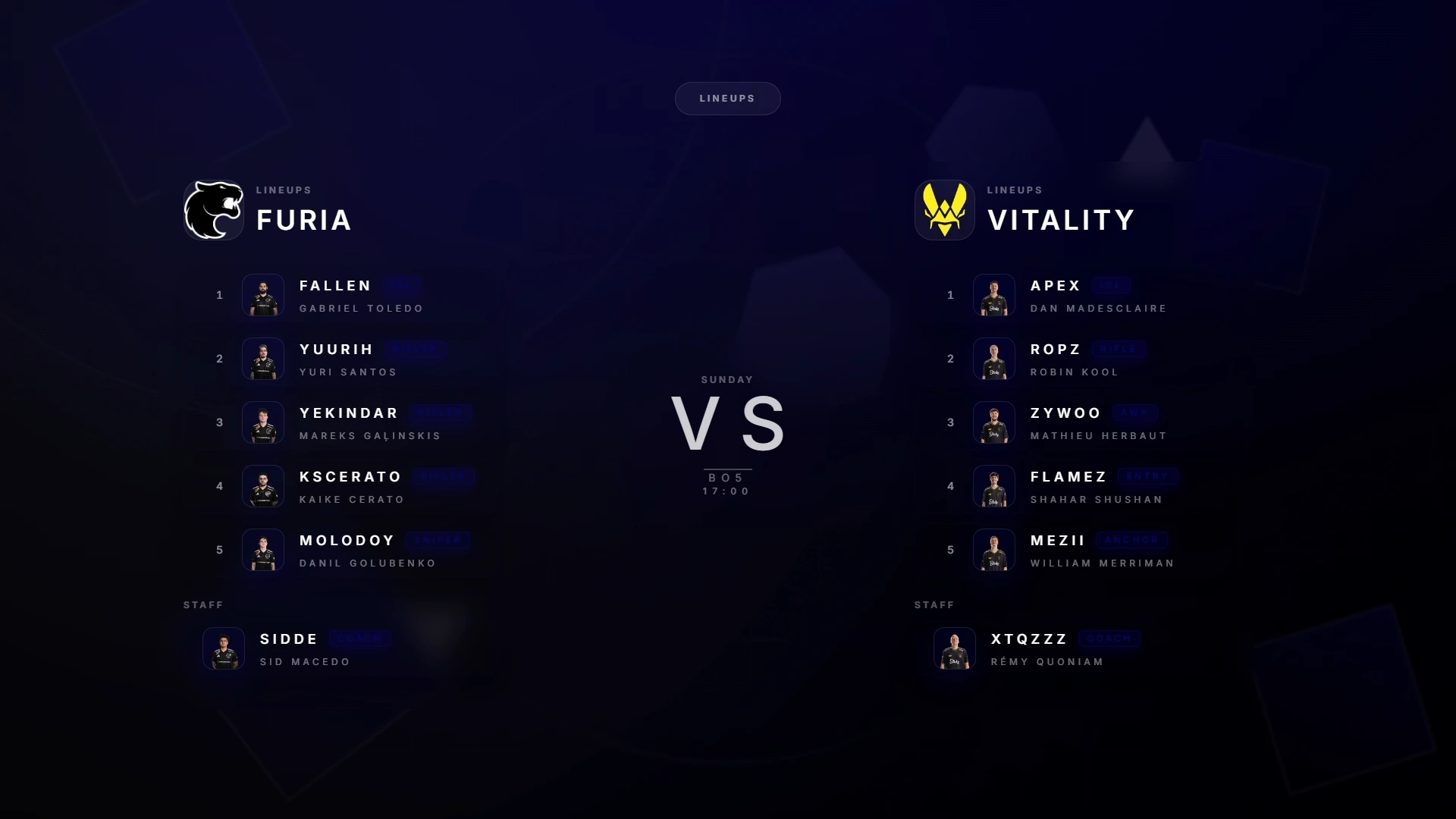
Teams Overview
Full roster display with player names, avatars, roles, and statistics. Used during pre-match, timeouts, and half-time to give viewers team context.
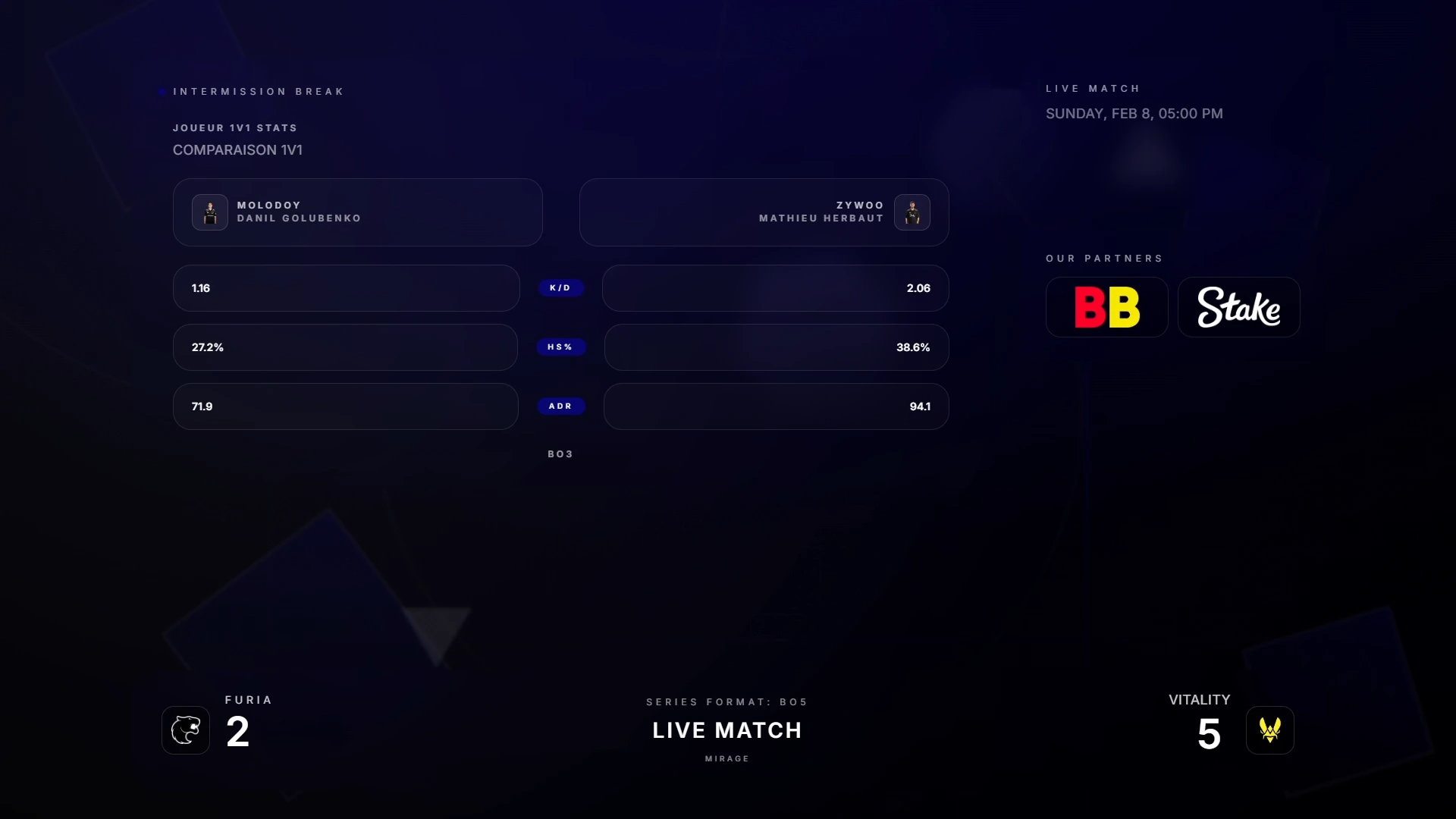
Intermission / Half-Time
Structured pause screen with first-half score summary, sponsor placement area, and team break timer. Keeps viewers engaged during the 90-second in-game pause.
Sponsors Display
Automated sponsor rotation with configurable timing, logo sizing, and display priority. Sponsors can be rotated throughout the broadcast or pinned to specific scenes.
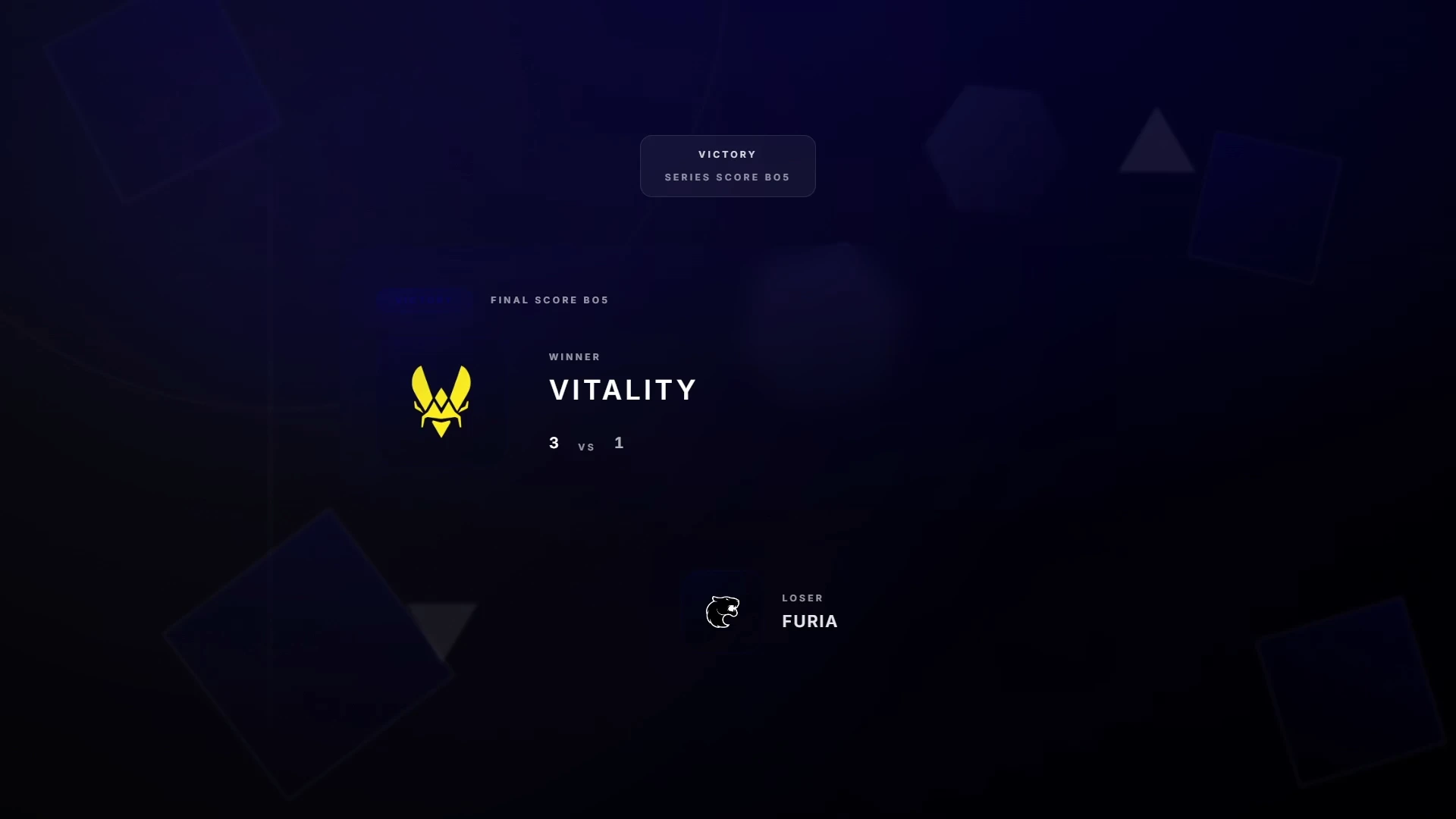
Victory Screen
End-of-match celebration screen with the winning team, final scoreline, series context, and MVP highlight. Supports tournament progression metadata.
Tournament Bracket
Live bracket visualization for multi-match events. Shows current standings, upcoming fixtures, and completed results in a broadcast-formatted layout.
Dashboard Control During Live Broadcast
Every scene in CutROOM can be triggered manually or set to activate automatically based on GSI events. The dashboard shows the current match state and allows operators to prepare the next scene while the current one is active.
Common workflow during a live broadcast:
- Match begins → trigger Intro scene manually
- Knife round ends → GSI switches sides automatically, scoreboard updates
- Half-time → trigger Intermission scene, start sponsor timer
- Match ends → trigger Victory scene, GSI provides winning team data
Multi-Match Tournament Production
For day-long tournament events, CutROOM supports rapid team data switching between matches. Operators can pre-load all participating teams, map schedules, and bracket data before the event starts, then switch to each match's data in seconds as the day progresses.
Caster+ subscribers can run up to 3 broadcast PCs simultaneously — essential for productions where separate operators handle obs, production, and studio simultaneously.
For the full tournament production workflow, see CS2 Overlay for Tournaments.
OBS Integration
All CutROOM broadcast scenes are delivered as browser sources compatible with OBS Studio, Streamlabs, and any other broadcast software that supports browser capture. Each scene has its own URL, so you can add all scenes to your OBS scene collection and switch between them using standard OBS transitions.
Pro tip: Create a dedicated OBS scene collection for each tournament. Pre-load all CutROOM browser sources, set your transitions, and lock the layout before the event goes live.
Ready to broadcast CS2 like a pro?
Join the tournament organizers and casters who run CutROOM every day.