

CS2 Bracket Overlay: Your Playoffs, On Screen
Viewers should never have to ask who plays next. CutROOM renders your tournament bracket as a broadcast scene — rounds, matchups, BO formats and results — straight from your event data.
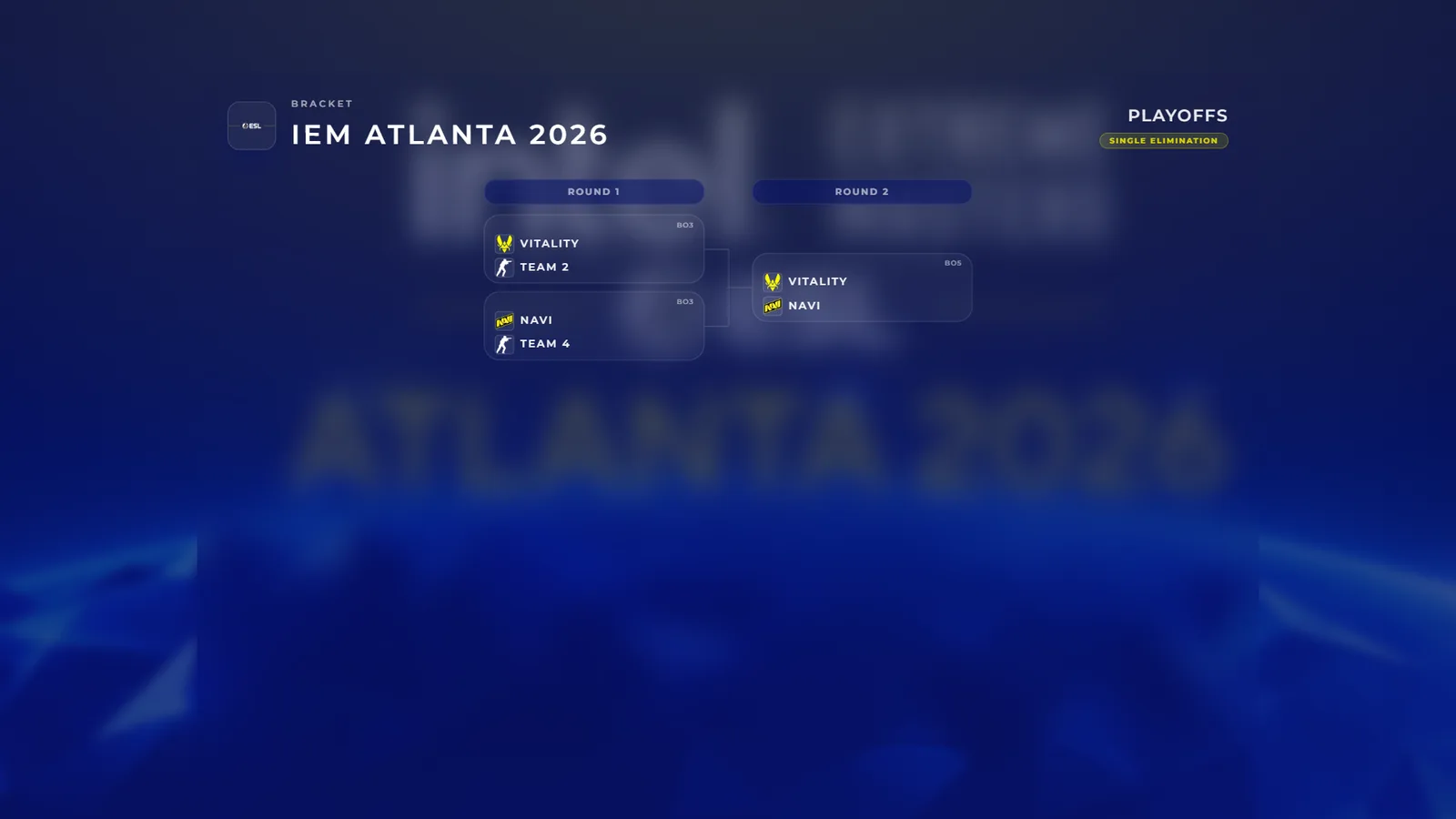
Brackets From Data, Not Design Files
Build your bracket in CutROOM — single-elimination playoffs with BO1, BO3 or BO5 per round — and the overlay renders it automatically: team logos, round labels, series formats and advancing teams. When a result comes in, update the match and the bracket scene reflects it instantly. No graphics package to re-export between rounds.
On Stream and Between Maps
The bracket works as a standalone scene for schedule segments, and it also appears inside the intermission layout — so during breaks, viewers see where the event stands, what is next, and the countdown to the upcoming match, all in one screen.
Themed Like the Rest of Your Show
The bracket inherits your active theme — event logo, colors, typography and background — so it looks like part of the broadcast, not a screenshot from a tournament platform. Add it to OBS once as a browser source and switch to it from the Go Live console.
Complete the Tournament Picture
Pair the bracket with the pick/ban overlay, the tournament schedule scene and the victory recap for a full event-day narrative. See the CS2 tournament software overview, or get started at €9.99/month.
Ready to broadcast CS2 like a pro?
Join the tournament organizers and casters who run CutROOM every day.