

Best CS2 Overlays in 2026
An honest comparison of the CS2 broadcast overlay tools available in 2026 — CutROOM, LHM, MyHUD, open-source projects and custom builds. Features, pricing, and what each is best suited for.
What to Look for in a CS2 Overlay Tool
The CS2 overlay market has matured a lot since CS2's release. When evaluating options in 2026, consider:
- Data accuracy — Does the overlay use official GSI data or is it scraped/estimated?
- Ease of setup — How long from install to first live overlay?
- Customisation depth — Can you brand every scene to match your tournament?
- Scene completeness — Intro, pick/ban, live HUD, intermission, bracket, victory?
- Offline reliability — Does it survive bad venue internet at a LAN?
- Automation — Can it help with observing when you are short-staffed?
CutROOM
Best for: Tournament organizers, event productions and solo casters
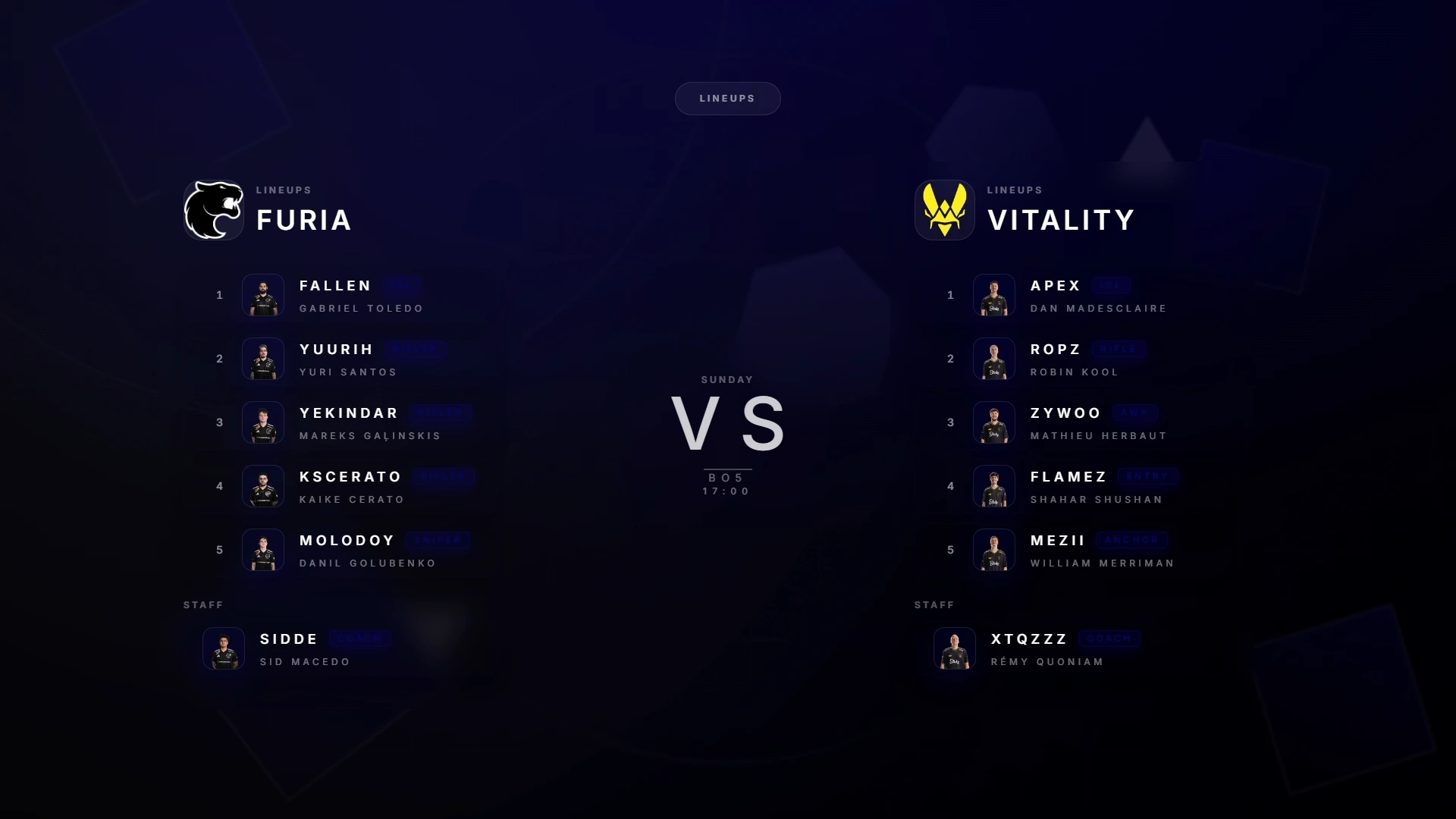
CutROOM is a dedicated CS2 broadcast suite: ten scenes (intro, pick/ban, teams, talents, sponsors, intermission, bracket, tournament, victory and a live GSI HUD) driven from one Go Live console and rendered as OBS browser sources. Everything runs 100% locally — no cloud dependency, which matters when the venue internet drops mid-final.
Standout features include the Auto Director with camera plans (automatic observing), live theme customisation that propagates instantly to active overlays, FACEIT import, sponsor rotation, and multi-PC support with LAN keys for event setups.
- Pricing: Caster €9.99/mo (1 PC), Caster+ €29.99/mo (5 PCs + 2 LAN keys)
- Platform: Windows desktop application, fully local
- Setup time: Under 10 minutes
- Best for: Productions that want the full stack in one tool, online or LAN
LHM (Lexogrine HUD Manager)
Best for: Multi-game productions and studios
LHM is the veteran of the space and covers many titles (CS2, League of Legends, Valorant, Dota 2 and more). It offers HUD management, observing automation and tournament features, with custom HUD development services on top. It is a strong choice if you produce several games with one toolchain; the trade-offs are a cloud-oriented workflow and a broader, more complex product to learn when all you produce is CS2.
- Pricing: Freemium with paid tiers
- Best for: Studios covering multiple esports titles
MyHUD
Best for: Solo casters who mainly need an in-game HUD
MyHUD focuses on the HUD layer: customisable layouts and colors, a smart observer, veto overlay and a built-in minimap, with a quick OBS setup. It is easy to start with and fairly priced. It covers less of the full show than a scene-based suite — if you need intro/intermission/bracket/sponsor scenes and multi-PC event workflows, you will outgrow it.
- Pricing: Personal €9.99/mo, Business on request, 48h trial
- Best for: Streamers and casters focused on the in-game layer
Custom-Built Overlays
Best for: Developers building bespoke productions
Tier-one organisations (ESL, BLAST, PGL) build fully custom CS2 overlays on top of the GSI API. Complete design freedom, but it requires a development team, ongoing maintenance and weeks of build time per overlay system.
- Pricing: Significant development and maintenance cost
- Best for: Organisations with in-house developers and unique design requirements
Free Open-Source Overlay Tools
Best for: Developers comfortable with self-hosting
Several open-source CS2 overlay projects exist on GitHub — typically Node.js apps you self-host. Great for learning and tinkering, but most lack sponsor management, brackets, scene control and support, and you maintain them yourself when a CS2 patch changes the GSI format.
- Pricing: Free (significant time investment)
- Best for: Hobbyist developers
Which CS2 Overlay Tool Should You Use?
If you run CS2 tournaments or event productions — from community LANs to studio shows — CutROOM gives you the most complete scene system, automation and offline reliability for the price. If you produce several games, look at LHM. If you only need an in-game HUD for solo casting, MyHUD is a reasonable lighter option — and CutROOM's Caster plan plays in the same price range with the full scene suite included.
Custom builds only make sense past 50+ matches a year with design requirements no tool can meet.
Get started with CutROOM at €9.99/month — see pricing.
Ready to broadcast CS2 like a pro?
Join the tournament organizers and casters who run CutROOM every day.