

CS2 Overlay Templates for Broadcast
Production-ready CS2 overlay templates included with every CutROOM subscription. All scenes built, tested and live-data-ready — apply your branding and broadcast.
What Are CS2 Overlay Templates?
CS2 overlay templates are pre-built broadcast scene designs that you apply to your production with your own branding. Instead of building overlays from scratch — which requires web development skills and days of work — templates give you a professional starting point that is immediately usable.
CutROOM ships with a complete set of overlay templates covering every scene in a CS2 broadcast. All templates are connected to CS2 GSI data — they display live match information automatically from the moment the match starts.
Templates Included with CutROOM
Match Intro Template
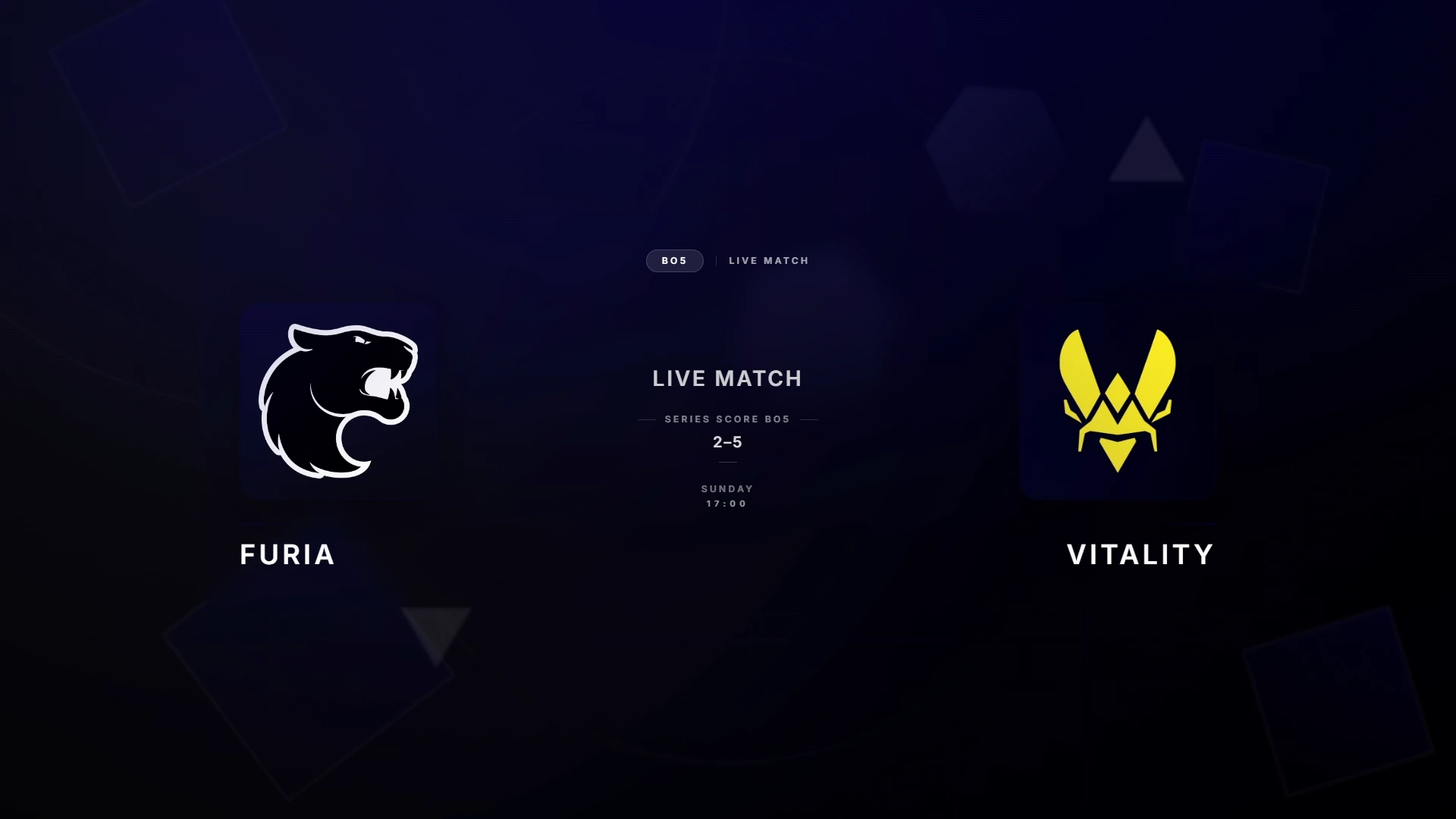
An animated opening scene displaying both team names, logos, the tournament name, and map. Plays on stream before the knife round starts. Fully customisable team colours and tournament logo placement.
Live Scoreboard Template
A top-bar or bottom-bar scoreboard showing round score, team names, and side indicators. Updates automatically via GSI after every round. Available in multiple layout orientations to fit different stream designs.
Teams Overview Template
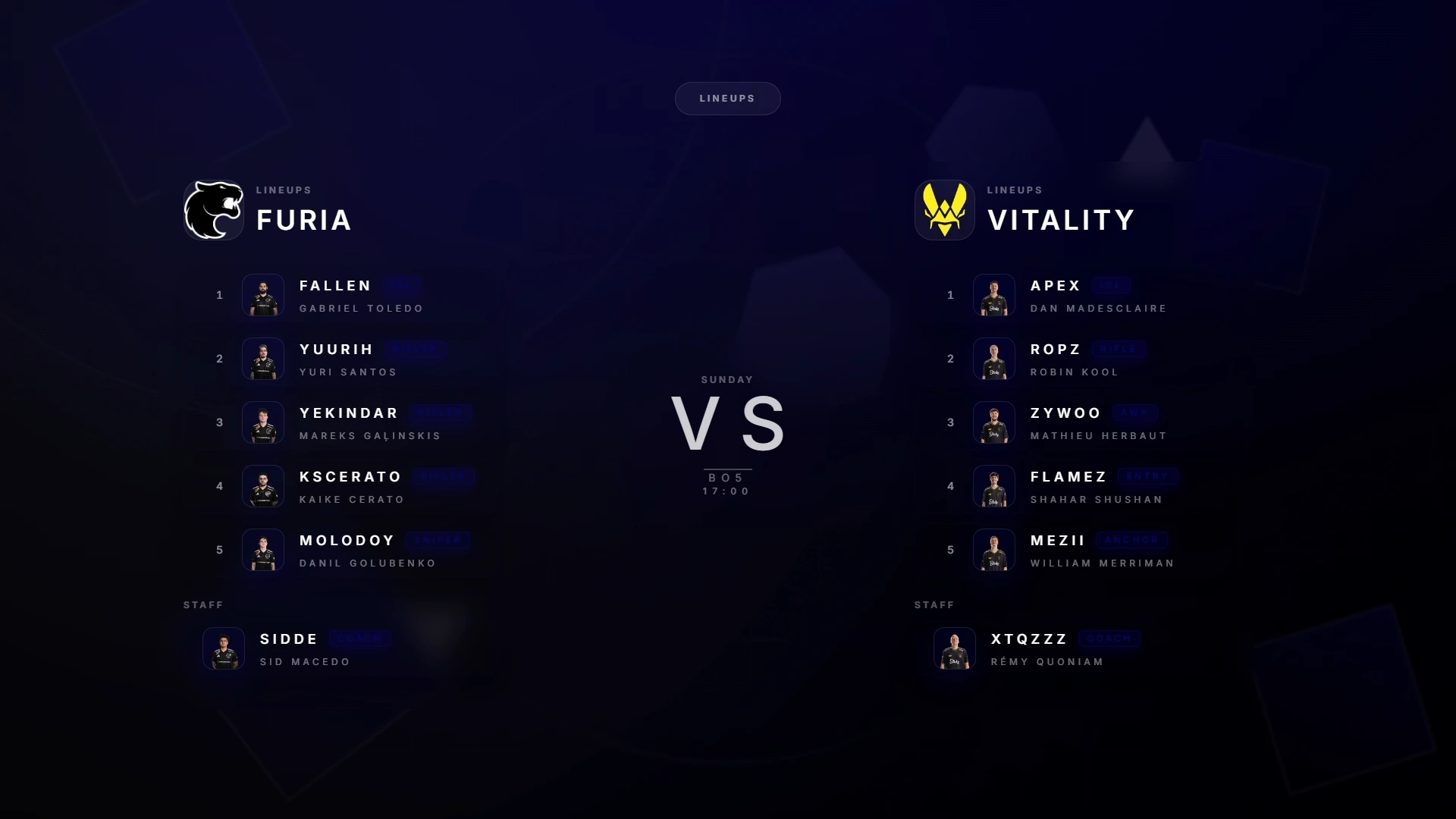
Full-screen team presentation showing all 10 players with names, roles, and stats. Used during pre-match, half-time, and timeout coverage.
Intermission Template
Half-time pause screen with score summary, sponsor slot, and break timer. Keeps viewers engaged during the 90-second in-game pause.
Victory Template
End-of-match display with winning team highlight, final score, and match summary. Triggered when GSI reports match-end state.
Tournament Bracket Template
Bracket visualization for multi-match events. Displays current standings and results as they are entered into the CutROOM dashboard.
Applying Your Branding to Templates
Every template in CutROOM supports full branding customisation via the dashboard — no code editing required:
- Upload team logos (PNG with transparent background recommended)
- Set primary and accent colours to match tournament branding
- Upload a tournament logo for the intro and intermission scenes
- Choose font style from included broadcast fonts
- Adjust background opacity and transparency
Branding changes push to all active overlays instantly — you can update colours mid-broadcast without any OBS changes.
Template Variants
CutROOM includes multiple visual style variants for each template category:
- Modern — Clean minimal design with sharp edges and gradient accents
- Classic — Traditional scoreboard layout familiar to long-time CS viewers
- Compact — Smaller footprint, maximises visible game area
All variants use the same GSI data and branding system — switching variants does not require reconfiguration.
Getting Started with CS2 Overlay Templates
Subscribe to CutROOM, install the app, and your overlay templates are immediately available. The setup guide walks you through connecting GSI and adding templates to OBS in under 10 minutes.
Ready to broadcast CS2 like a pro?
Join the tournament organizers and casters who run CutROOM every day.