

CS2 Stream Overlay Templates for Twitch & YouTube
Ready-to-use CS2 stream overlay templates. Live scoreboard, HUD, and match graphics — OBS-ready in minutes, fully customisable without code.
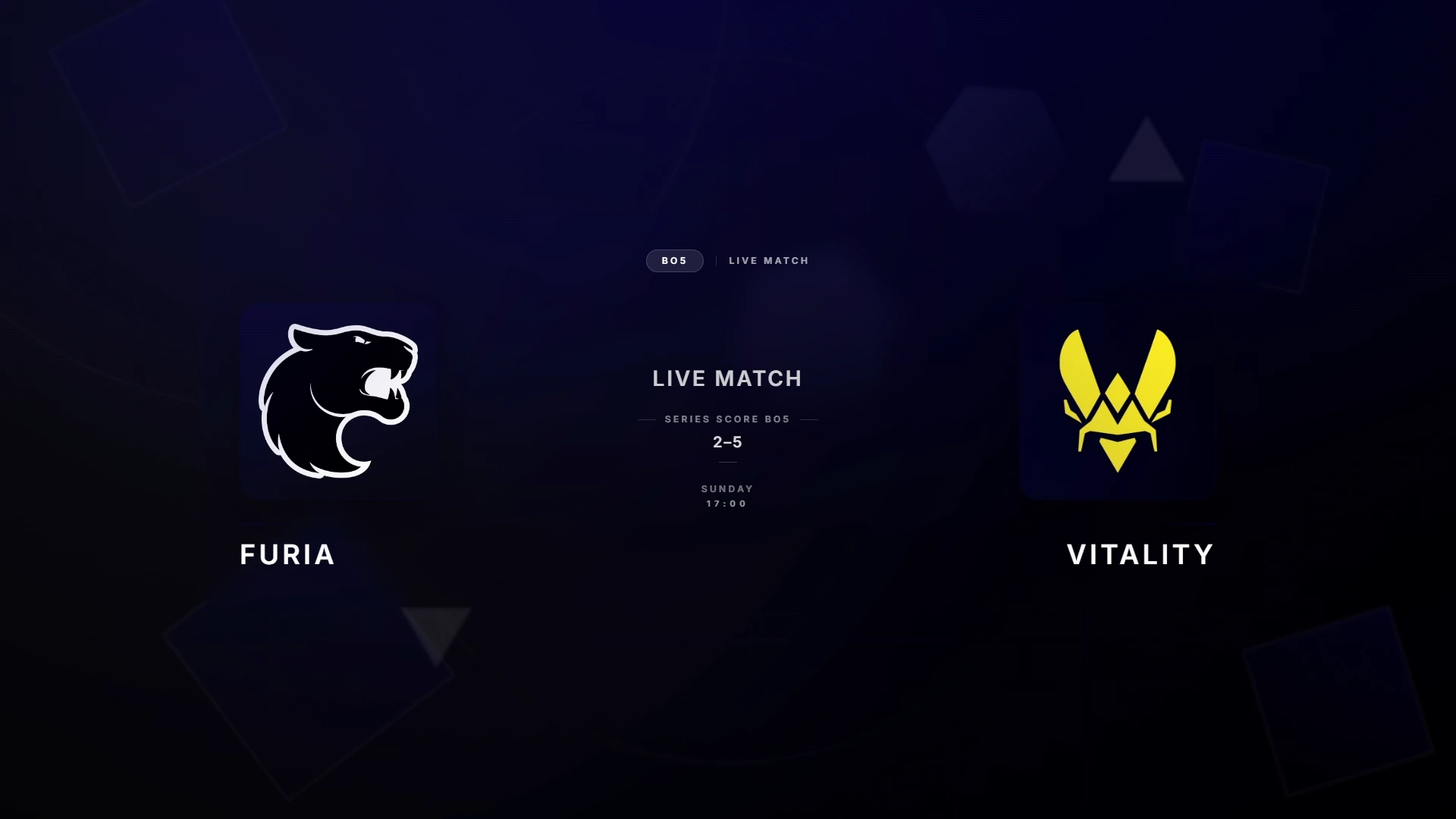
Stream Templates Built for Content Creators
CS2 stream overlay templates are designed for the Twitch and YouTube broadcast format. Unlike tournament productions that require full-screen graphics, stream overlays need to work alongside webcam frames, chat overlays, donation alerts, and other stream elements.
CutROOM's stream overlay templates are designed with this in mind: clean, compact layouts that add broadcast-quality CS2 data without overwhelming the stream layout.
Stream Templates Included
- Scoreboard bar — Thin top or bottom bar with round score, always visible
- Compact HUD — Minimal player stats widget that fits next to a webcam overlay
- Match intro — Animated intro card for match start, typically 20–30 seconds
- Victory card — End-of-match result graphic for stream and clip creation
Compatible with All CS2 Streaming Scenarios
CutROOM's stream templates work for:
- Personal matchmaking streams (FACEIT, Premier, Competitive)
- Organised scrim streams
- Co-casting other players' matches
- Observing and casting small community tournaments
Adding Stream Templates to OBS
Add each stream template as an OBS Browser Source (1920×1080, transparent). Position the scoreboard bar at the top or bottom of the stream. Layer the compact HUD below or alongside any webcam frame. The intro template can be in its own OBS Scene that you switch to at match start.
Get started with the CS2 Overlay Setup Guide — your first stream template will be live in under 10 minutes.
Ready to broadcast CS2 like a pro?
Join the tournament organizers and casters who run CutROOM every day.